Resend a Communication from the App
Once a booking has been made, users can choose to resend communications/authorizations from the Visa Commercial Pay App one day before arrival and during the hotel stay.
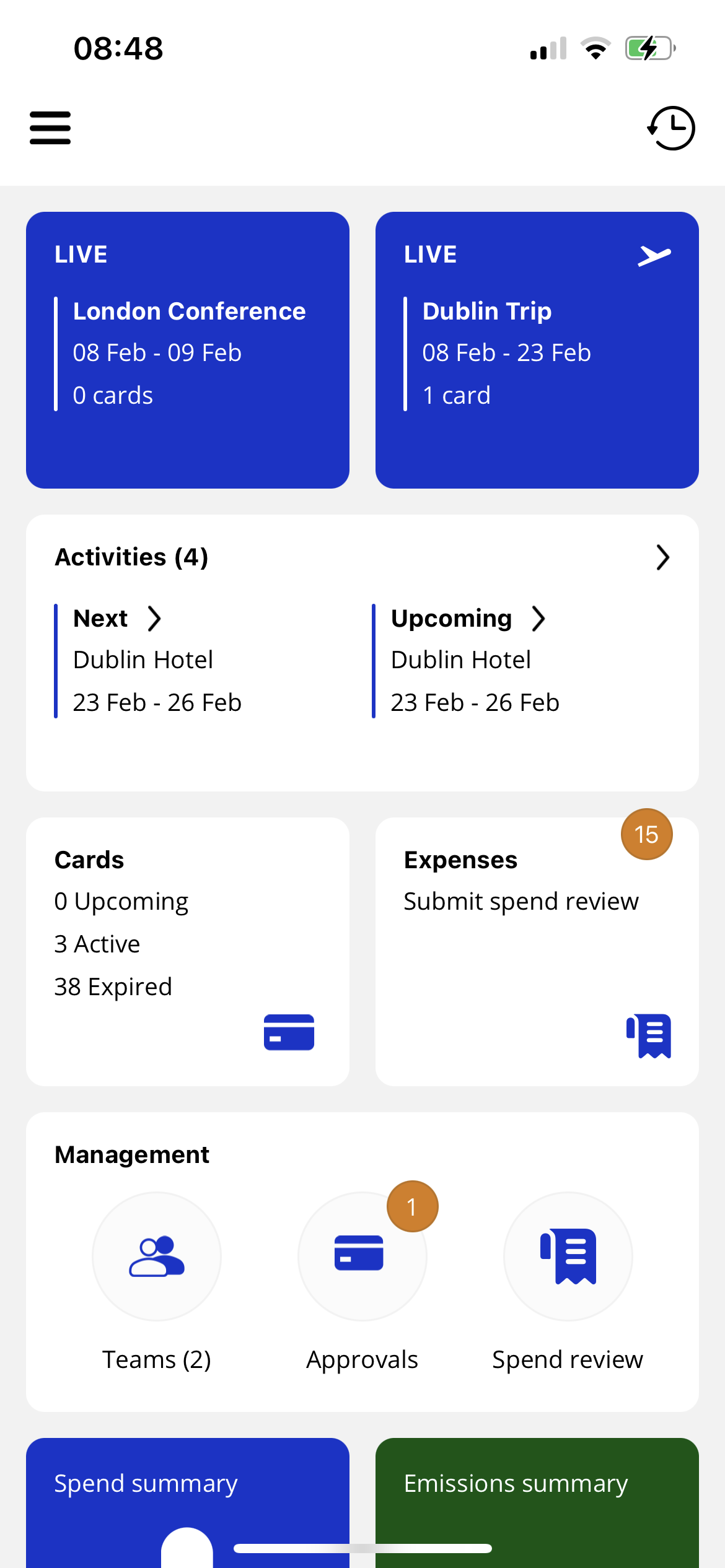
From the home screen, tap Cards.
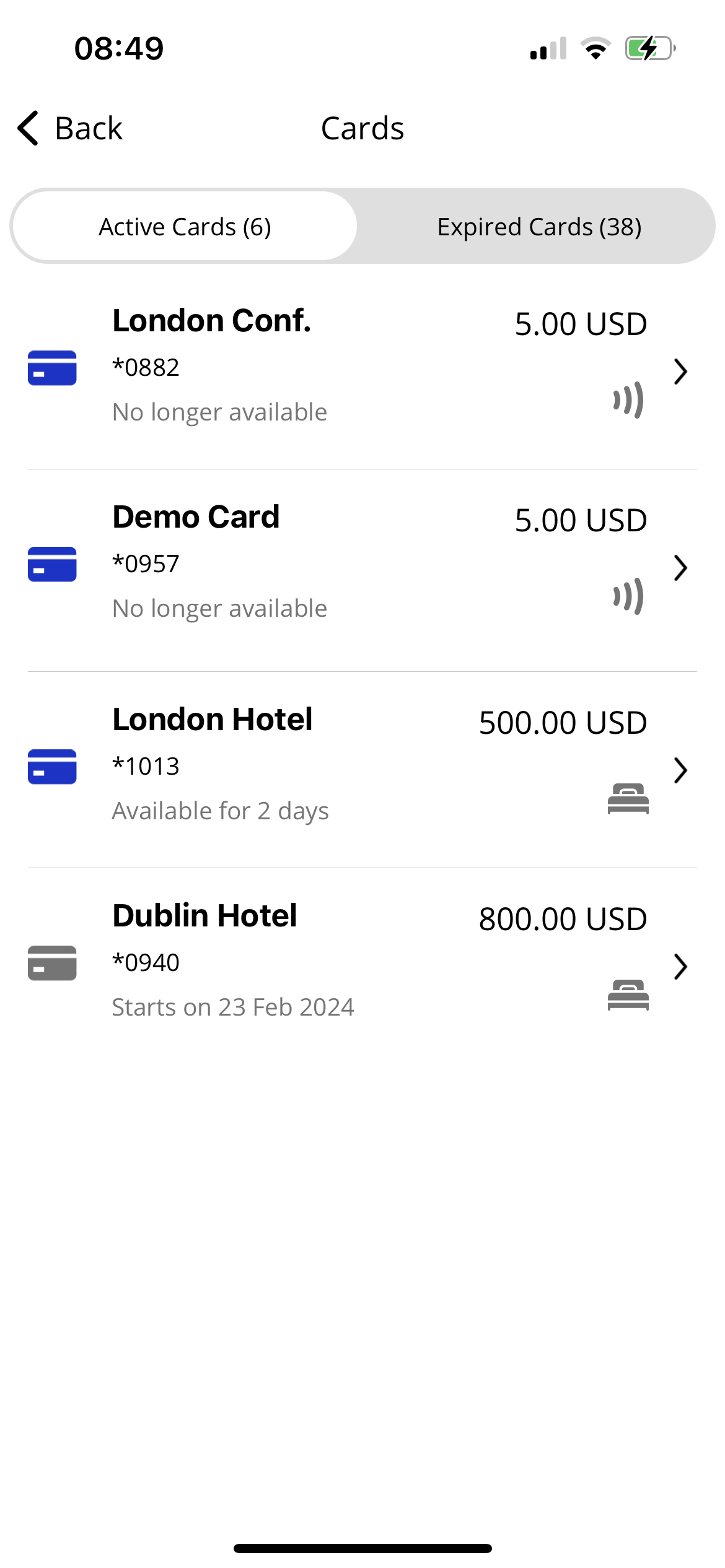
Tap the Accommodation card that you want to resend communications/authorizations for.
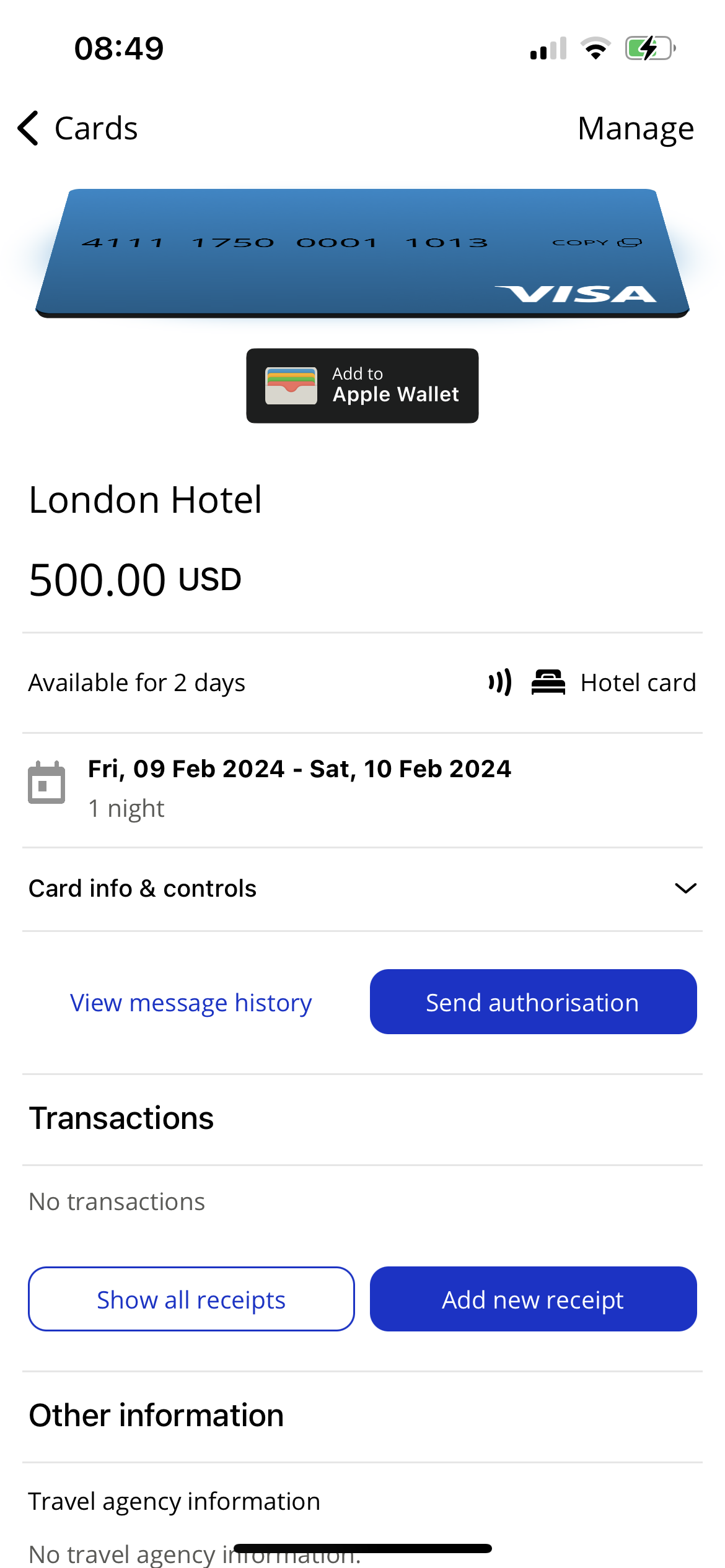
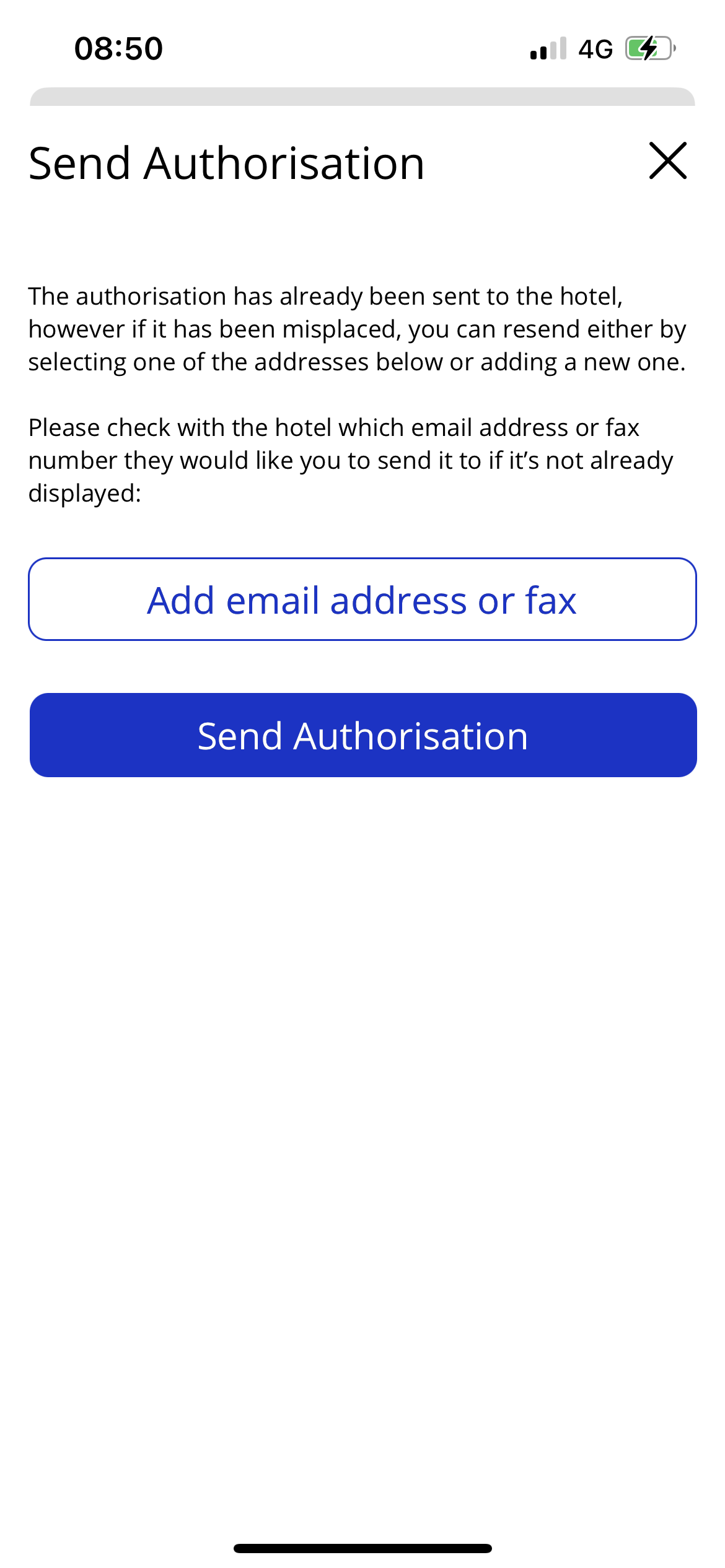
Scroll down the page, and tap Send authorization.
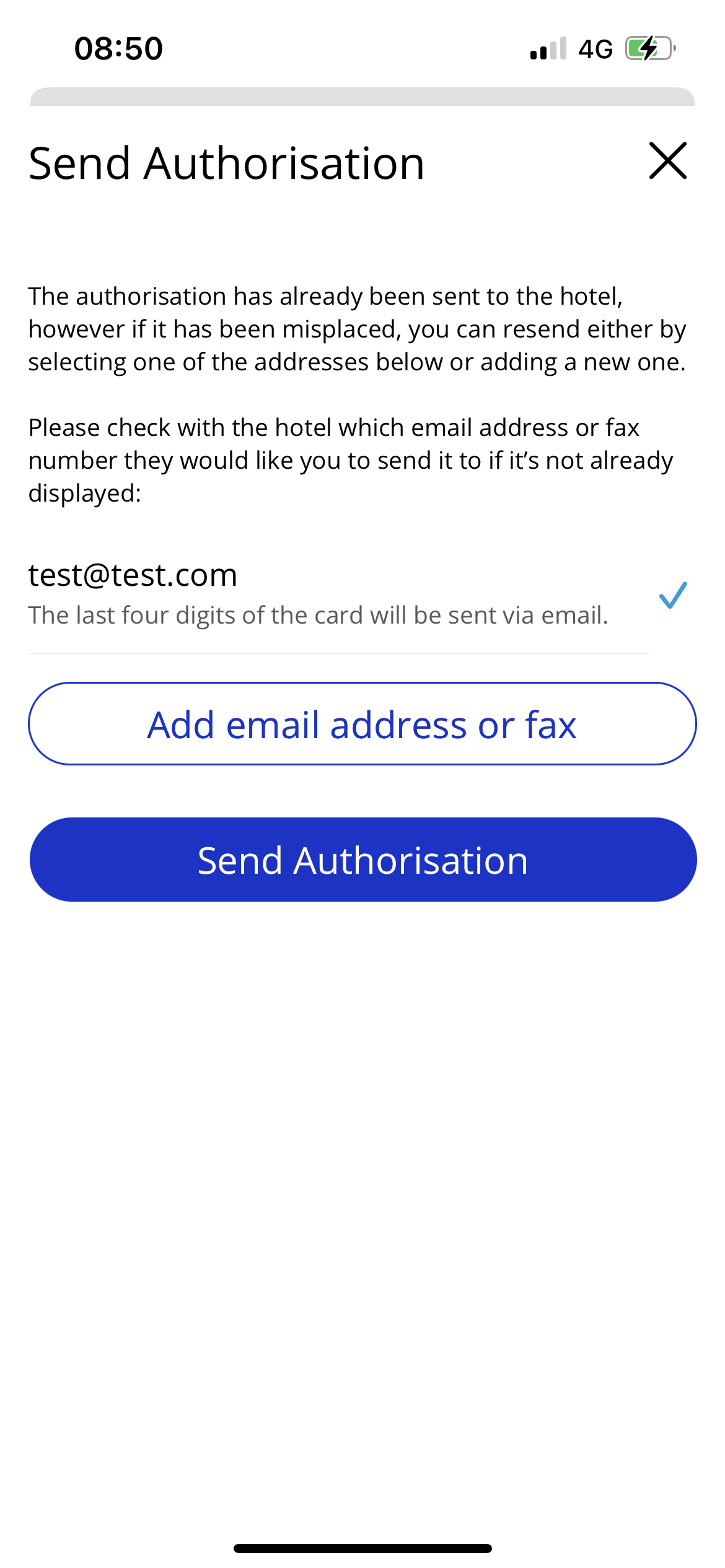
Tap Add email address or fax to add a new email address or fax if the communication/authorization has not been received as expected.
Enter the correct email address or fax number and tap Add.
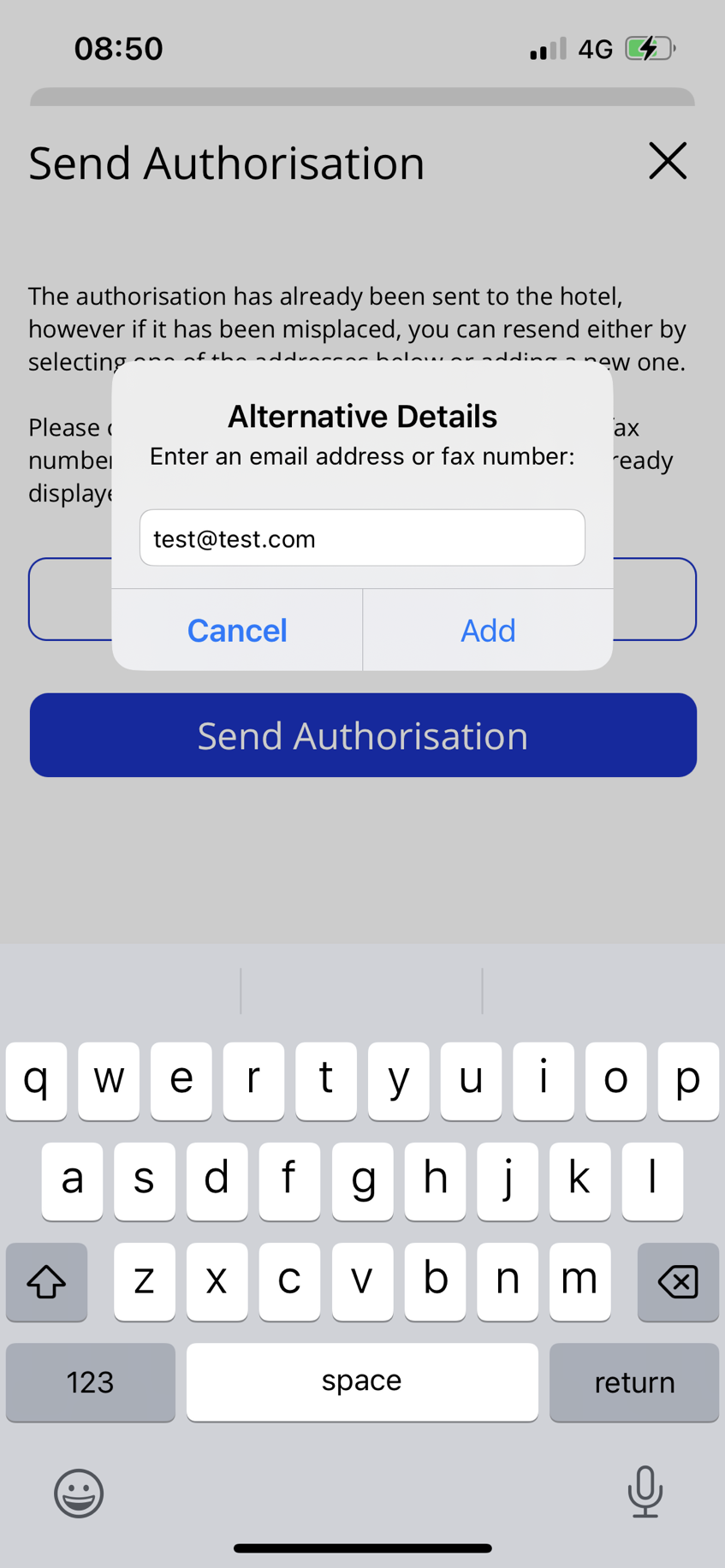
Tap Send authorization.