Approval Sharing
When logged in as an Approver you can choose to share approvals with another user with the same access level.
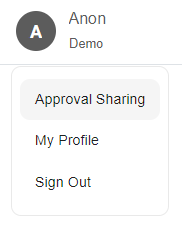
As an Approver, click the Profile icon in the top right-hand corner of the page.

From the dropdown, click Approval sharing.
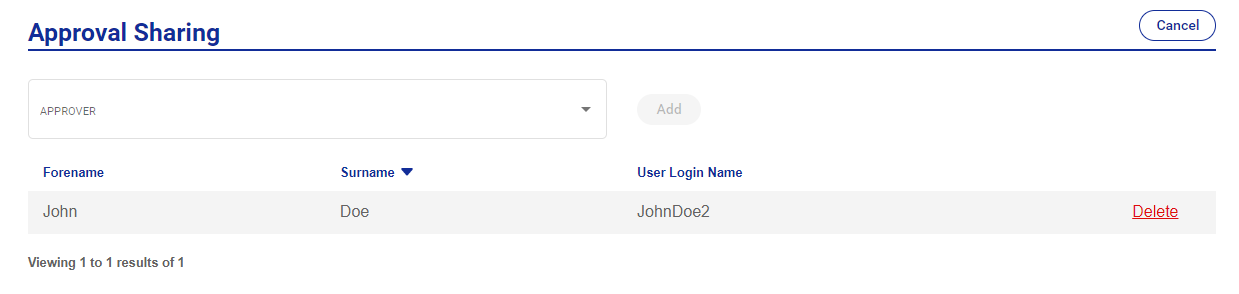
Click the dropdown box labeled Approver and select an eligible approver from the options.

Select an Approver and then click Add.
The approval sharing will now be active.

Click Delete to delete approval sharing.
Note
If there are no options available a Customer Admin will need to create a new user with the same access level.