Cancel a Card
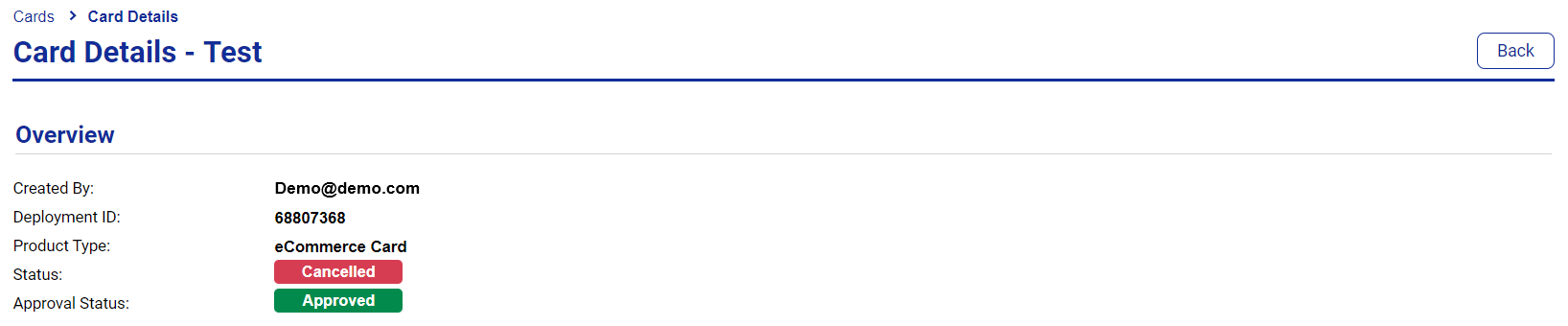
Cancelling a card in Visa Commercial Pay Control is done from the card details screen and is referred to as revoking the card. Once a card is cancelled, or revoked, it can not be reactivated.
Select a card from the dashboard, or search for a card.
Click Actions.
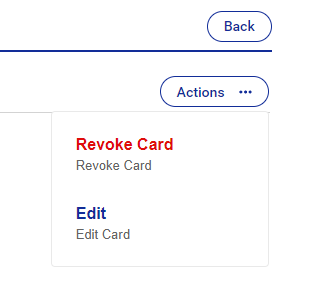
From the dropdown, click Revoke Card and then click Confirm.

The status will change to Cancelled.