Creating a Service Fee Card in Online
Service fee cards can be used to pay for fees. You can capture supplier information and service fees.
Click Service fee.
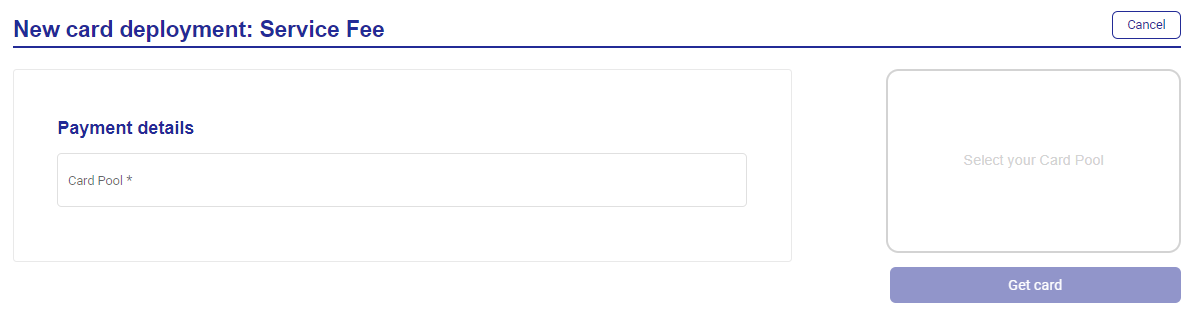
Select your Card Pool from the dropdown.
Enter the payment details:
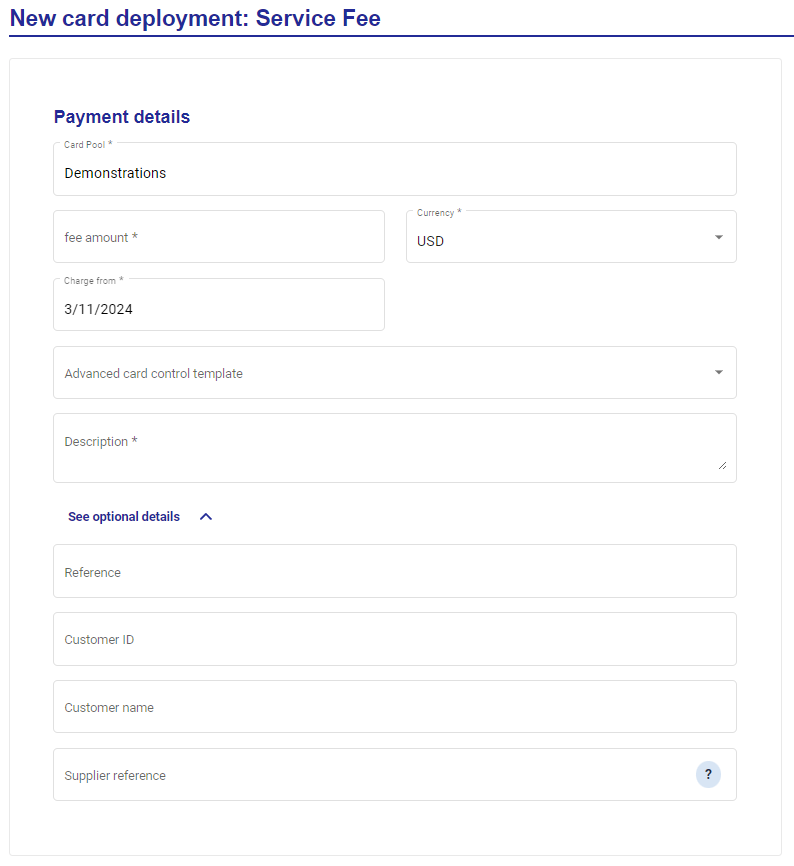
Fee amount
Currency
Charge from date
Description
Click See option details to enter:
Reference
Customer ID
Customer name
Supplier reference
Enter the supplier information:
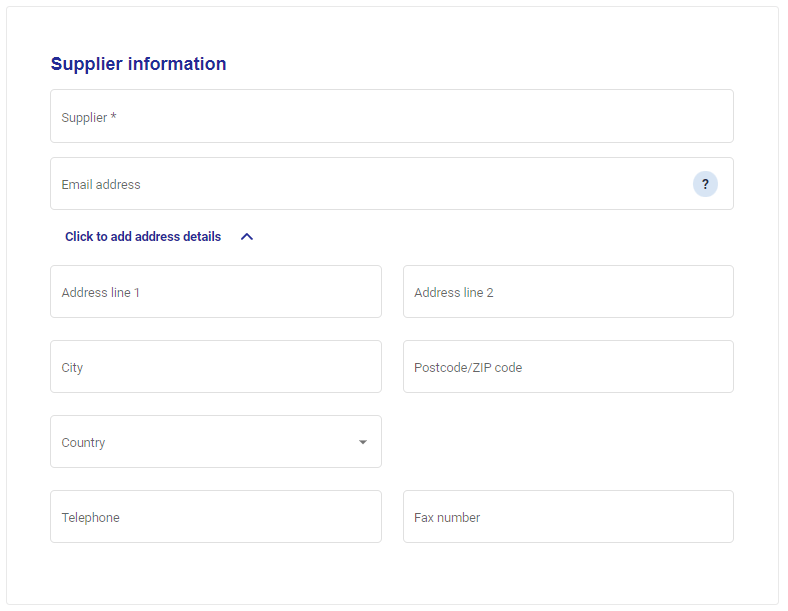
Supplier
Email address
Address details
Enter the service fee details:
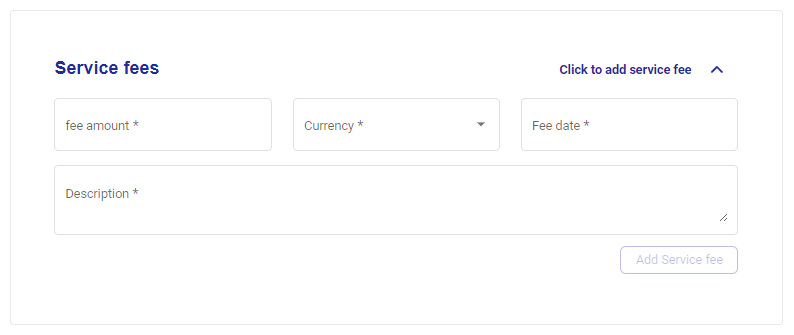
Fee amount
Currency
Fee date
Description
Click Add service fee.
Enter your custom data field values.
Click Get card.