Search for a User in Online
To search for a user:
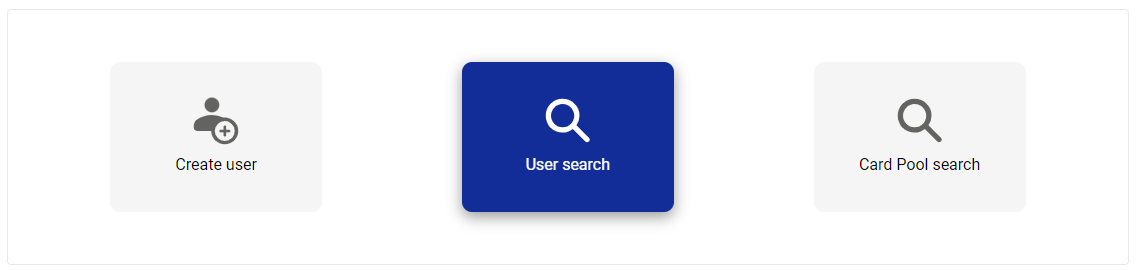
Click Administration.
Click User search.
Note
You can also click Administration > Manage users > User search.
Enter one of the following:
Username, email address, or surname—manually type into the field
Access type—select from the dropdown
Approver—select from the dropdown
Card Pool—select from the dropdown
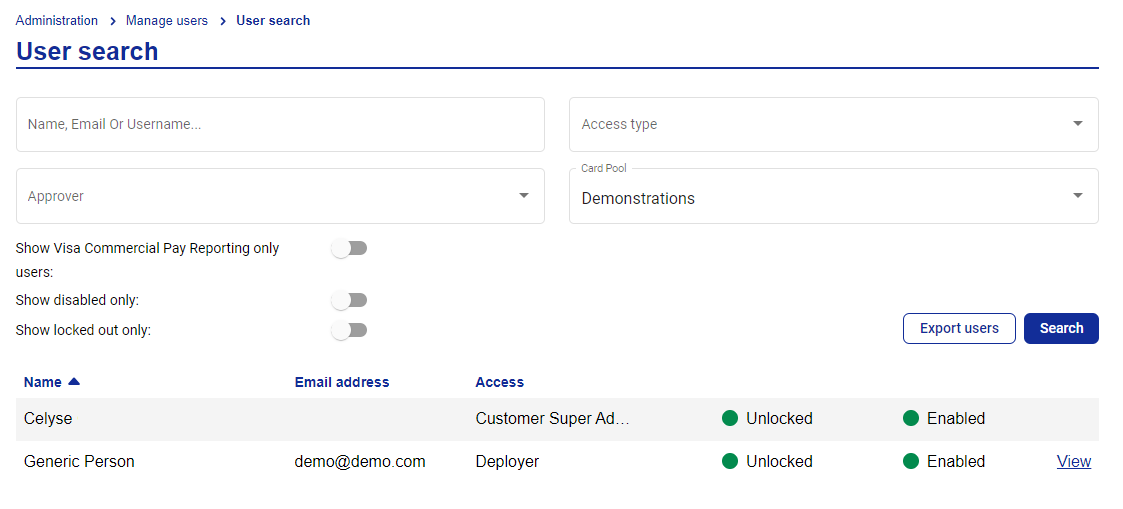
Set the toggles to narrow the search further. The toggles are:
'Show Visa Commercial Pay Reporting users'—returns users that only have access to Visa Commercial Pay Reporting
'Show disabled only'—returns only users with disabled accounts
'Show locked out only'—returns only users with locked out accounts
Note
When you complete a user search, you will only be able to see all levels equal to and below your own access level, and can only manage users of lower access levels than your own.