Mobile Application v5.16.2 Release Notes
Minimum iOS & Android Version
The minimum supported iOS version for the Visa Commercial Pay App will remain iOS 16.
The minimum supported Android version for the Visa Commercial Pay App will remain Android 14.
Removal of Security Question and Answer
To reduce friction on the login screen, we have removed the requirement for users to enter the answer to their security question when resetting their password. Users will not be required to answer their security question when completing the forgotten password process in the app.
Users will also no longer be able to configure their security question via the Profile section of Visa Commercial Pay Online.
Resetting Your Password
Tap Forgotten Password.
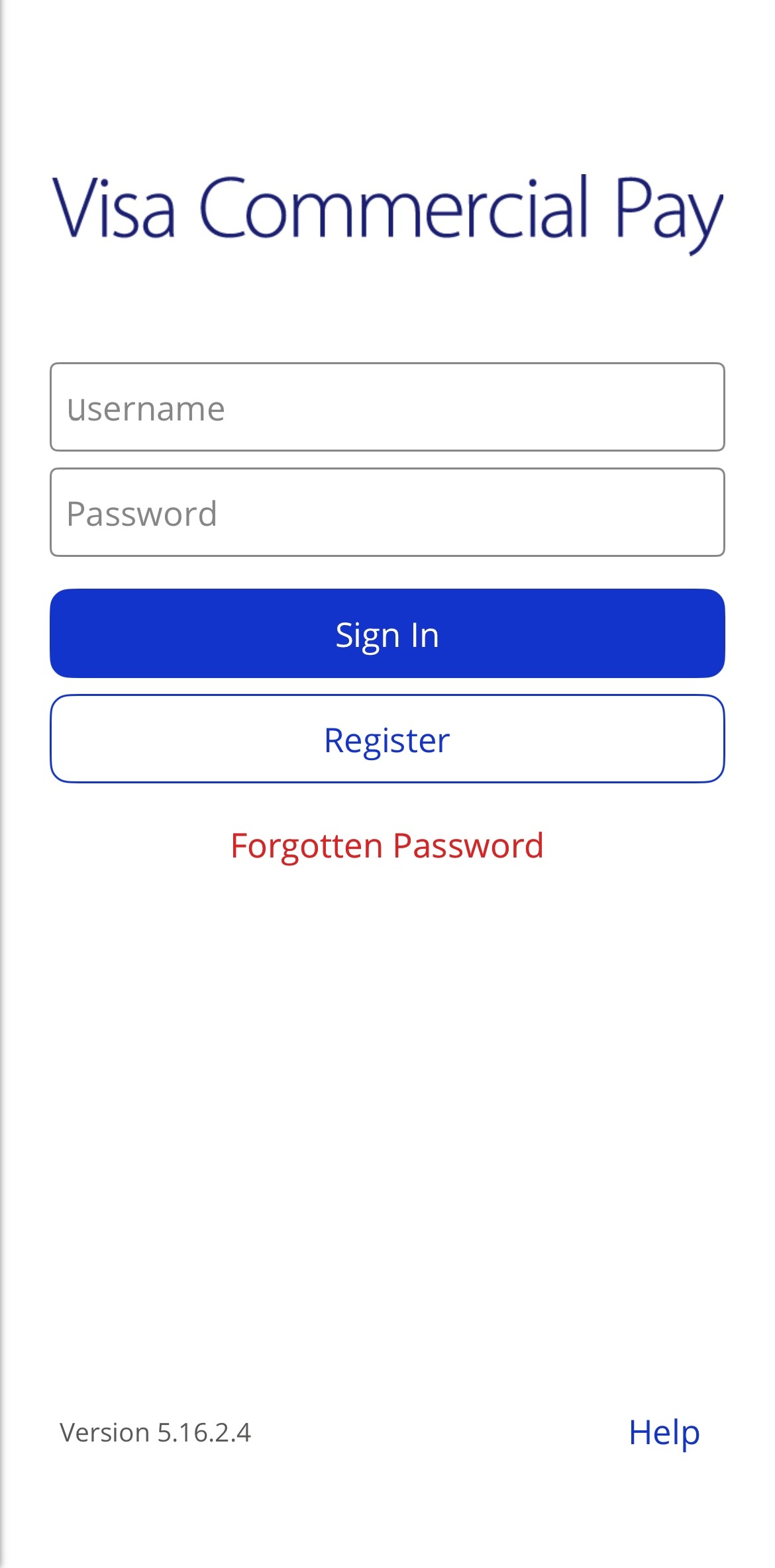
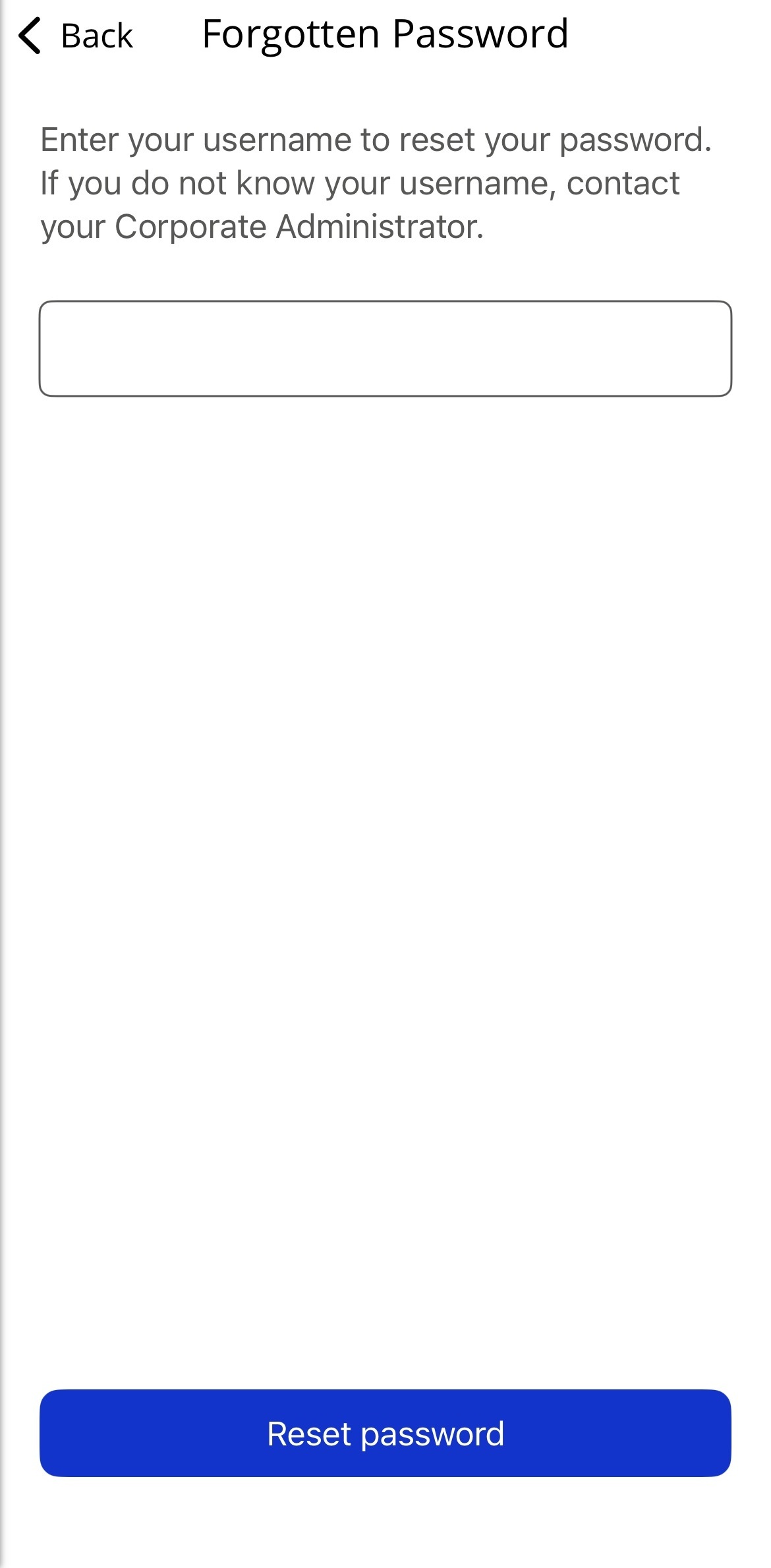
Enter your username and tap Reset password.
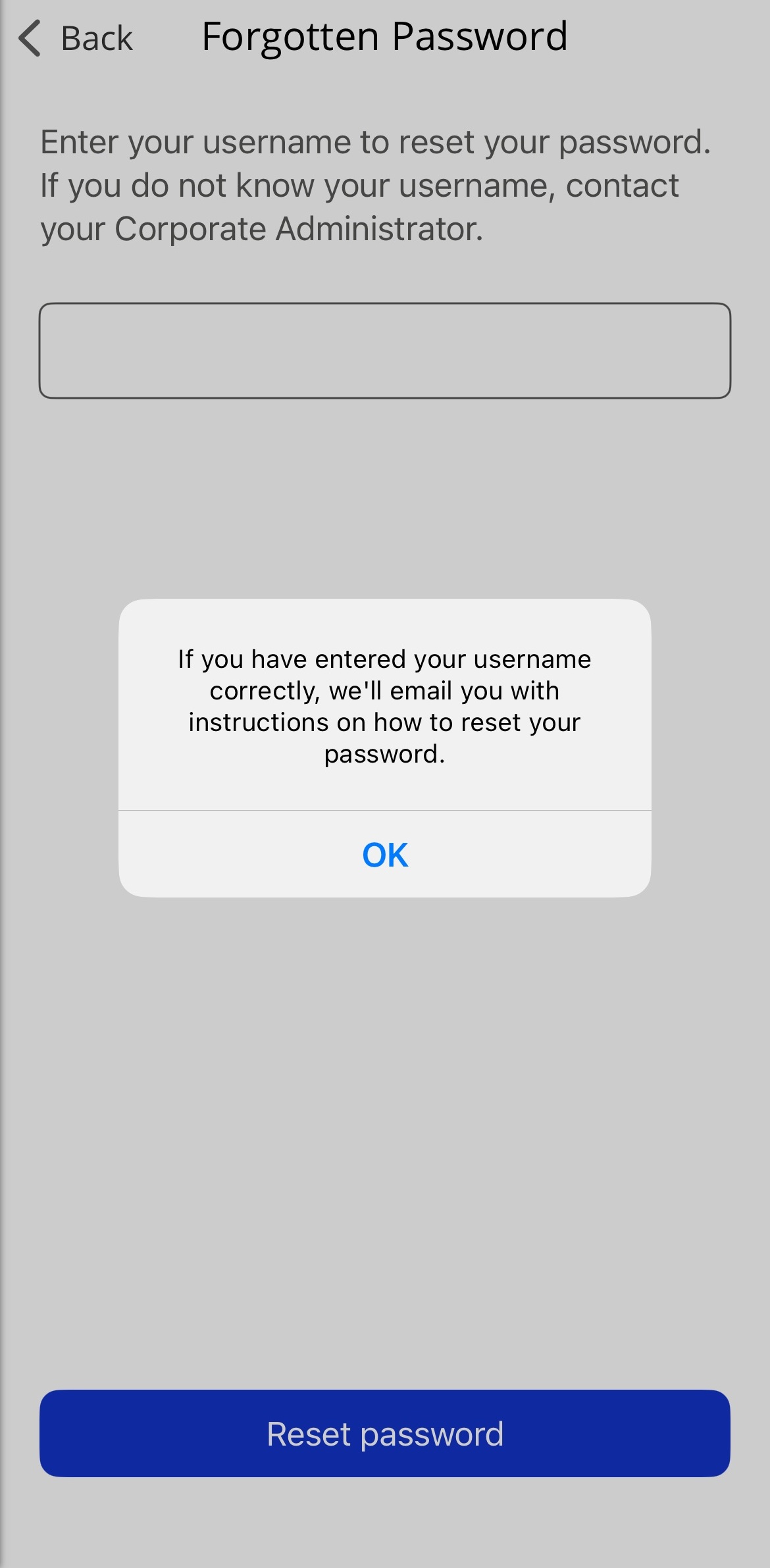
If your username is associated with a registered account, you'll receive an email allowing you to reset your password.
Note
You must enter your username and not your email address, unless your username and email address is the same value.
User Currency Display Improvements
To improve the user experience, the currency displayed when viewing Activities and the Spend summary will match the currency of the user's device location.
Users will no longer be able to change the currency via their Profile.