Send a Card
Send a Card to a Team Member
Team Administrators can send cards to Team Members from the Visa Commercial Pay App.
From the home screen, tap Teams.
Select a team.

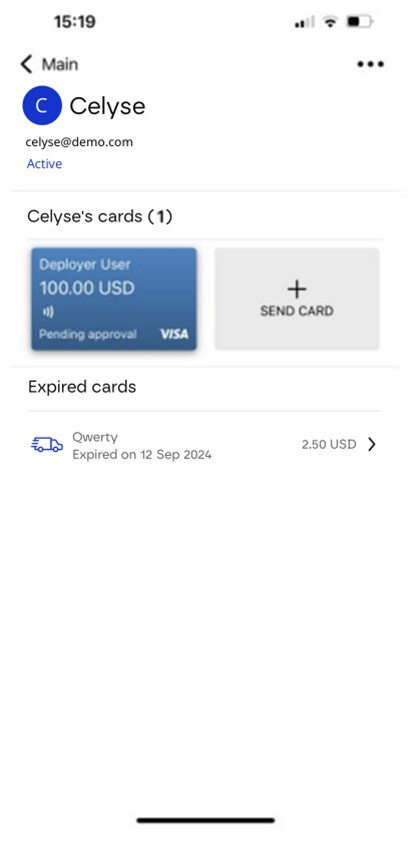
Select a Team Member.
Tap Send Card.
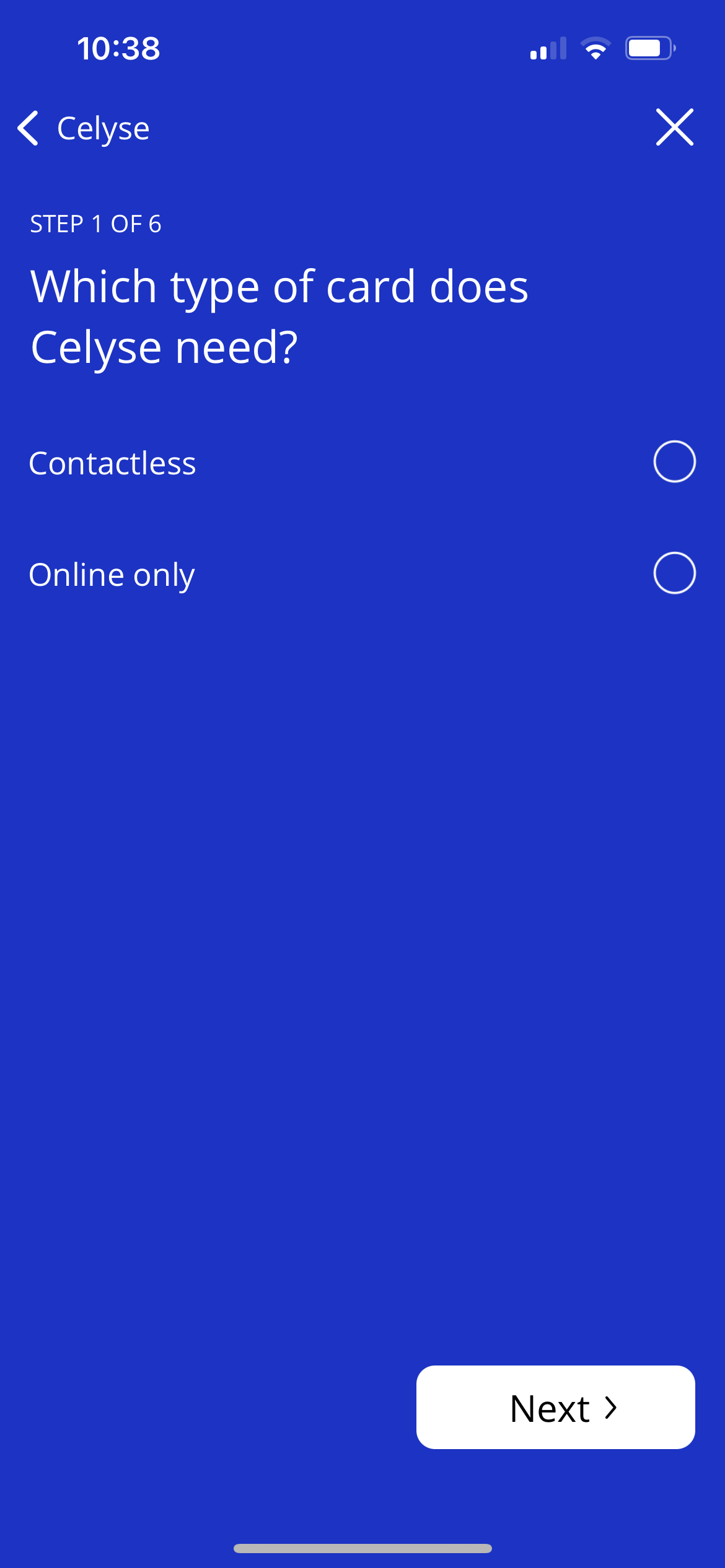
Choose either Contactless or Online only to begin creating a card.
Send Cards to Multiple Team Members
Team Administrators can send cards to multiple Team Members from the Visa Commercial Pay App. If a user is a Team Administrator of more than one team they cannot send cards to Team Members from different teams simultaneously.
You can only send multiple identical cards (e.g., the same start and end date and deployment amount for each card).
From the home screen, tap Teams.
Select a team.
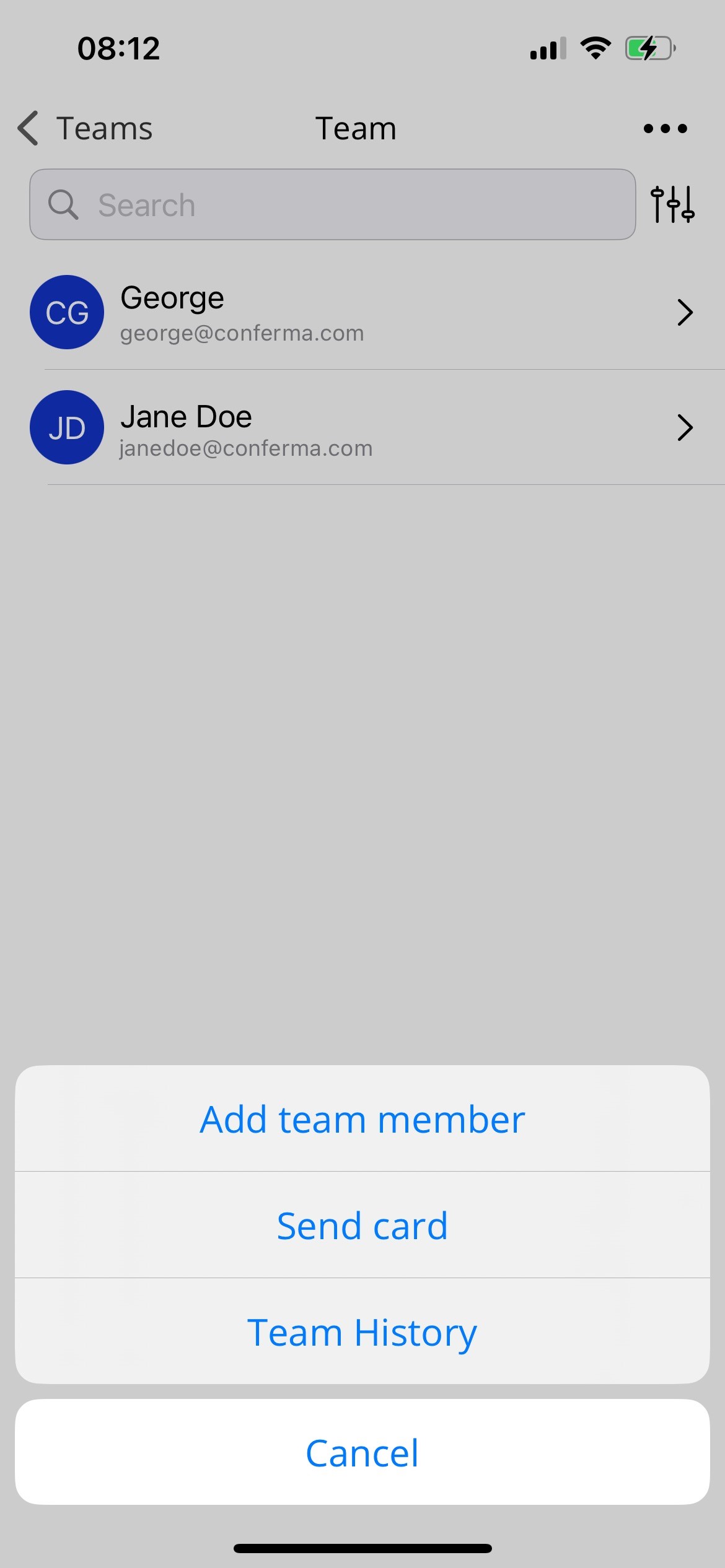
Tap the three dots icon in the top right-hand corner of the screen and tap Send card.
Tap to select all Team Members that you want to send a card to, or tap Select All to select all Team Members, and tap Continue.

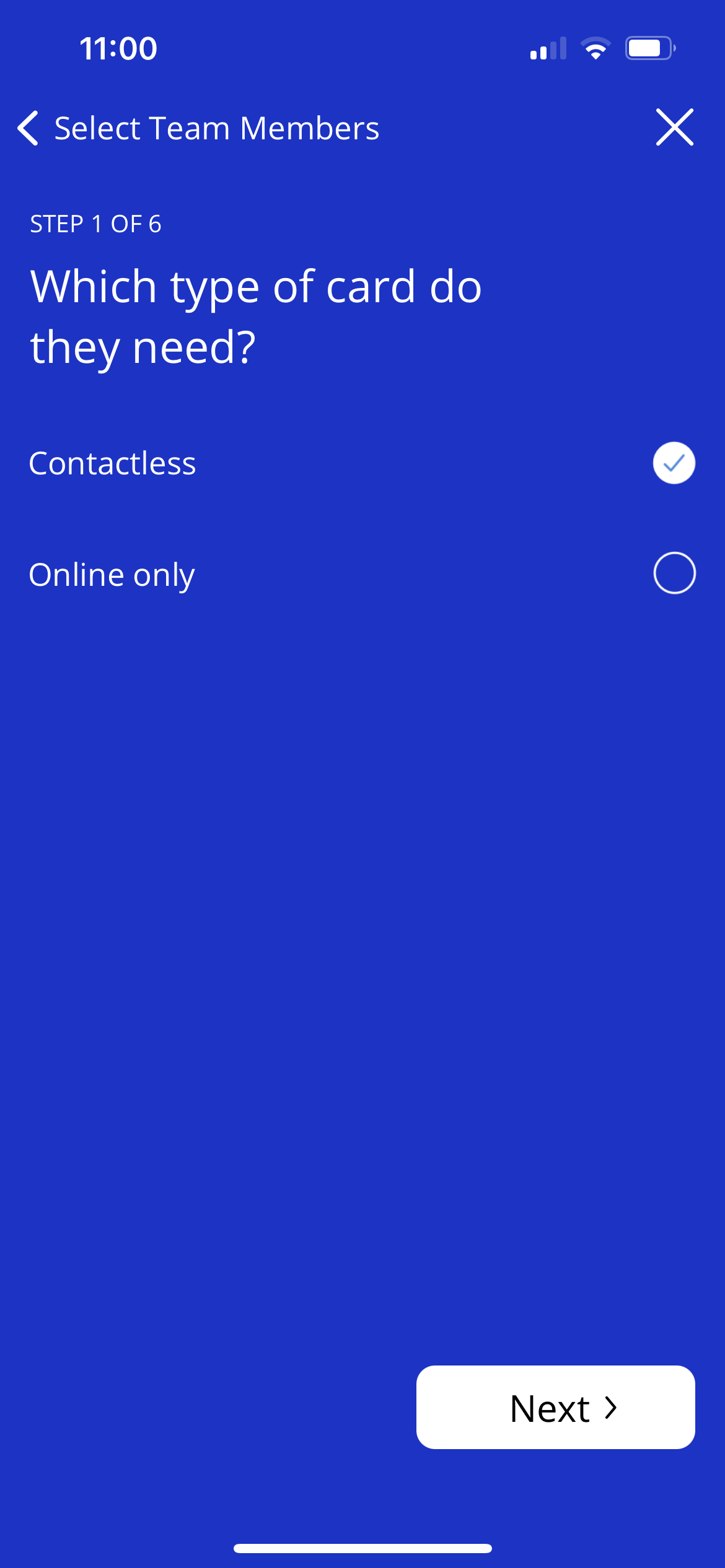
Choose either Contactless or Online only to begin creating a card.