Edit a User in Online
Corporate Administrators can edit user details of users that have already been created in Visa Commercial Pay Online:
Search for and select a user.
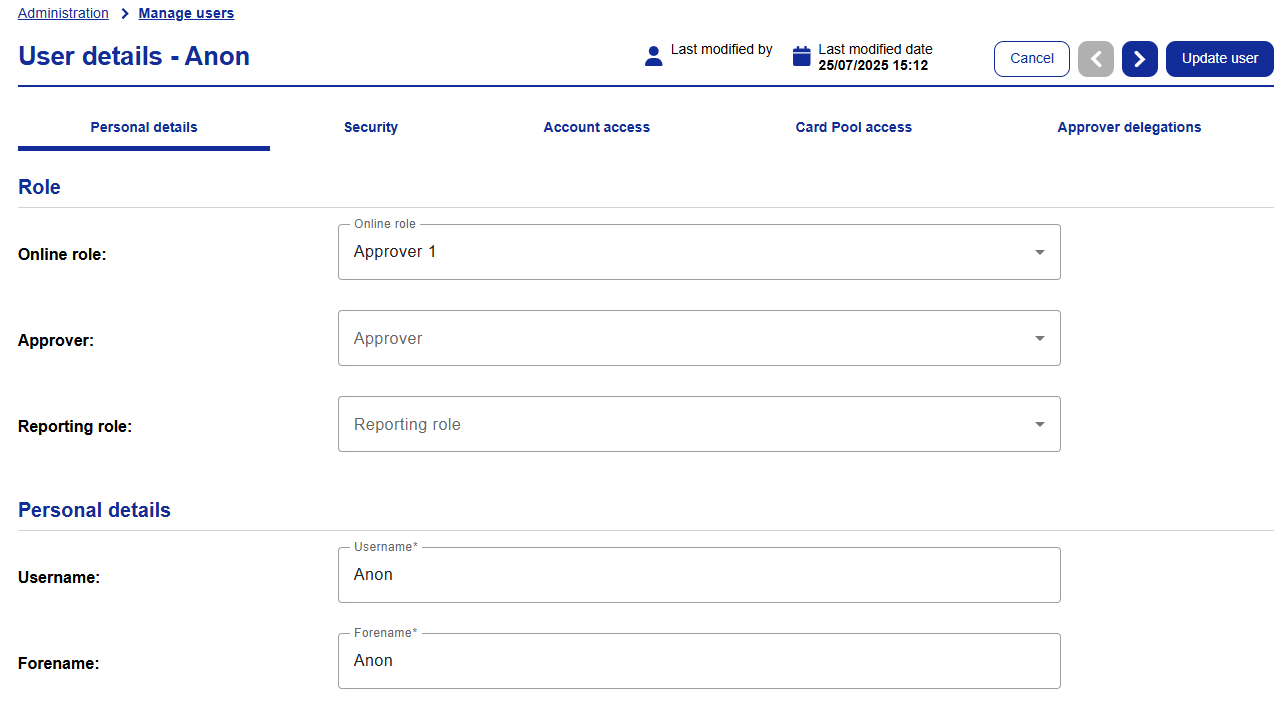
Click Edit user.

Make your changes.
Once done, click Update user.
Delete a User
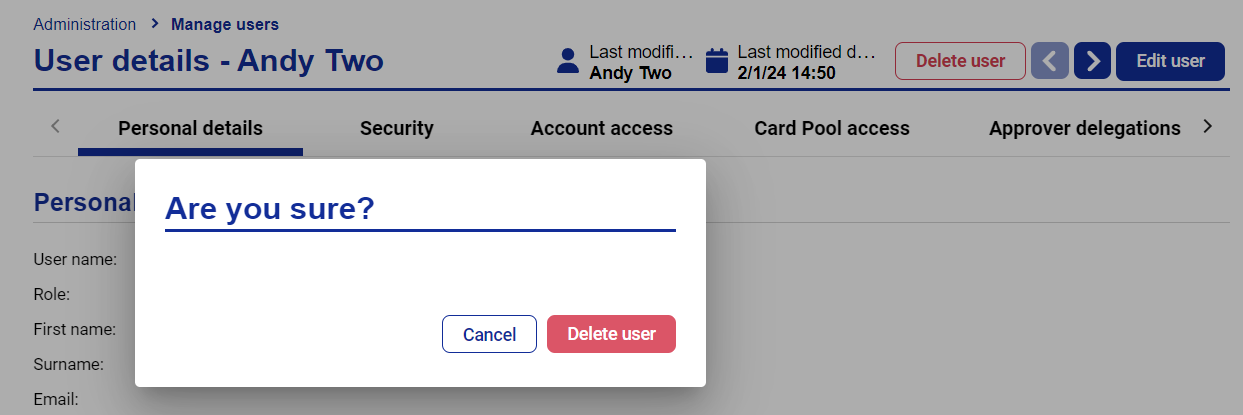
Once you have selected a user click Delete user in the top right-hand corner of the user details screen, and then click Delete user again to confirm.
 |