Manually Matching a Document to a Transaction
Uploaded documents can be manually matched to transactions in Visa Commercial Pay Reporting, the linked document will then be shown when viewing the transaction.
To locate and link any transactions that are not matched to documents:
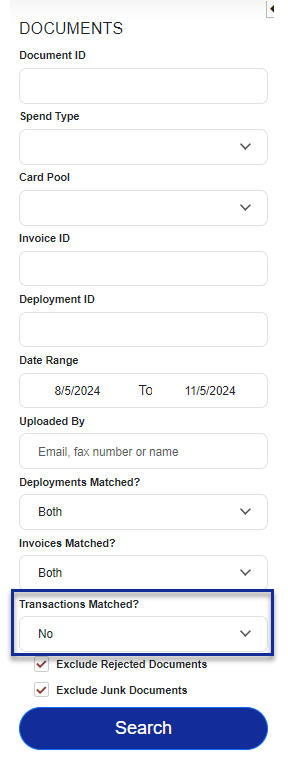
Select Document Search, choose 'No' for 'Transactions Matched?' and click Search. The date range will auto-populate to cover the last three months, you can change the date range if required.
The search will return any unmatched documents that meet the criteria.
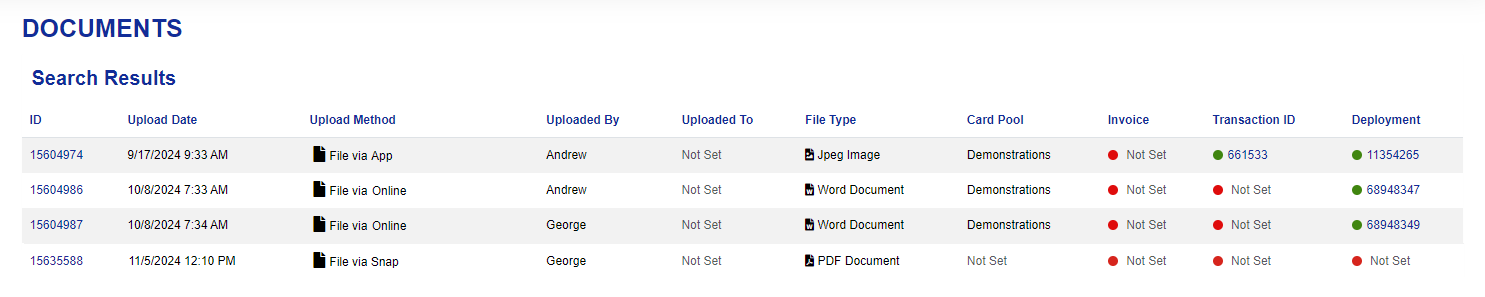
Select a document from the list to view the details and then click Options.
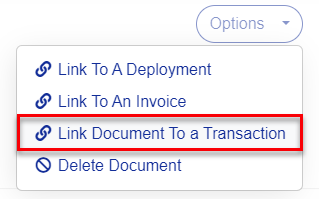
From the dropdown, click Link Document To a Transaction.
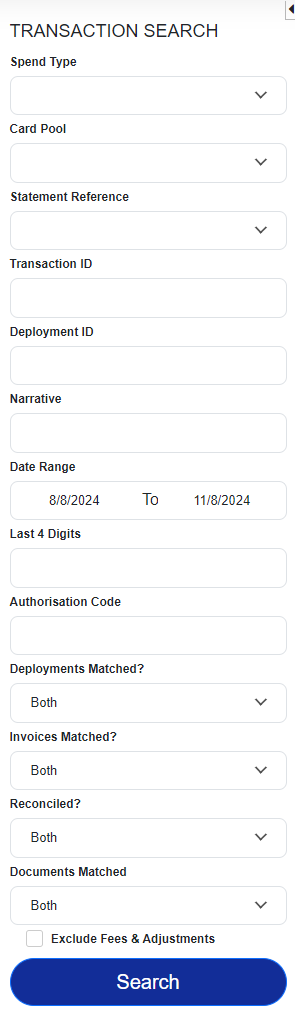
Complete the search criteria on the left-hand side of the page to find a transaction.
Select a transaction from the search results.
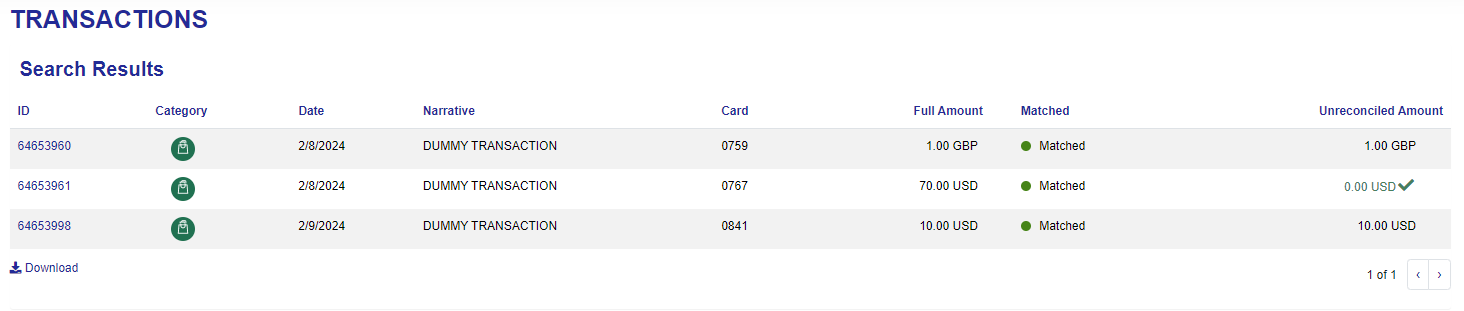
Click Link Document to a Transaction

You will see a message confirming that the document has been linked to the transaction.
 |