Send an Air or Accommodation Card to the App
As a user in Visa Commercial Pay Online you can send an Air or Accommodation card to Visa Commercial Pay App users. By creating one of these cards, an activity is created in the Visa Commercial Pay App for the user that was added as the traveler. The app user can view the full card details, add the card to their digital wallet, and resend payment authorisations to their hotel.
To send a card to an app user:
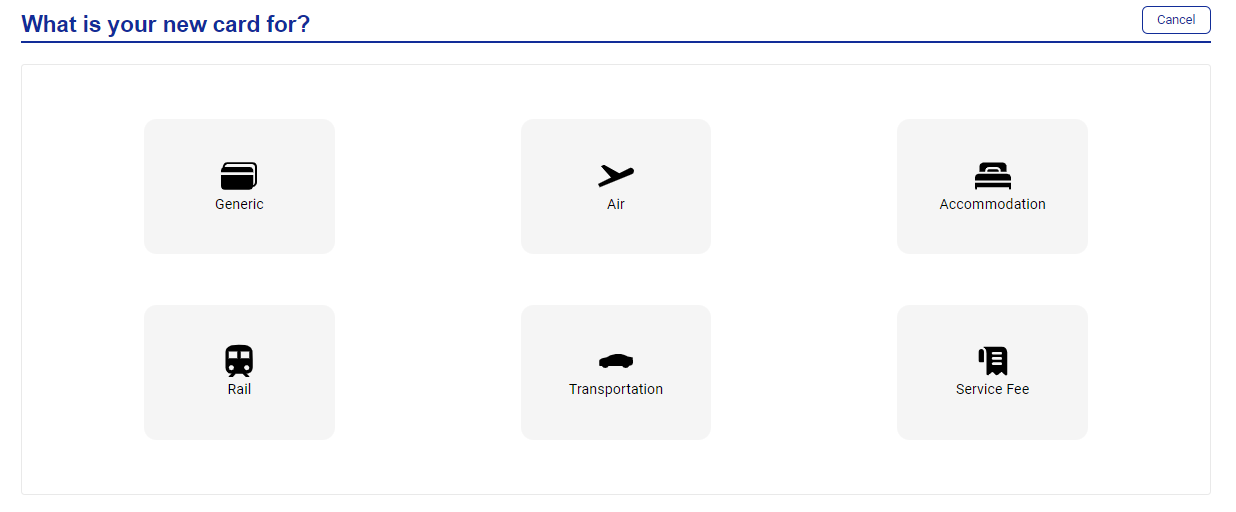
As a user in Visa Commercial Pay Online, click New card and create an Air or Accommodation card.
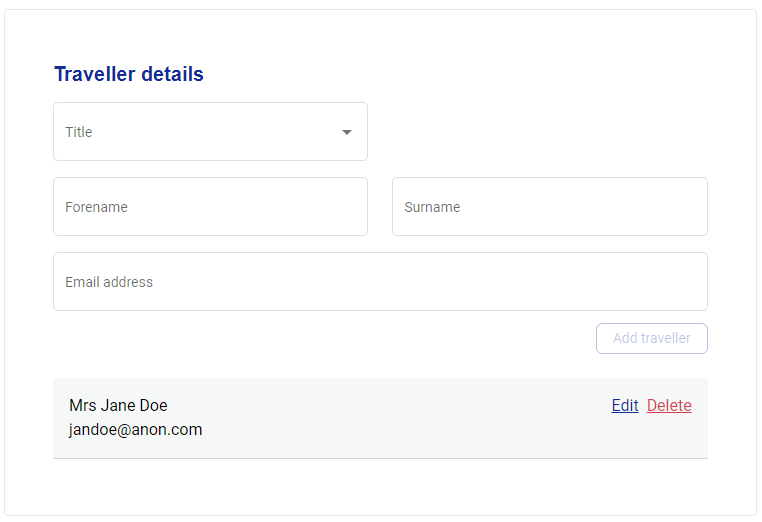
Add a traveler with the same email address as a user that is already registered in the Visa Commercial Pay App. Complete the rest of the card details with the correct flight or hotel information and click Get card.
The card is shown on your Visa Commercial Pay Online dashboard, and a new activity containing the virtual card is created in the Visa Commercial Pay App for the user linked to the email address added.
Note
If the card has failed to send, you can resend it by going to App users from the deployment details of the card in Visa Commercial Pay Online.