Mobile Application v5.9 Release Notes
Mobile Application v5.9 introduces Card Activity Declining Balance, Document Upload and improvements to translated content.
Card Activity Declining Balance
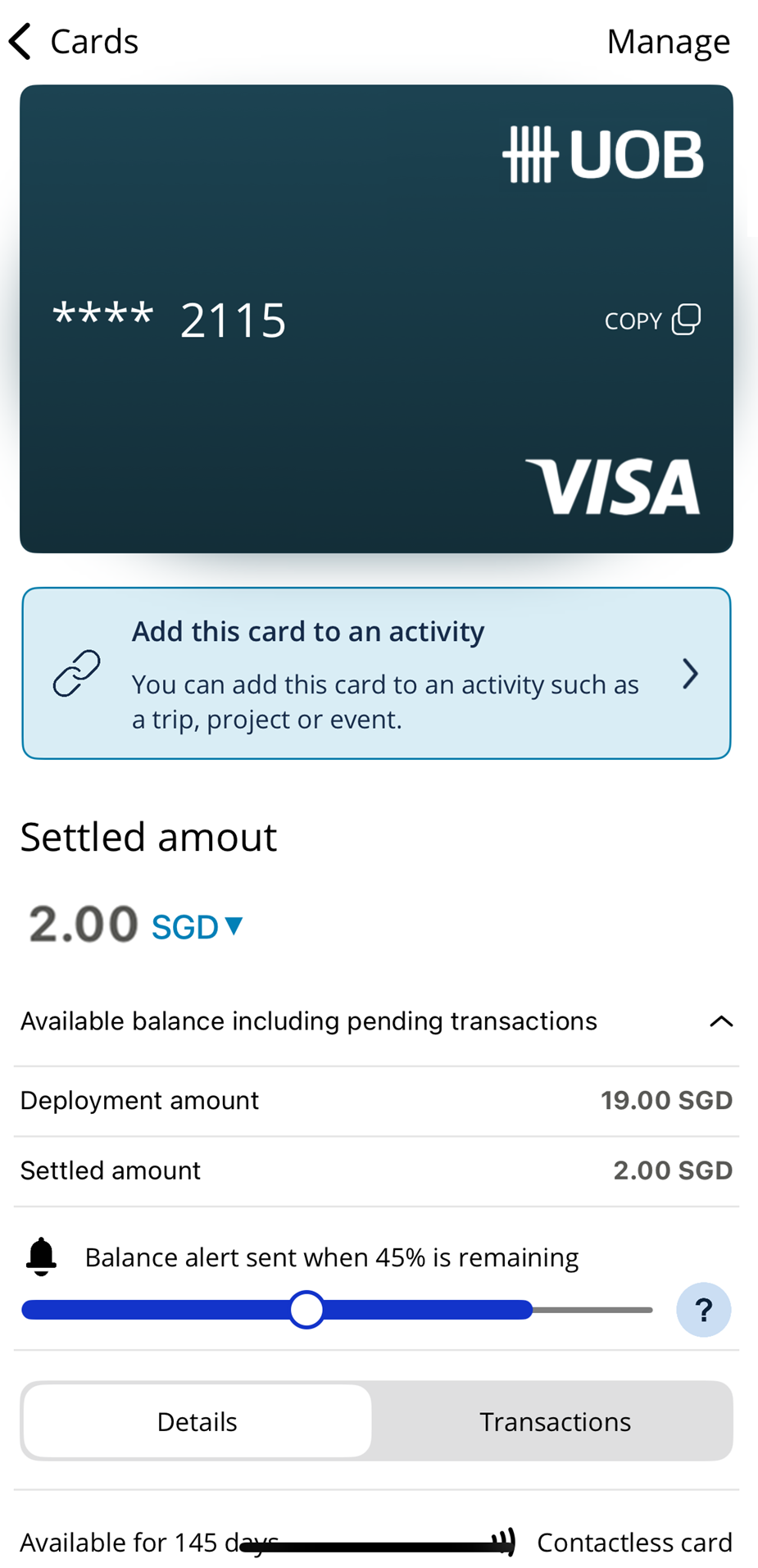
We have introduced the ability to see the balance remaining on a card in real time in the Visa Commercial Pay App.
 |
Document Upload
We have introduced the option to upload documents to cards created in the Visa Commercial Pay App. This feature can support users in evidencing why a card has been created for a specific amount, e.g. to cover the cost of a train ticket or hotel stay.
To add a document:
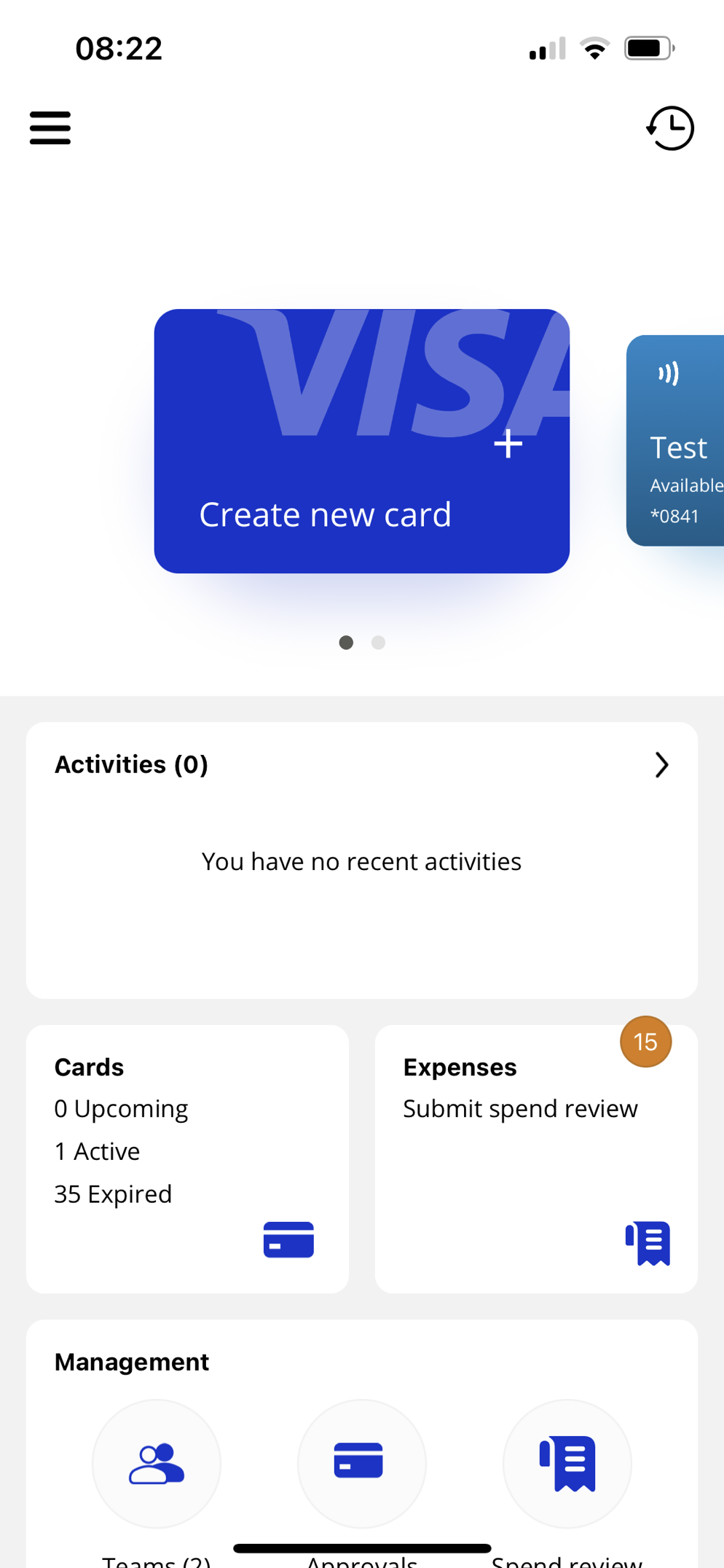
Create a new card
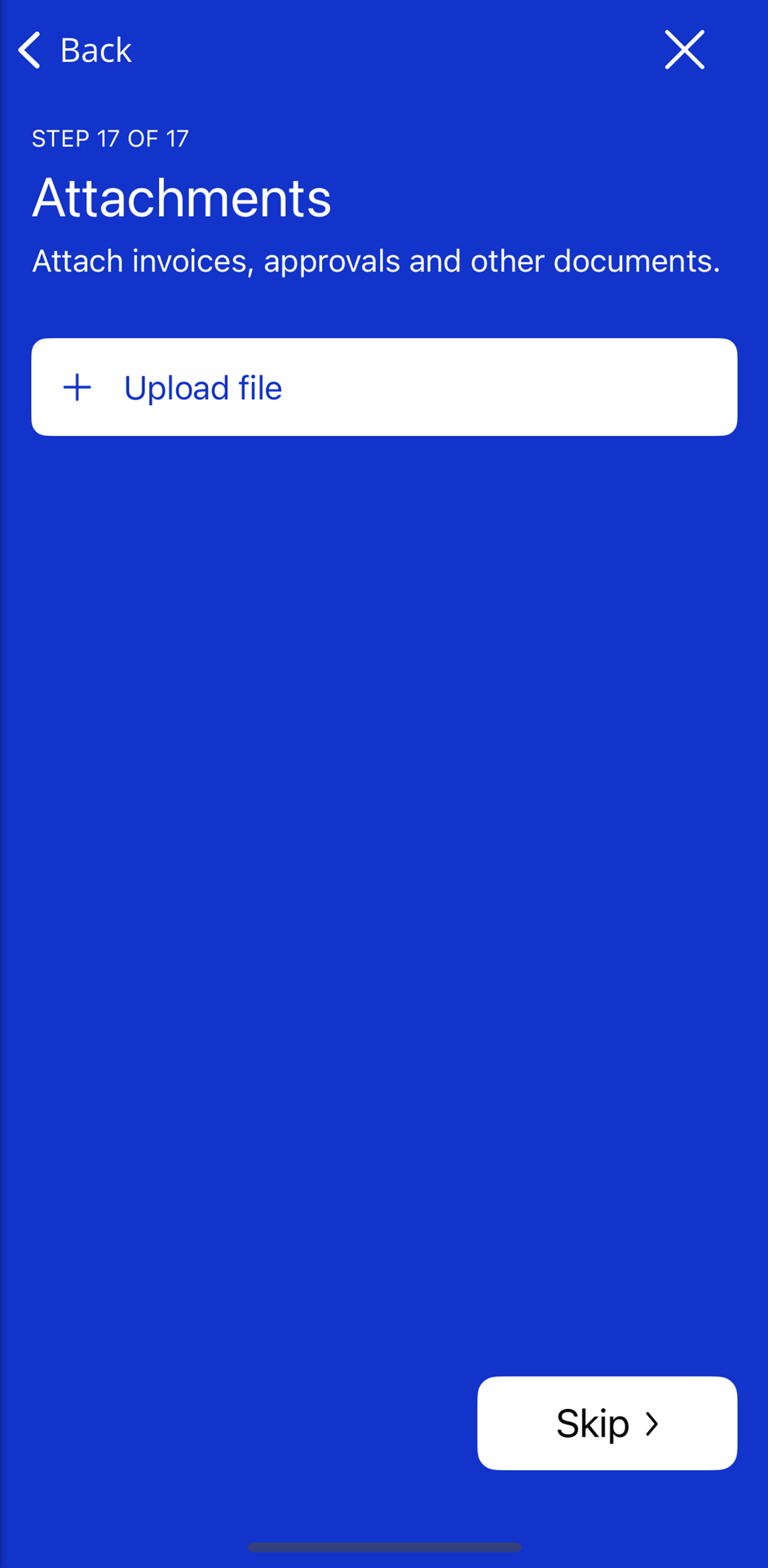
When prompted, select Upload file
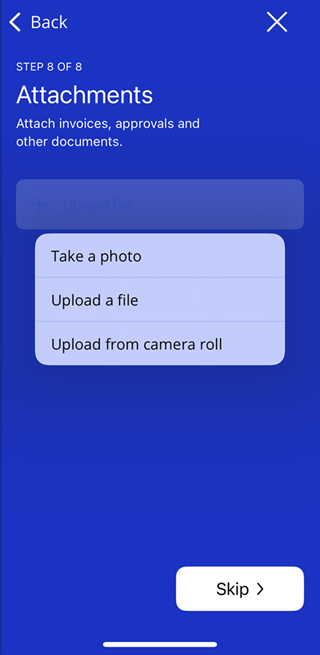
Choose where to upload your file from
Add the file and select Create card
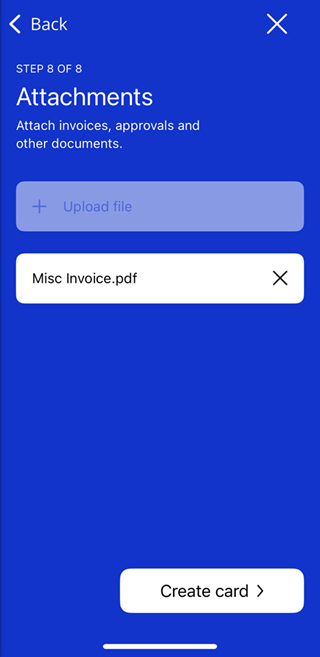
Attachments will be visible to approvers during the approval process.
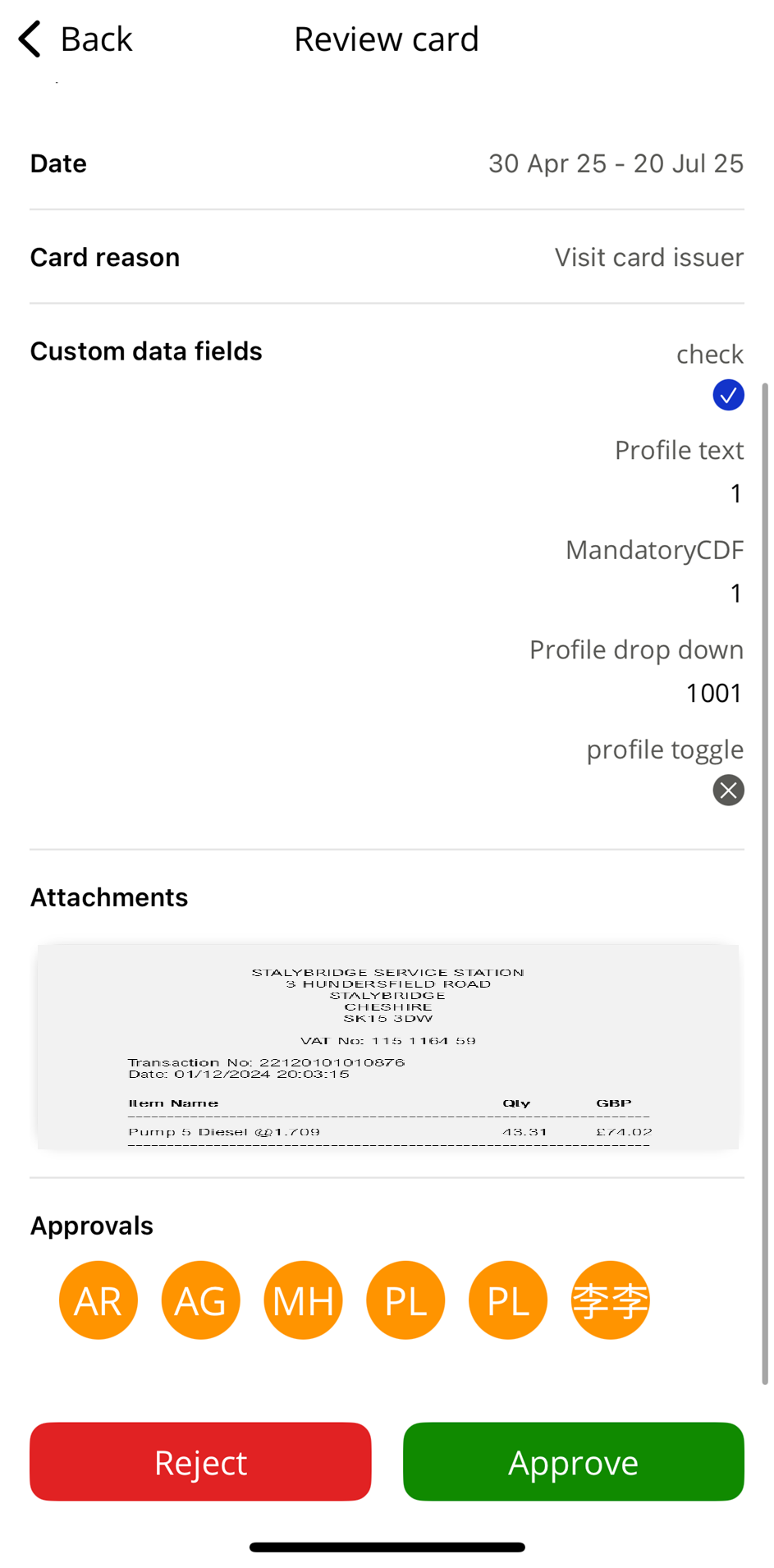 |
Attachments will also be visible in Visa Commercial Pay Online and Visa Commercial Pay Reporting.
Translation Improvements
We have made improvements to translated content within the Visa Commercial Pay App.