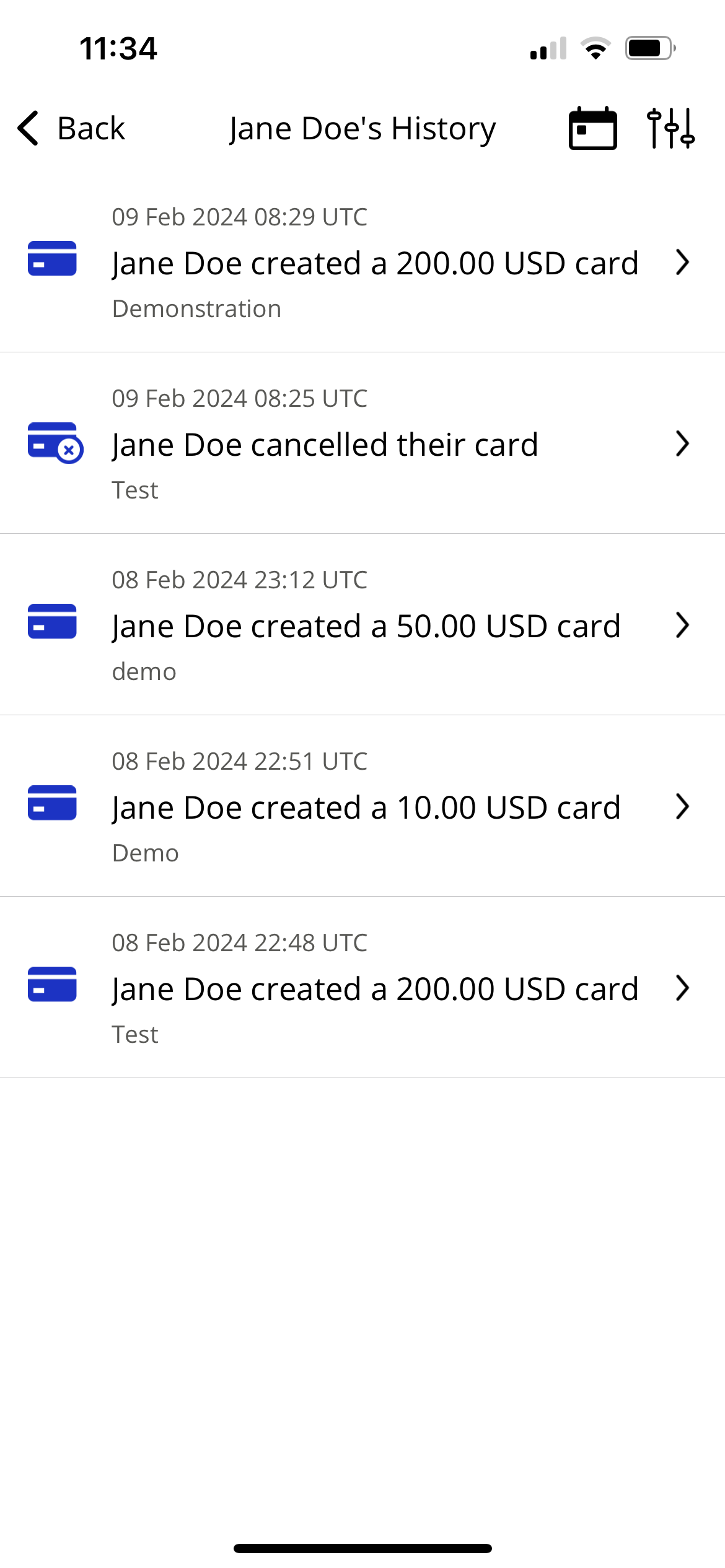
User History
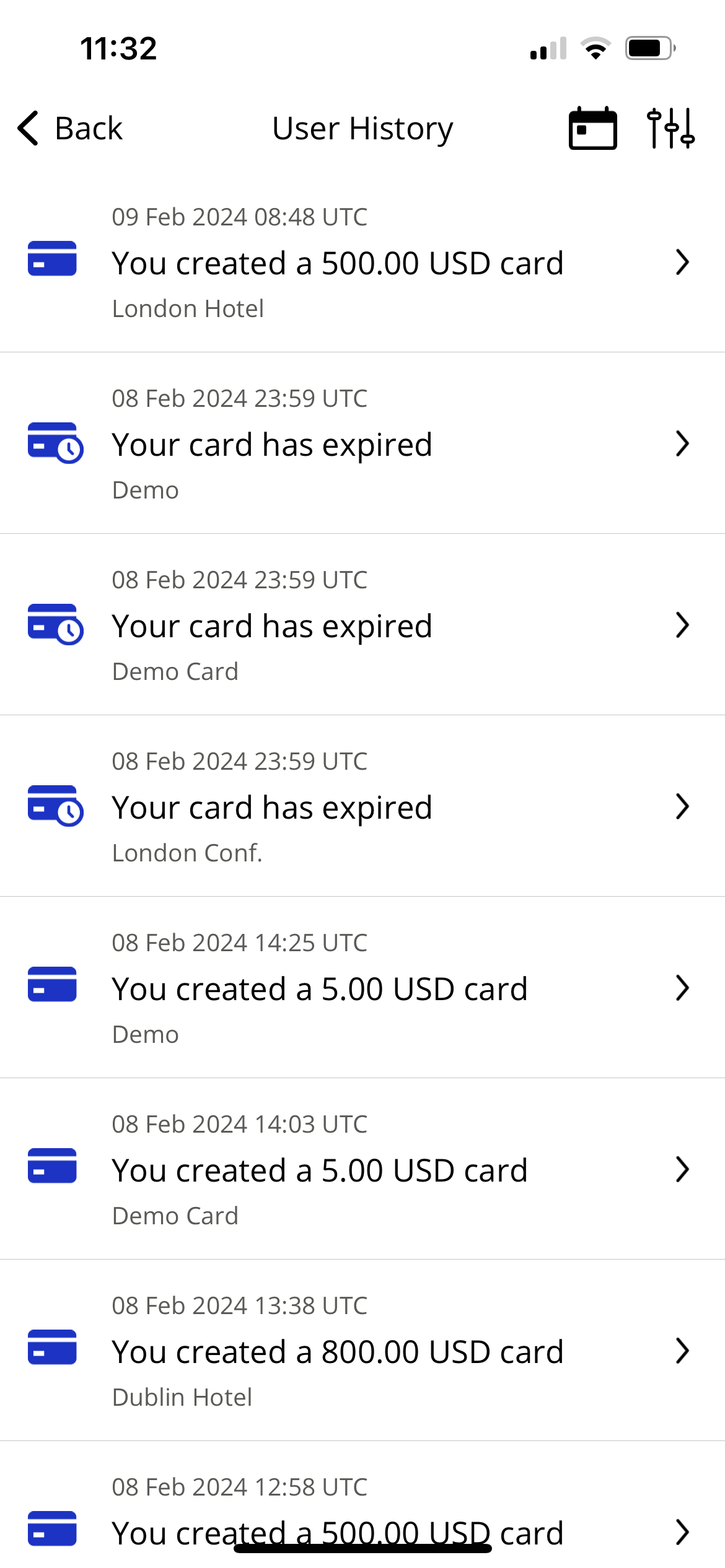
The user history screen displays the user's recent actions within the app.
This includes:
Cards created
Approved and rejected cards
Approved and rejected post spend review submissions
Activation from teams
To access your user history, open the app menu and select User history. Tap an item to view further details or actions.
 |
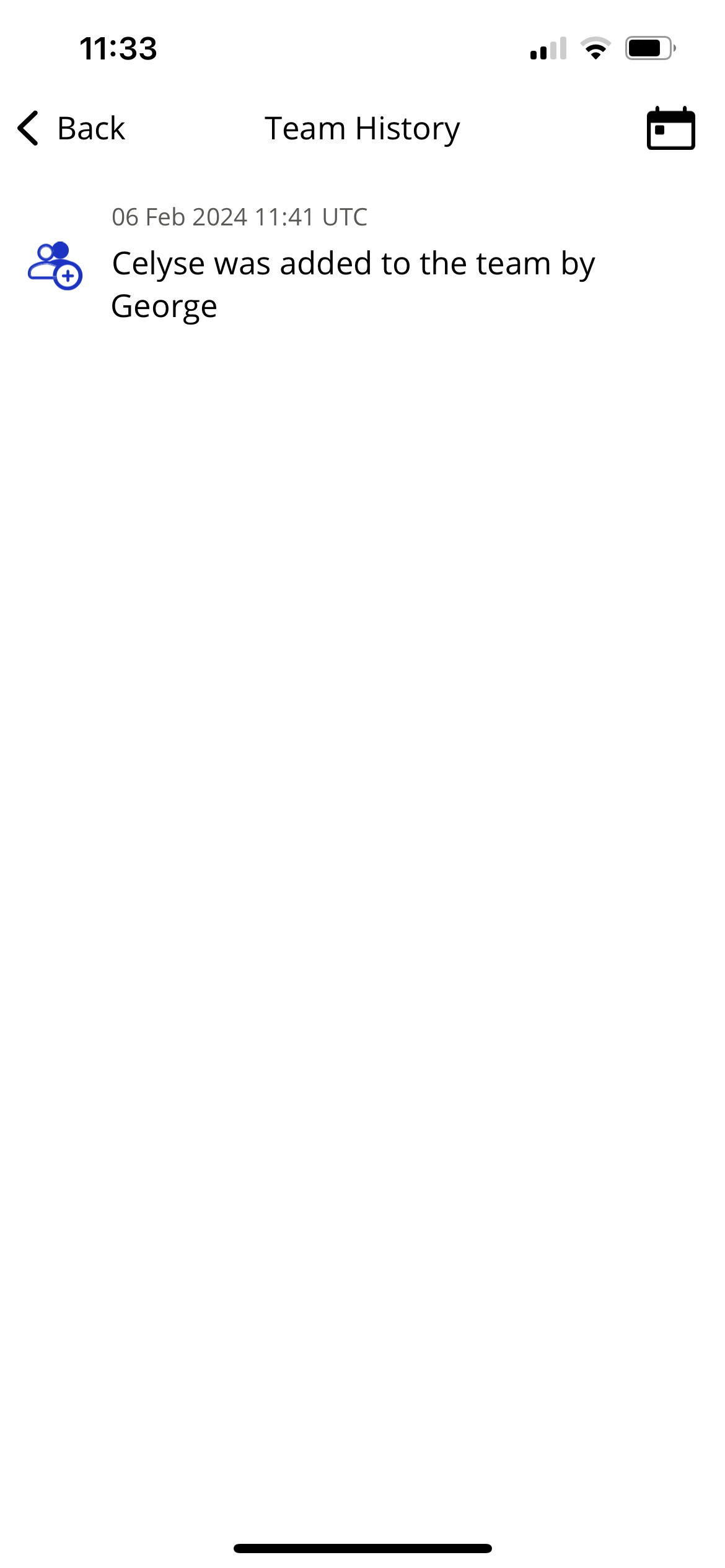
Team History
Team Admins can view a team's history.
Open the app menu and tap Team administration or tap Teams from the management section.
Select a team.
Tap the three dots in the top right-hand corner.
Select Team History
Team Member History
Team Admins can view a Team Member's history.
Open the app menu and tap Team administration or tap Teams from the management section.
Select a team.
Select a Team Member.
Tap View user history.