Post Spend Review: Reviewer Workflow
Reviewers will receive a daily notification to inform them of any outstanding reviews. This will be sent as an email to their registered email address. The notifications are sent once a day and include the number of transactions that are pending review. A monthly email will also be sent to team admins and reviewers containing all transactions where a post spend review is outstanding.
Reviewers are also able to add a note to explain why the submission has been rejected. This allows Reviewers to easily communicate to their team via the Visa Commercial Pay App so they can quickly review the note and correct the error.
From the Home screen, tap Spend review from the management tile.
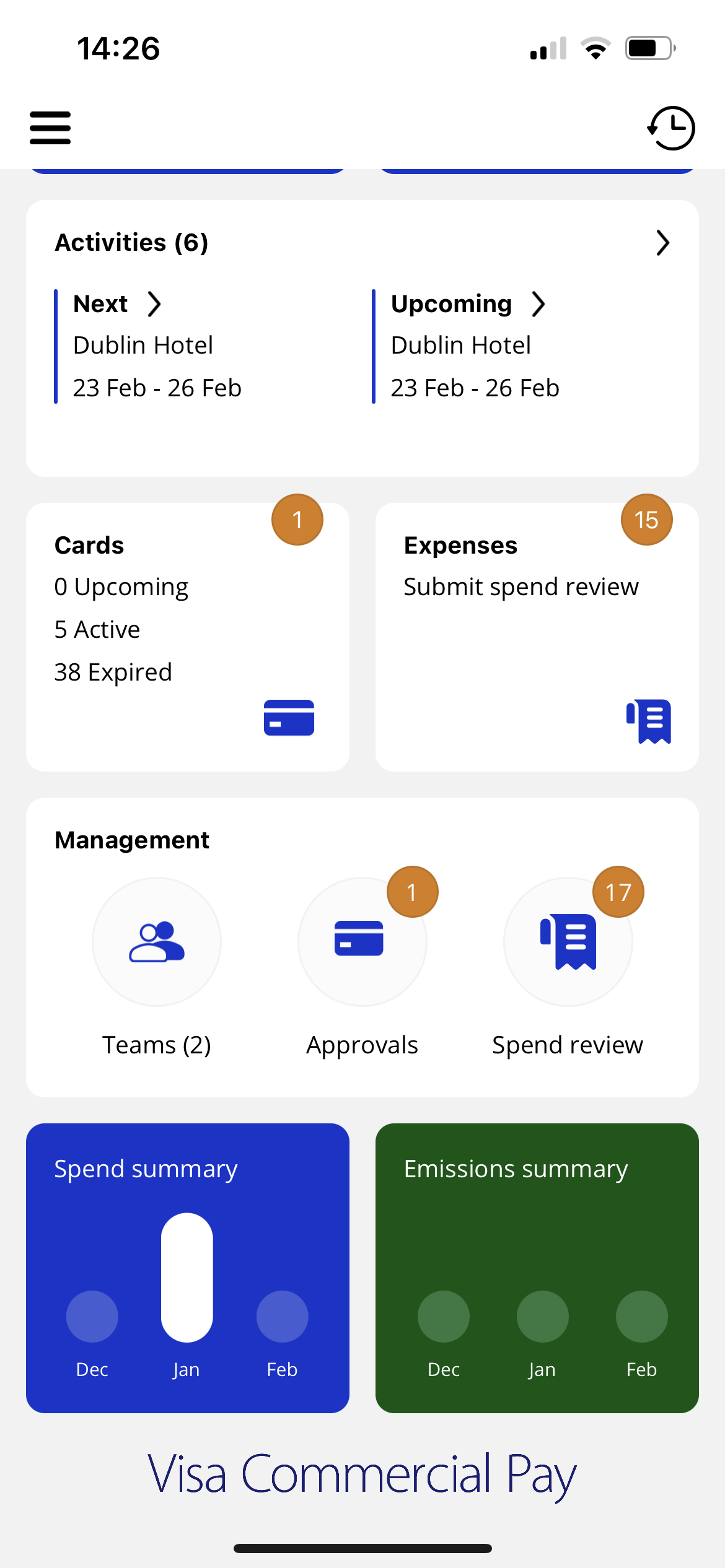
From the Post Spend Review tab, tap a card that has payments pending review.
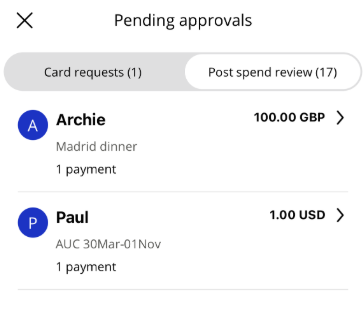
From the list of transactions, tap a transaction to see the information that the user has added.
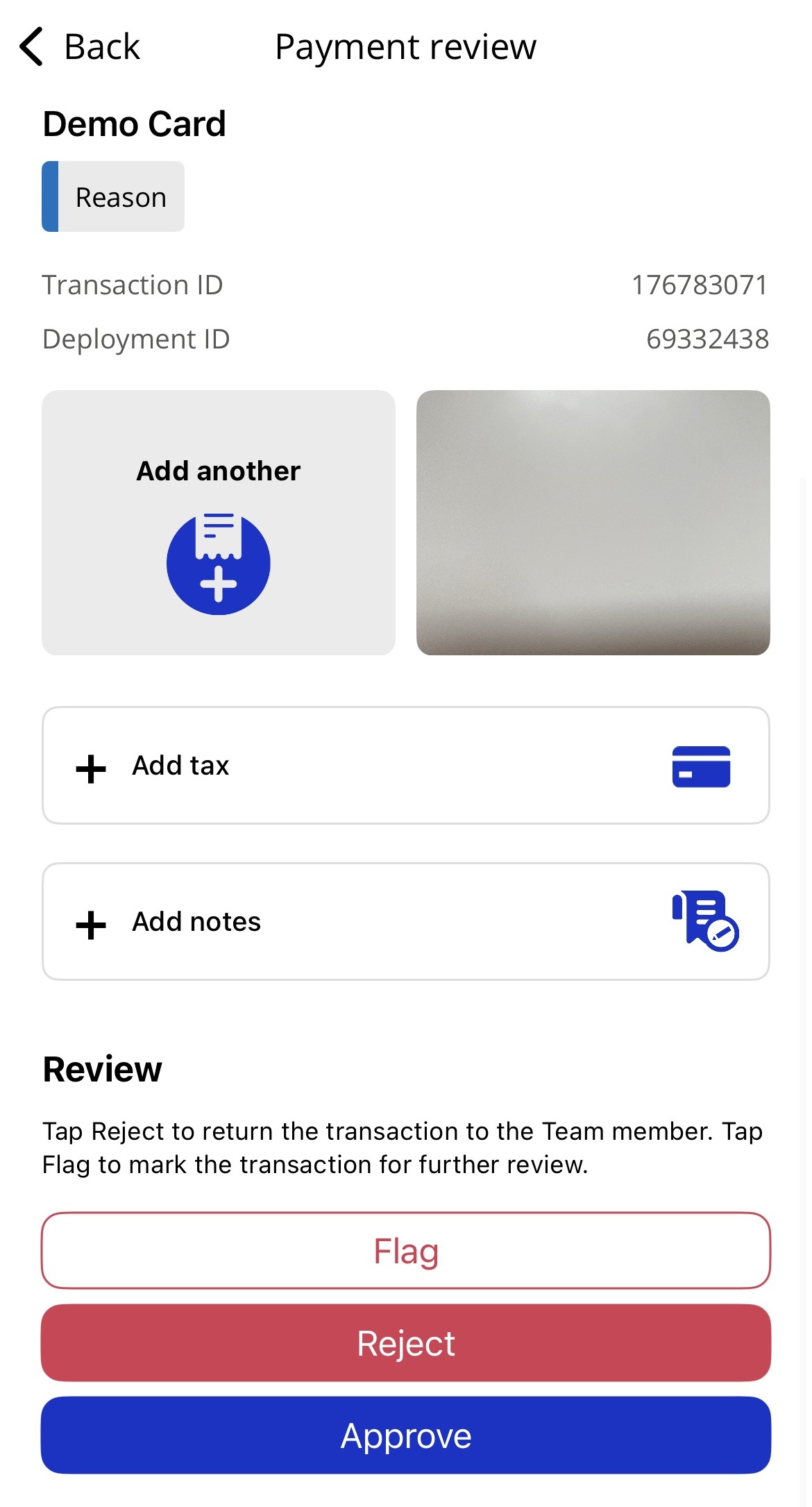
The following review options are available:
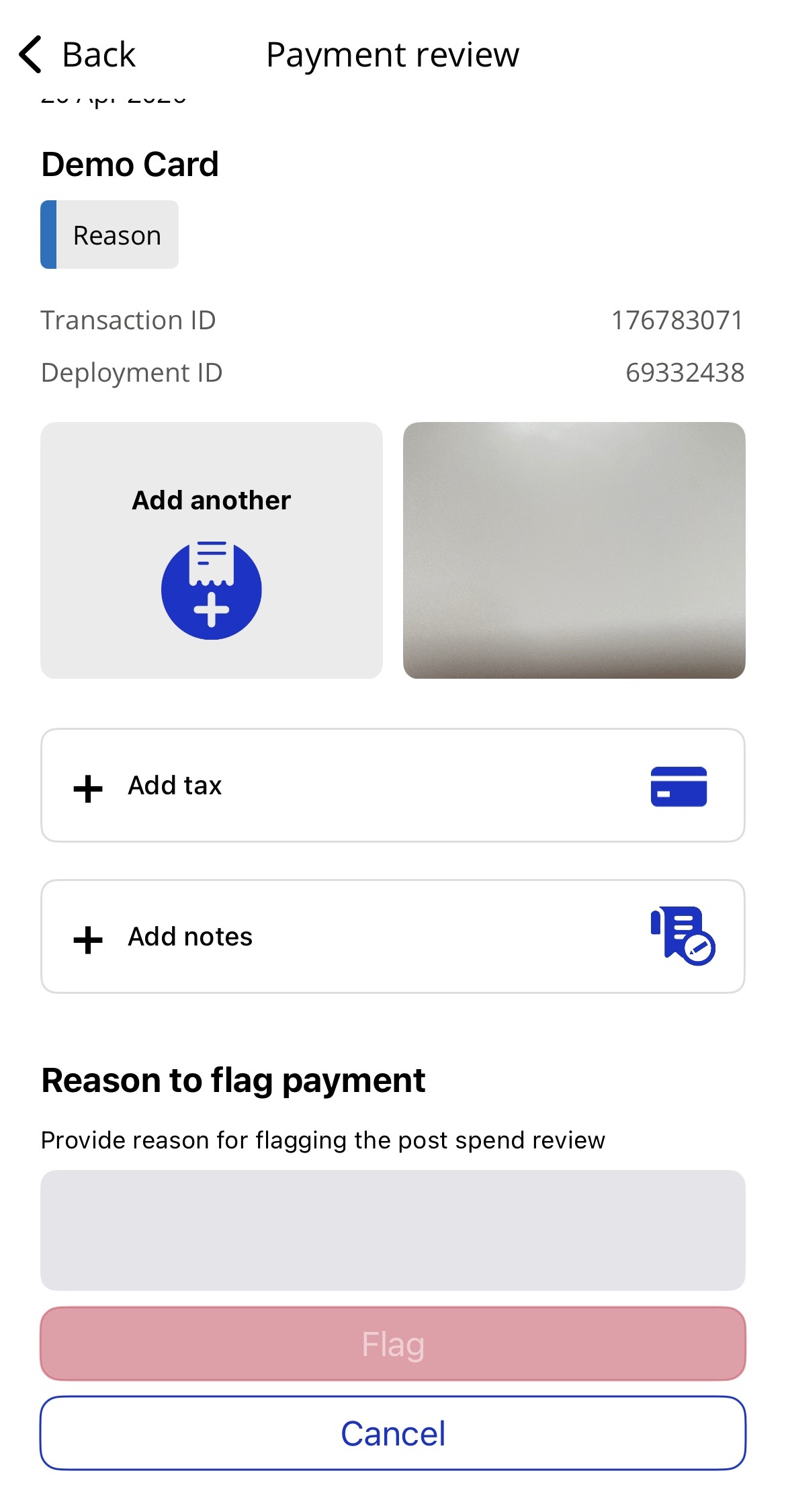
Flag—flag the submission and leave a message visible in Visa Commercial Pay Reporting
Reject—reject the submission and leave a message for the app user
Approve—the submission is approved
Note
Reviewers cannot review their own deployments.
If a Post Spend Review submission has been rejected, the relevant App User will receive a push notification if notifications are switched on. The App User can then log in to the Visa Commercial Pay App to amend and resubmit their submission. Post Spend Review submission statuses will also be shown in the User History.
Team Members can submit their Post Spend Review while the transaction is still pending but the submission will not be visible to Reviewers until the transaction is settled.
A Post Spend Review must be resubmitted if the settled amount does not match the pending amount.