Visa Commercial Pay Online v3.26 Release Notes
Visa Commercial Pay Online v3.26 introduces improvements to Cybersource instant supplier payments. We have added the ability for buyers and suppliers to amend supplier details, and we have added a Zero Authorization verification to confirm supplier details are correct before the first transaction is created. We have made updates to the Chinese (Taiwan) and Chinese (Hong Kong) language packs.
Amend Supplier Details
We have added enhanced management of supplier details to improve the user experience. Buyers and suppliers can amend supplier details both during and after the the initial setup. This is available for all payment methods.
Search for and select a supplier. The supplier that you want to edit can be approved and live, or pending approval.
From the top right-hand corner, click Edit.
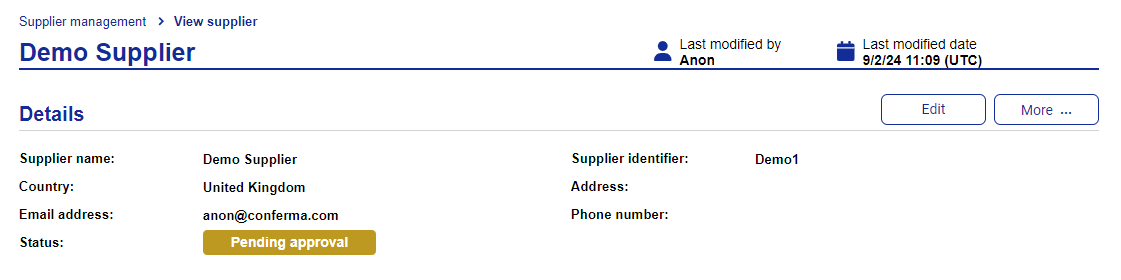
The following details can be edited:
Supplier name
Supplier identifier
Email address
Contact information
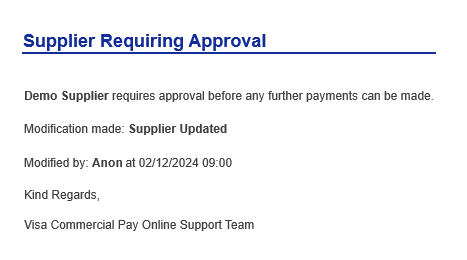
Once you have made the required changes, click Save. This will trigger the Zero Authorisation process to verify the supplier details before a payment is sent. If the supplier requires approval, the status will change to 'pending approval' and the approver will be notified.
Account Details Verification (Zero Authorization)
We have added a Zero Authorization verification via the Cybersource API to verify the supplier before a payment is sent. This is triggered on creation of a new supplier or when a supplier has been amended. No monetary charge is made to verify the account details.
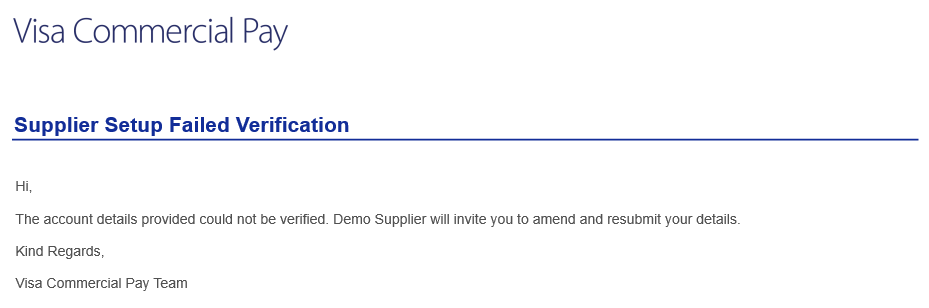
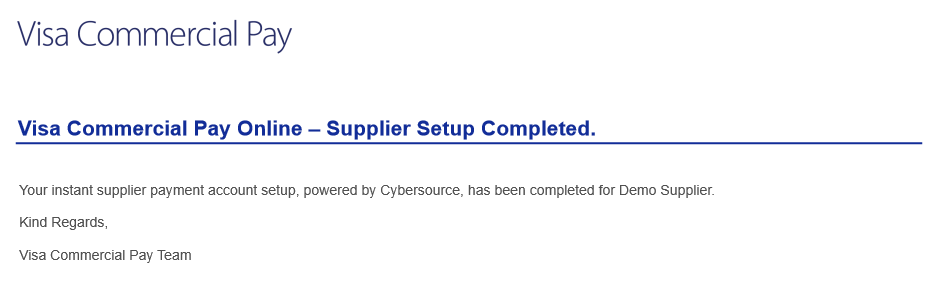
The buyer receives an email notification if the verification succeeds or fails. If the verification is successful, the supplier will be ready to receive payments. If the verification fails, payments cannot be initiated until the details have been amended and verification has been successful.
The notifications are as follows:
Buyer provisioned (Failed) - Sent to the Buyer
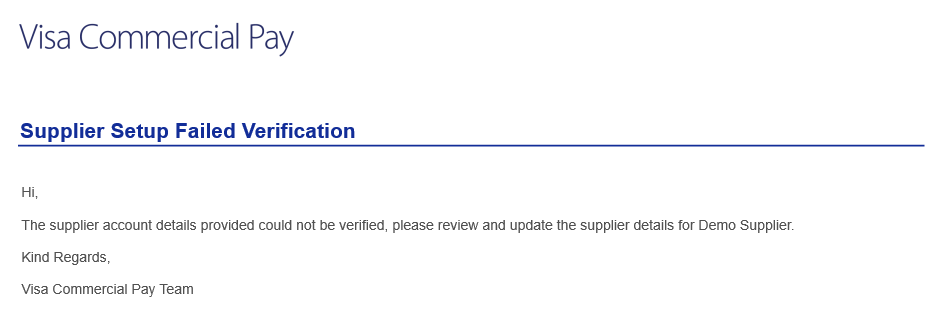
Supplier provisioned (Failed) - Sent to the Buyer
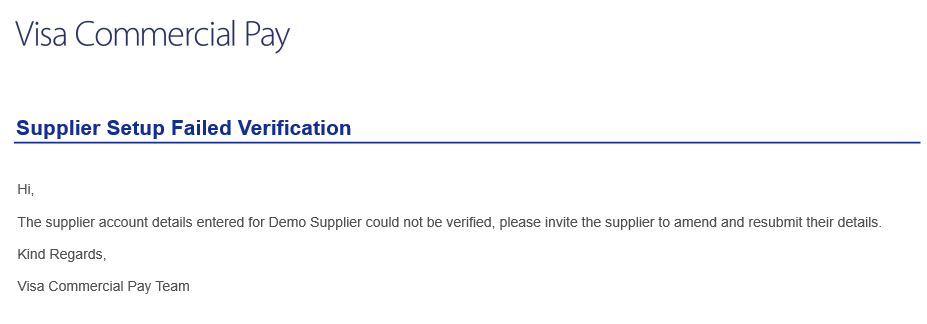
Supplier provisioned (Failed) - Sent to the Supplier
Supplier setup completed (Success) - Sent to the Buyer
Language Pack Updates
We have updated the following language packs:
Chinese (Taiwan)
Chinese (Hong Kong)