Log In - General
To log in on a day-to-day basis, you will need a username, password, and MFA authenticator or memorable word.
Go to: Visa Commercial Pay Reporting
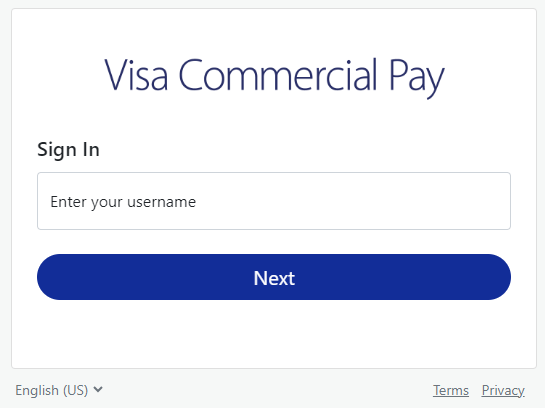
Enter your username.
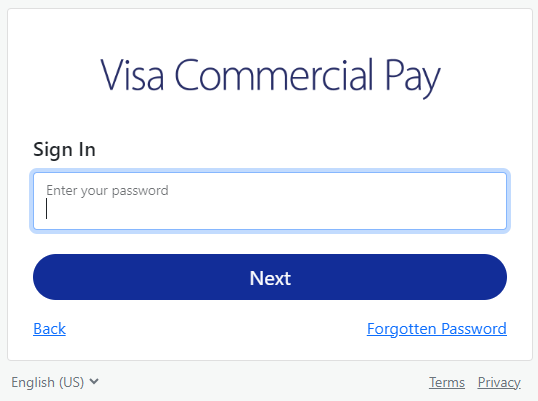
Enter your password. If you can't remember your password, click Forgotten password.
Enter your authenticator code.
If you have entered the correct details, you will be directed to the Home page.
Locked Account
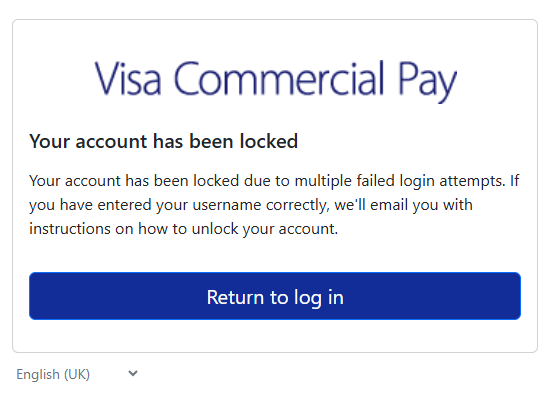
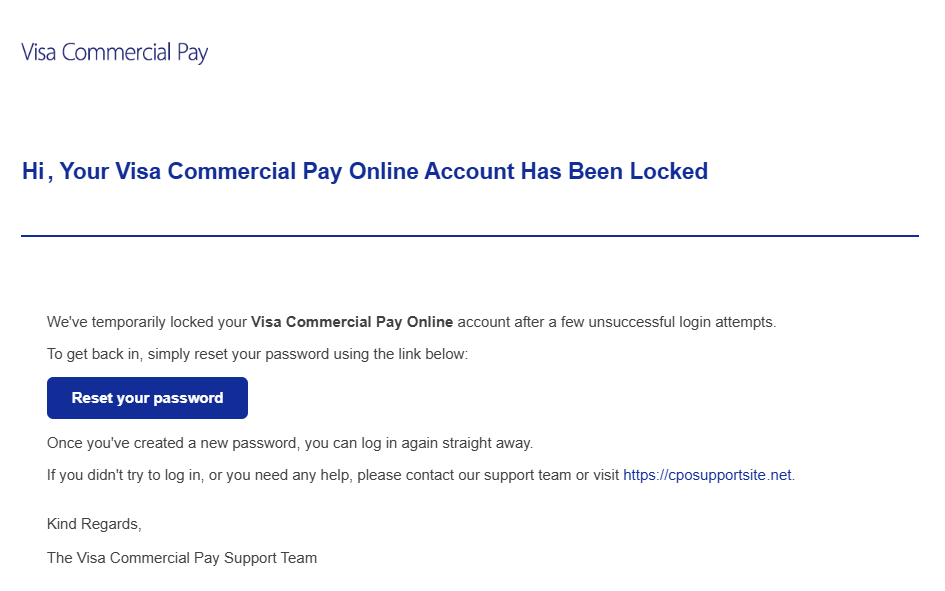
Your user account will be locked after three consecutive unsuccessful log in attempts or if you have entered information incorrectly when trying to log in for the first time.
You will see an on-screen message instructing you to wait for an email which will allow you to reset your password and unlock your account.
 |
 |
Note
If you don't receive a locked out notification, contact your Team Admin for confirmation of your username. Your Team Admin can also manually unlock your account.
Resetting your password via the Forgotten Password process will change your password across all Visa Commercial Pay products that you have access to. For example, if you reset your password via the Visa Commercial Pay App your password will also be reset for Visa Commercial Pay Online.