Mobile Application v5.11 Release Notes
Mobile Application v5.11 introduces: the ability to add cards via the Wallet app, changes to card creation when team budgets are reached; the ability to share files from your device; performance improvements, and bug fixes.
Digital Wallet Extension
The Digital Wallet Extension allows users to add a card to their digital wallet without opening the Visa Commercial Pay App directly. Users can open their Wallet app, tap the + icon and select the Visa Commercial Pay App from the menu of available apps. They will then be shown a UI extension of the Visa Commercial Pay App which will prompt the user to verify their credentials. Users will then be able to select a card and add it to their digital wallet.
To be available for selection, cards must meet the following criteria:
Digital Wallet capabilities must be enabled for the user's team.
The card must be active and within the start and end date.
The card cannot have already been added to the digital wallet.
To add a card to your digital wallet via the iOS Wallet app:
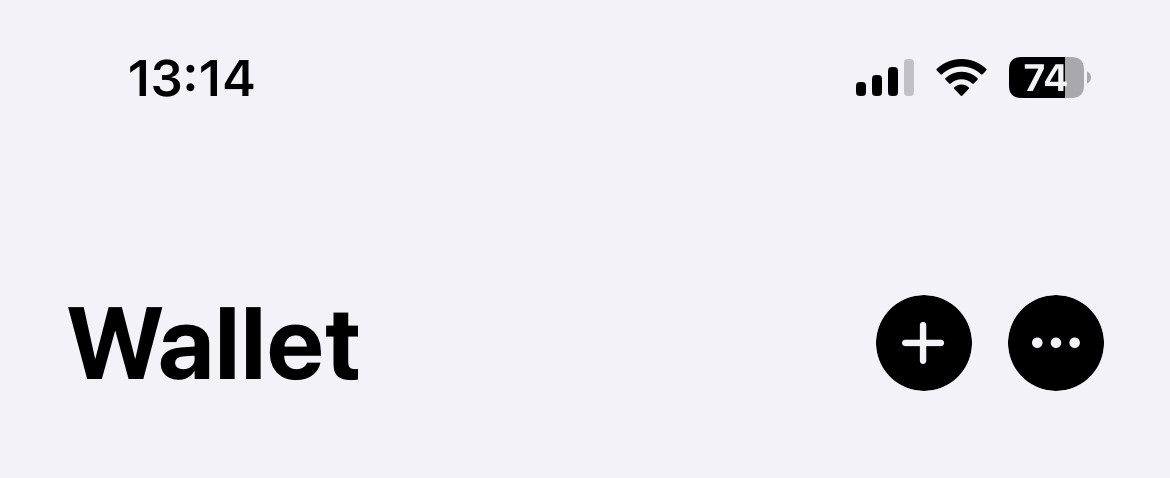
Open your Wallet app and tap the + icon.
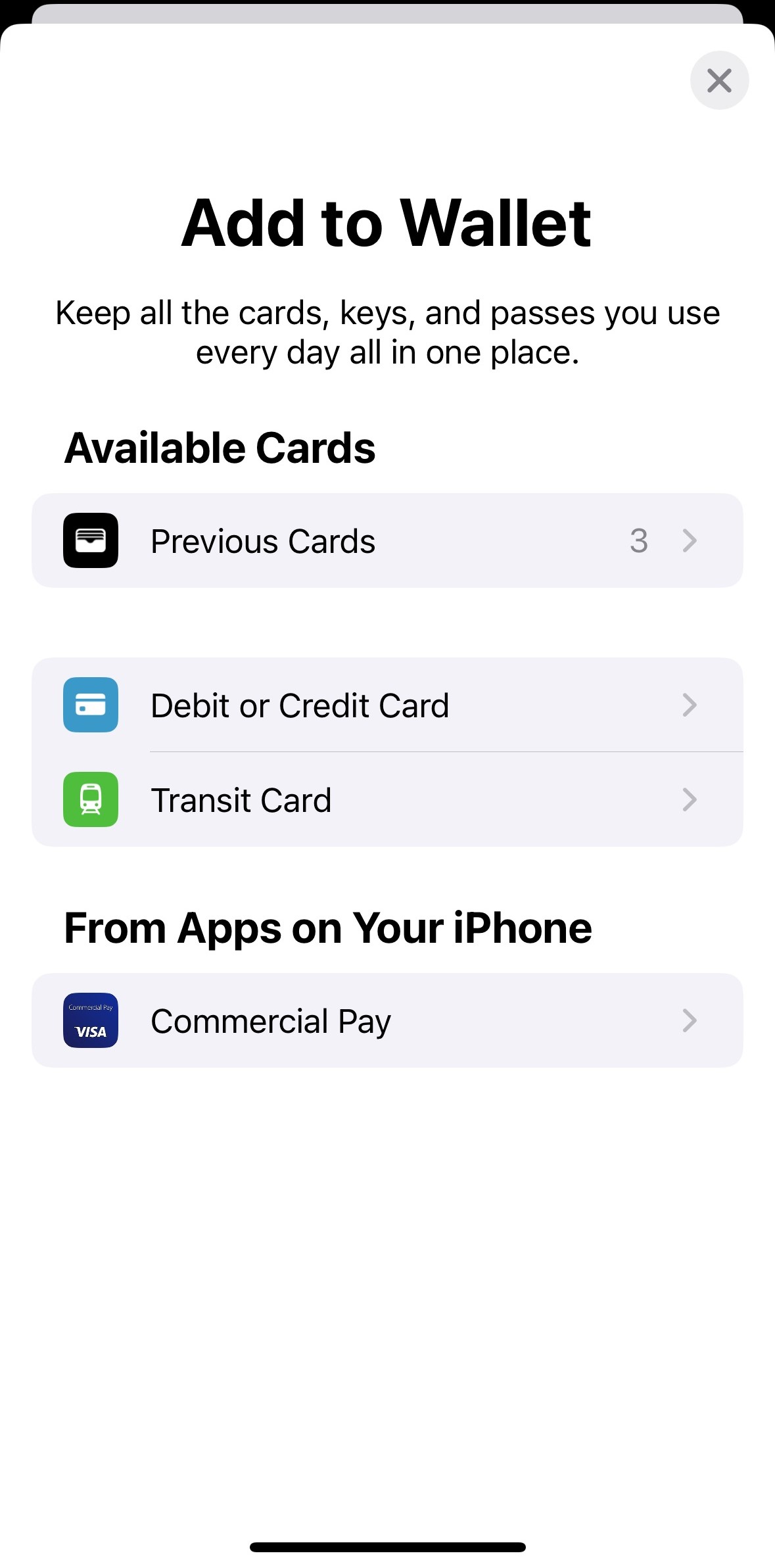
Under the section labelled From Apps on your iPhone select Commercial Pay.
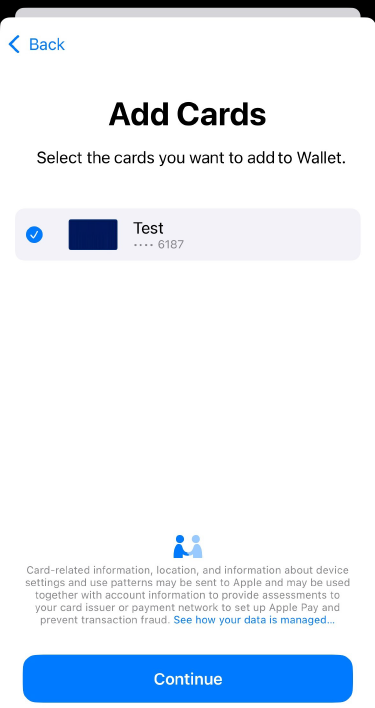
Select the card that you want to add to your digital wallet and tap Continue.
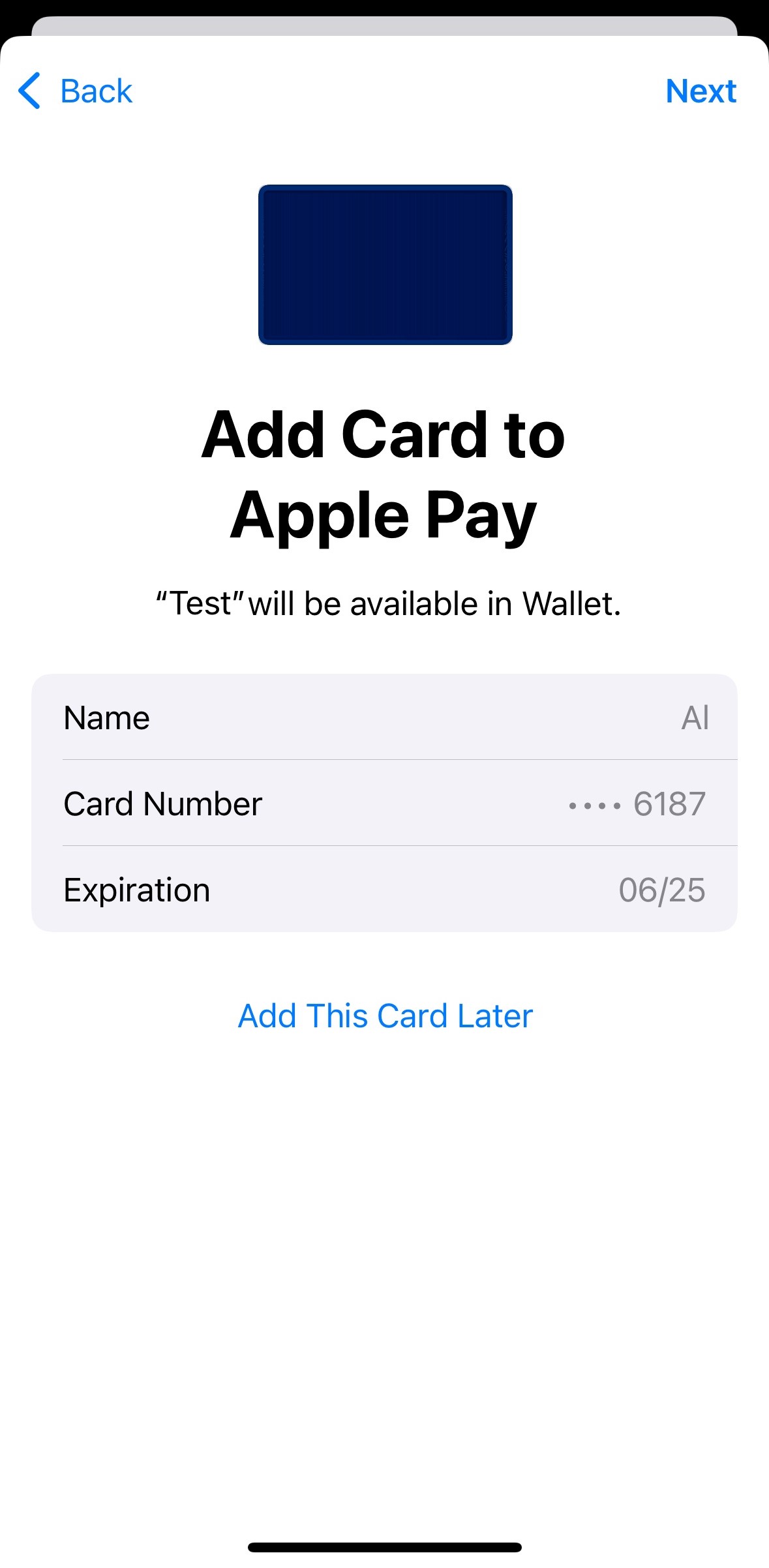
Tap Next to confirm and add the card to your digital wallet.
Note
User Roles Affected: App Users
Availability: Default functionality for iOS only.
Card Creation Restriction (Budget Reached)
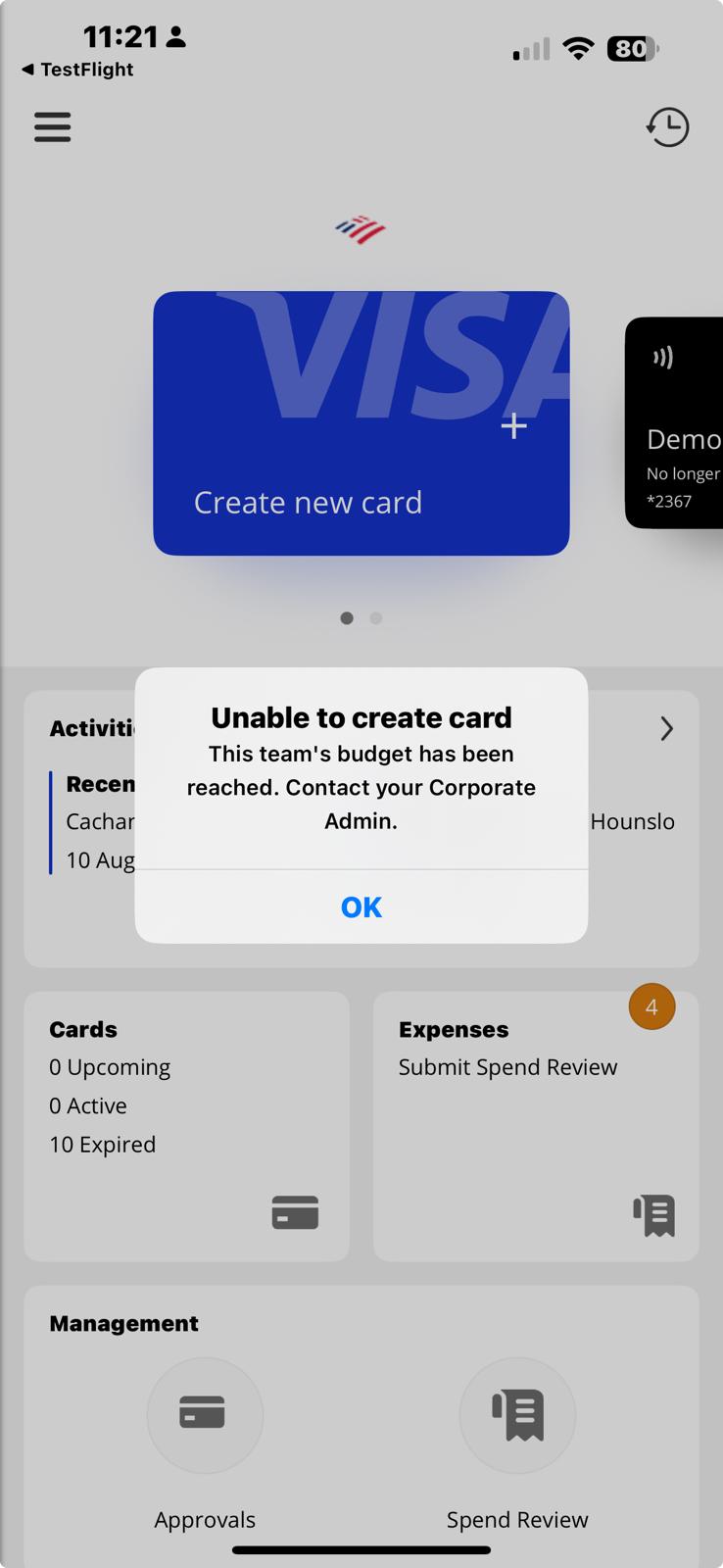
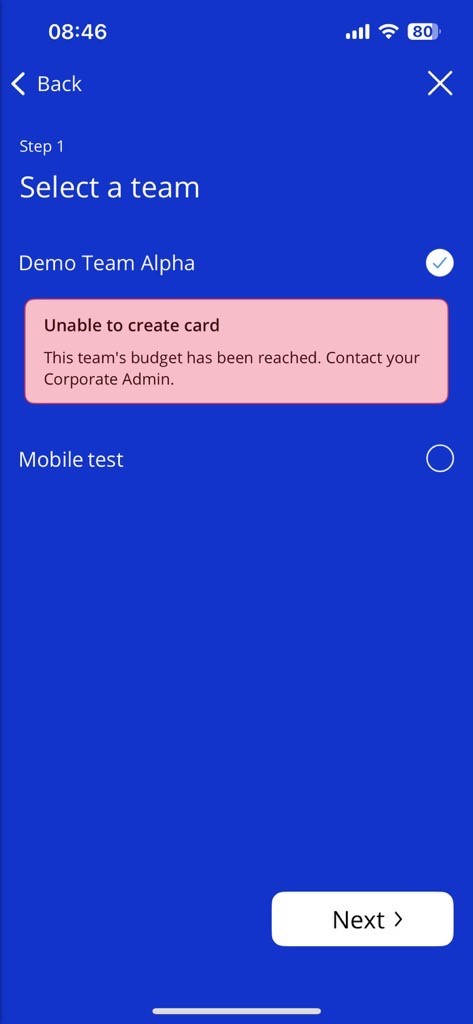
We have added a restriction earlier in the card creation workflow when a user attempts to create a card as part of a team where the team budget has been reached. If Block deployments when budget is hit is toggled on, users will be prevented from creating cards under the following two circumstances:
If the user is linked to only one team and the team budget has been reached, they will be prevented from continuing after tapping Create new card.
If the user is linked to multiple teams, they will be prevented from continuing if a team has been selected where the team budget has been reached.
Note
The team will be restricted from creating cards until one of the following criteria is met:
The current budget ends and a new budget begins.
The Corporate Administrator increases the budget amount in Visa Commercial Pay Control.
Receipt Storage (Removed from v5.11)
We are adding the Receipt Storage section in a future release. The ability to share files from your device has been added.
Share From Device
We have added the option for documents to be added to the app via your device's share option. The option to send a document to the app will appear alongside other share options available on your device.
To add a receipt from a third party app on your device (e.g. Photos, Files):
Tap the option to share a file or image.
Select the Visa Commercial Pay App and tap Save in receipt storage.
Once uploaded, the file can be found in the inbox of the Expenses section in the Visa Commercial Pay App.
Performance and User Interface Improvements
We have made improvements to the overall performance of the app by reducing loading times for accessing virtual cards and viewing deployment data. We have also made the user interface more consistent and user friendly throughout the app.
Notable Bug Fixes
We have fixed an issue where having over five active cards causes longer loading times.
We have fixed an issue where iconography is inconsistent in some sections of the app.
We have fixed an issue where the wrong username is shown on push notifications. For example, when a card is approved, the Deployers username is shown rather than the Approvers username.
We have fixed an issue where Approvers are unable to approve cards in the app that have been created in Visa Commercial Pay Online.
We have fixed an issue where the incorrect category is attached to transactions.
We have fixed an issue that causes updating the category of pending transactions to fail.
(Android) We have fixed an issue where when expired, some cards would be given an availability duration of -1 day.
(Android) We have fixed various user interface issues identified on the activity screen.
(Android) We have fixed an issue where after reviewing a transaction user's are redirected to the wrong screen.
(Android) We have fixed a graphical error that is occurring on the Reporting screen.
(Android) We have fixed an issue where users are unable to enter a value into custom data fields that require a validation lookup.
(Android) We have fixed an issue with the Italian translation of the app which causes card numbers to be truncated on the virtual card.
(Android) We have fixed a crash that occurs when selecting a pending transaction.