Action History in Online
Each card deployment has an action history that details all actions performed on the card deployment in Visa Commercial Pay Online since it was created. This includes the date, time, username, and action performed.
To view the action history:
Click More.
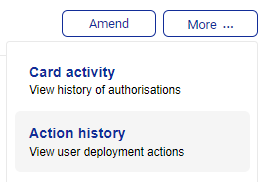
Click Action history.
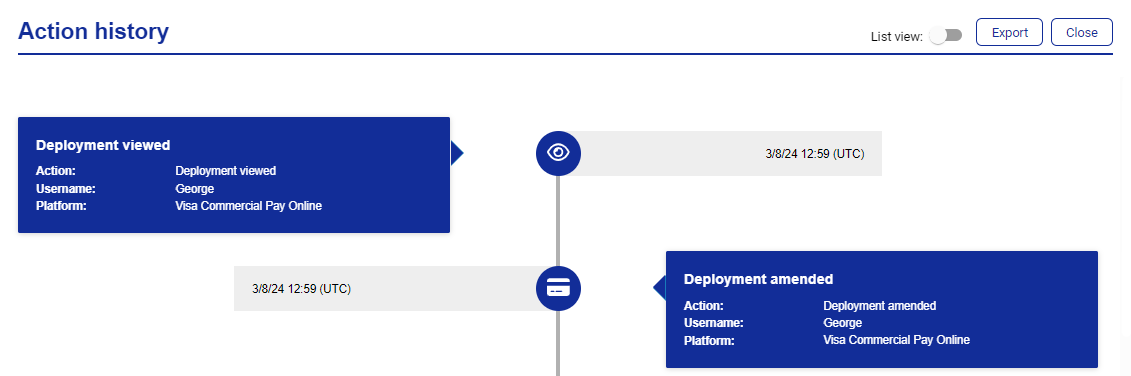
Toggle List view on to view the information in a list format.
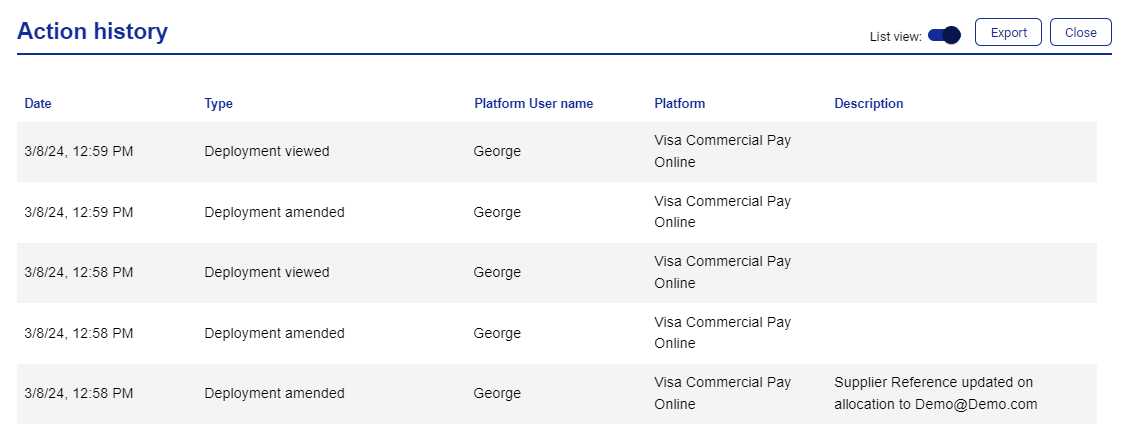
Click Export to download a CSV file containing the action history.