Suspending and Terminating Digital Wallet Tokens
Corporate Administrators can suspend or cancel digital wallet tokens in Visa Commercial Pay Control.
Select an active Digital Wallet card.

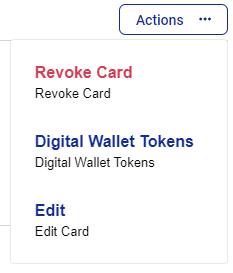
Click Actions.
From the dropdown, click Digital Wallet Tokens.
Under the Actions column, click Suspend or Terminate to suspend or terminate the digital wallet token.
