Search for a Card
Corporate Administrators can search for cards using the search function in Visa Commercial Pay Control. The search results will only display cards that have been created using Visa Commercial Pay Control or the Visa Commercial Pay App. To view a broader range of deployments, search using Visa Commercial Pay Online or Visa Commercial Pay Reporting.
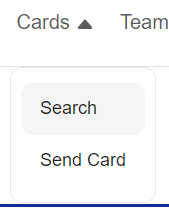
From the Visa Commercial Pay Control dashboard, click Cards and then from the dropdown click Search.
Complete at least one of the following:
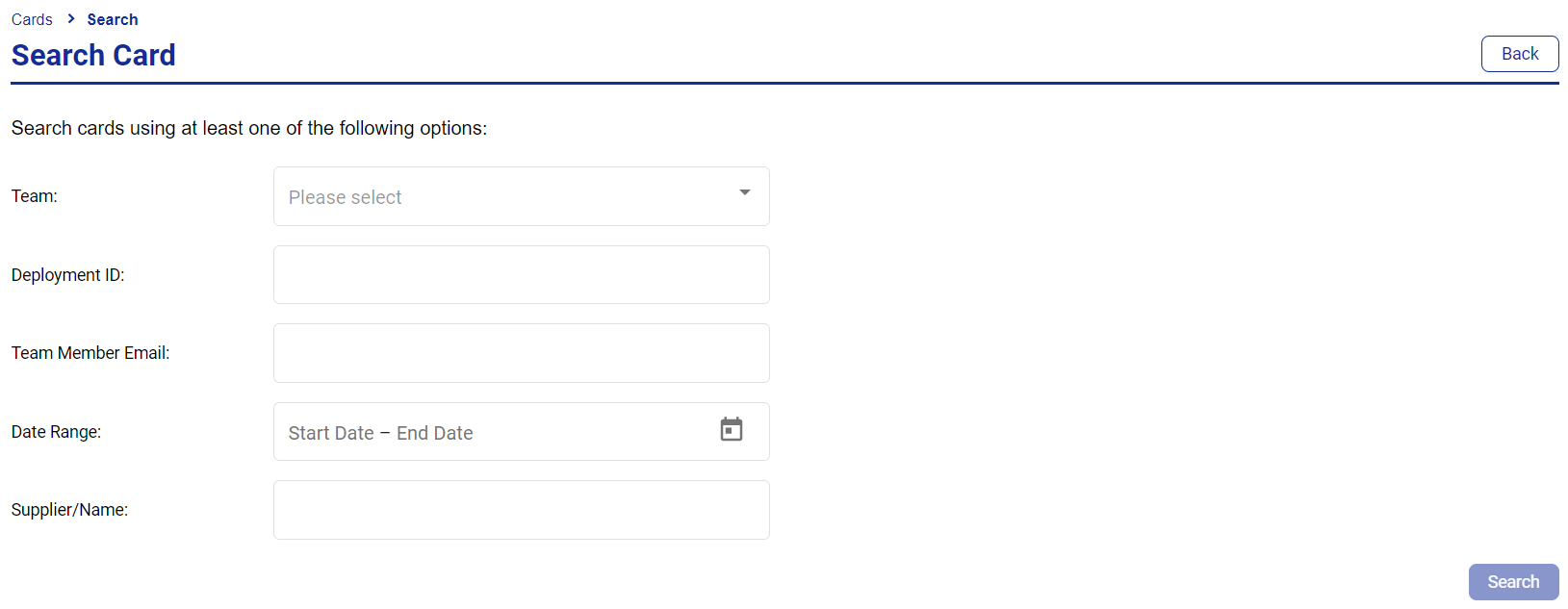
Team—a dropdown of Teams
Deployment ID—a numerical Deployment ID unique to each card created
Team Member Email—the email address (or partial email address) of a Team Member
Date Range—the creation date of the card
Supplier/Name—the supplier name
Click Search.
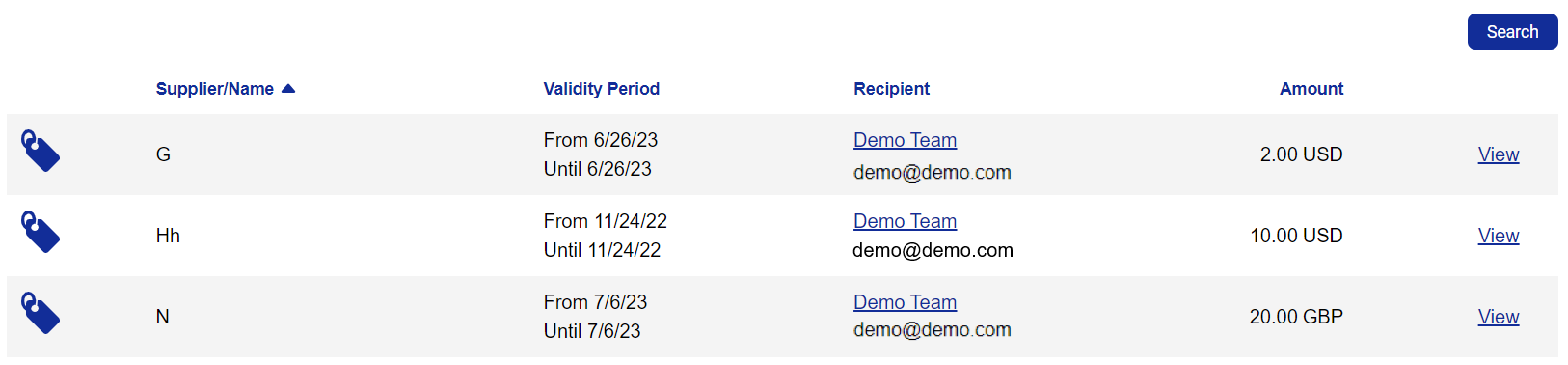
Your search results will appear below the search form.
Note
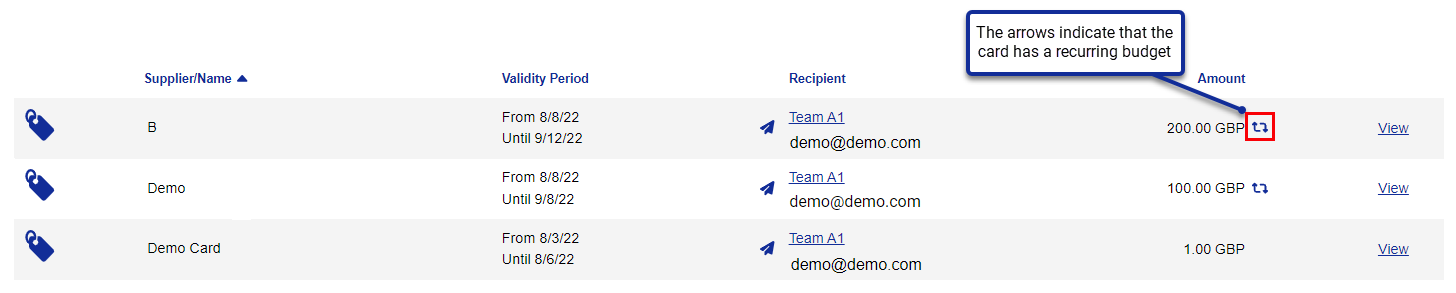
Recurring budget cards are clearly indicated, as highlighted below.
 |