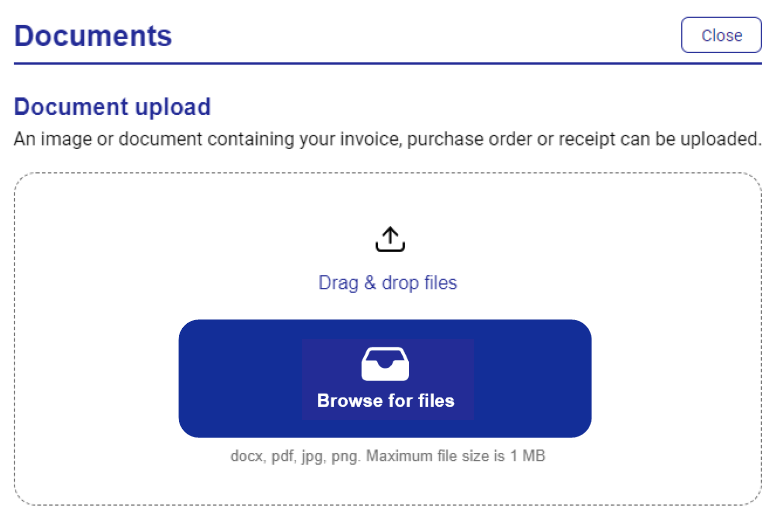
Uploading Documents in Online
Documents can be uploaded and attached to the card deployment, these may include confirmation of the order, supplier invoice etc,. The maximum file capacity for each deployment is 5 MB and can only be uploaded in the following formats: TXT, JPG, JPEG, PNG, XML, CSV, XLS, XLSX, DOC, DOCX, GIF, PDF, TIF, RTF.
When a document is added, it can also be viewed in Visa Commercial Pay Reporting and vice versa. Both products are linked for this feature.
Open the deployment that you want to upload a document to.
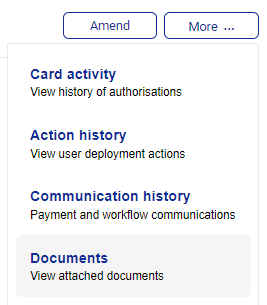
Click More and then click Documents.
Click Choose files to locate the document, and then click Upload file.