Mobile Application v5.10 Release Notes
Mobile Application v5.10 introduces enhancements to Post Spend Review functionality and bug fixes.
Post Spend Review Enhancements
We have improved Post Spend Review functionality by allowing Reviewers to reject a post spend review submission. Reviewers are also able to add a note to explain why the submission has been rejected. This allows Reviewers to easily communicate to their team via the Visa Commercial Pay App so they can quickly review the note and correct the error.
To add a rejection note:
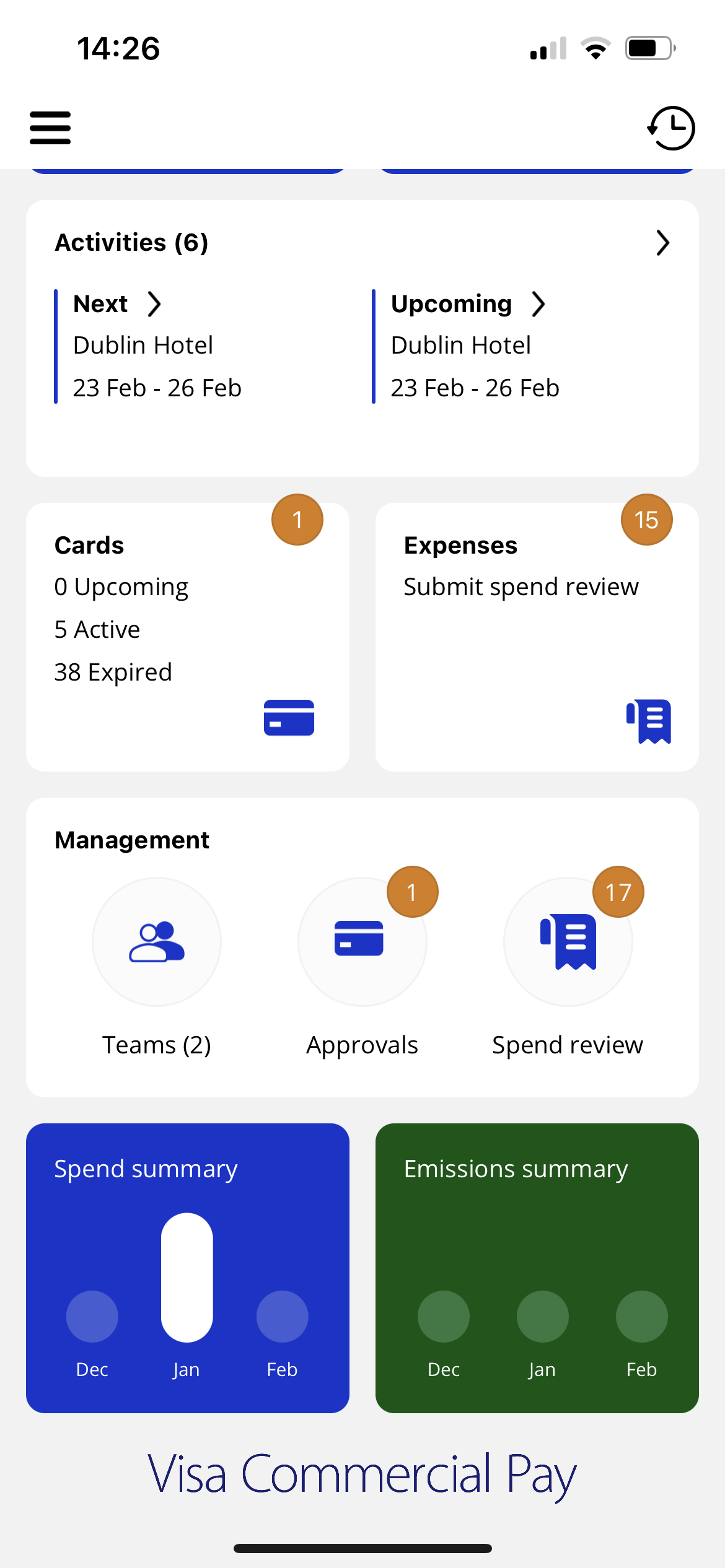
From the Home screen, tap Spend review from the management tile.
From the Post Spend Review tab, tap a card that has payments pending review.
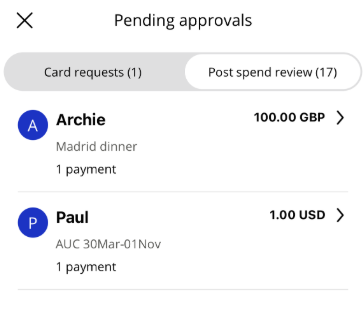
From the list of transactions, tap a transaction to see the information that the user has added.
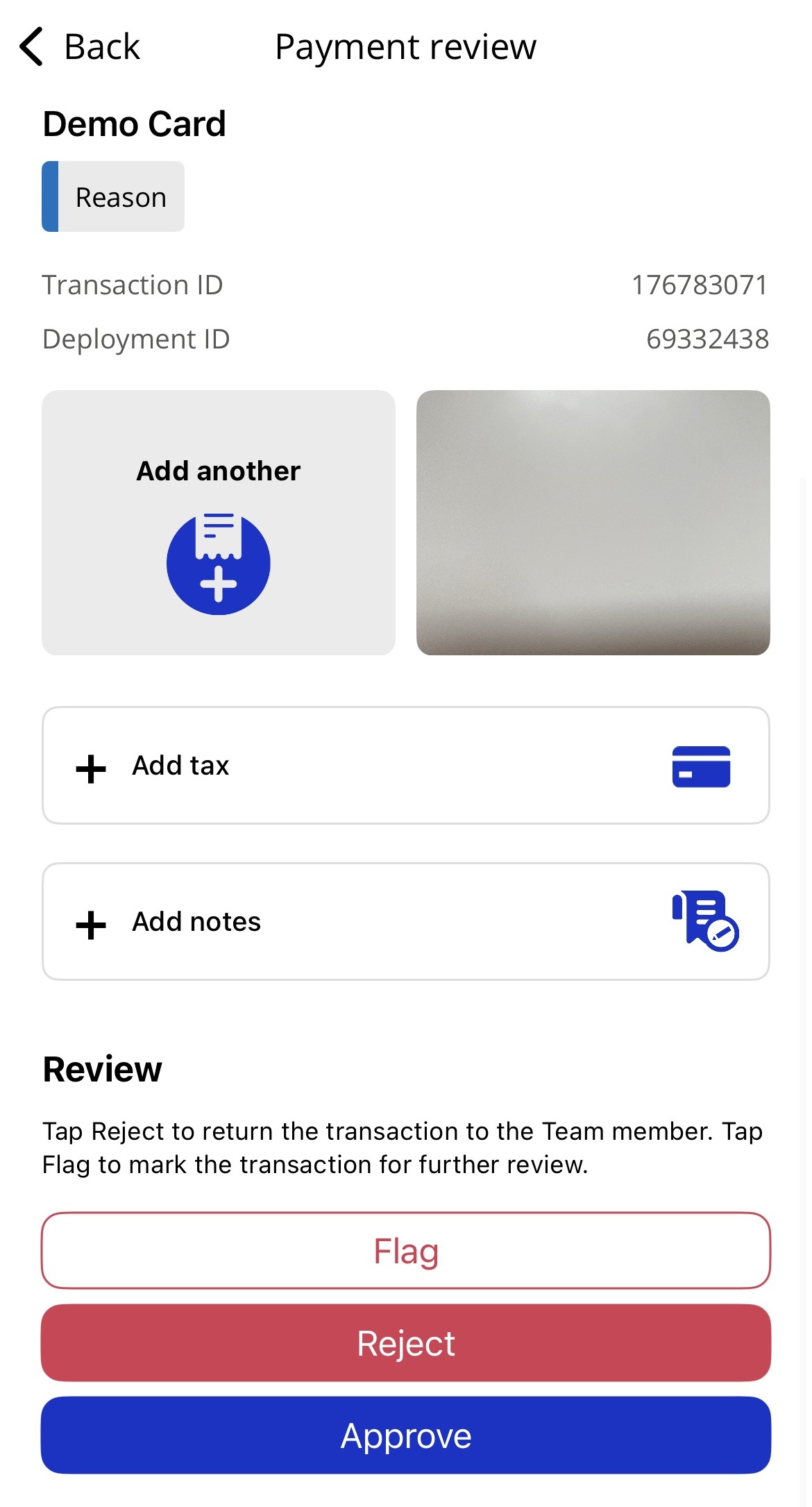
Click Reject.
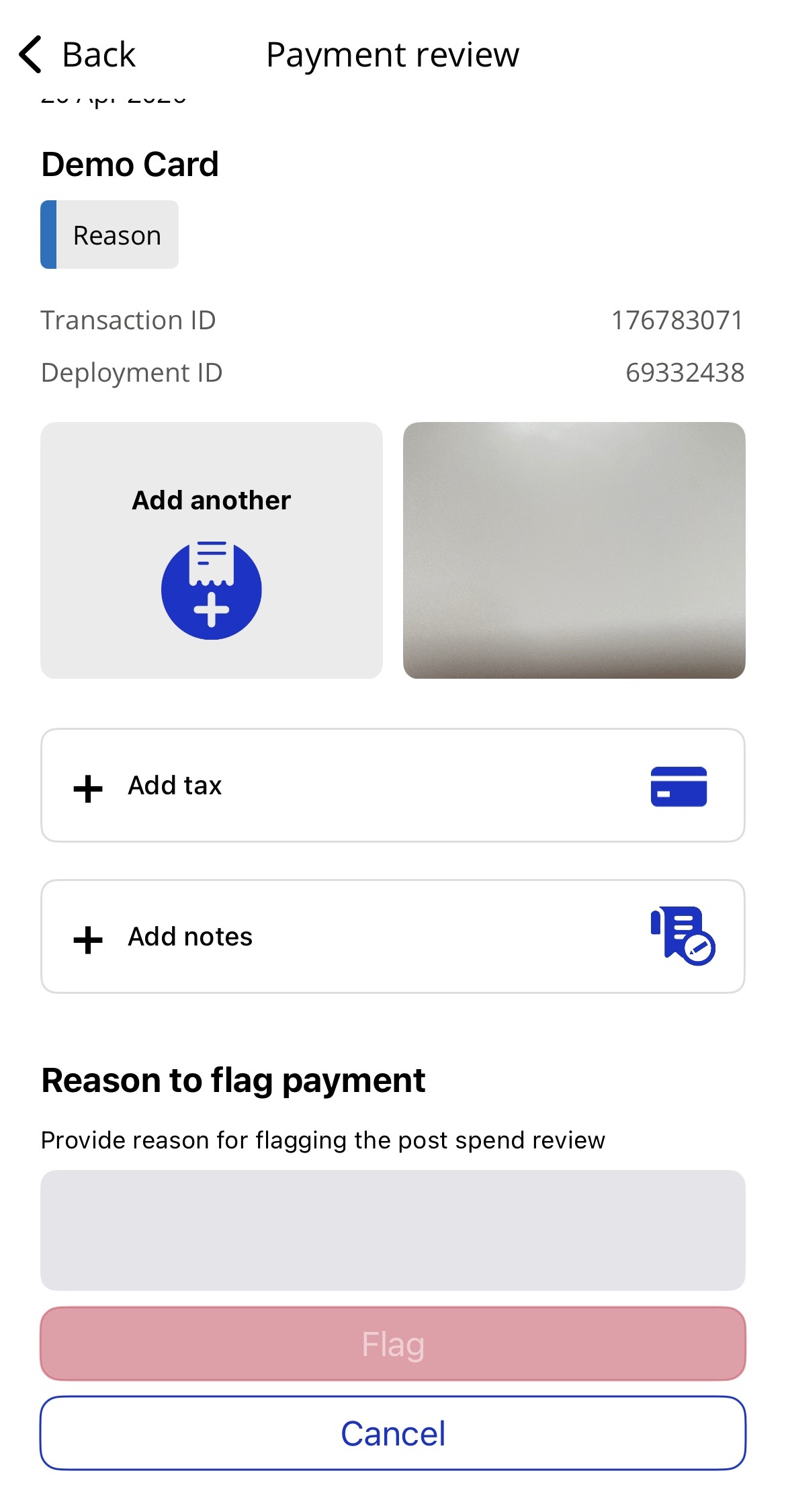
Enter the message that you want your Team Member to receive and click Reject.
The user will receive a push notification, if notifications are switched on, informing them they're submission has been rejected.
If a Post Spend Review submission has been rejected, the relevant App User will receive a push notification, if notifications are switched on. The App User can then log in to the Visa Commercial Pay App to amend and resubmit their submission. Post Spend Review submission status will also be shown in the User History.
We have introduced the option for Visa Commercial Pay App users to submit their Post Spend Review for pending transactions. The submission will not be sent for review until the transaction is settled. A Post Spend Review must be resubmitted if the settled amount does not match the pending amount.
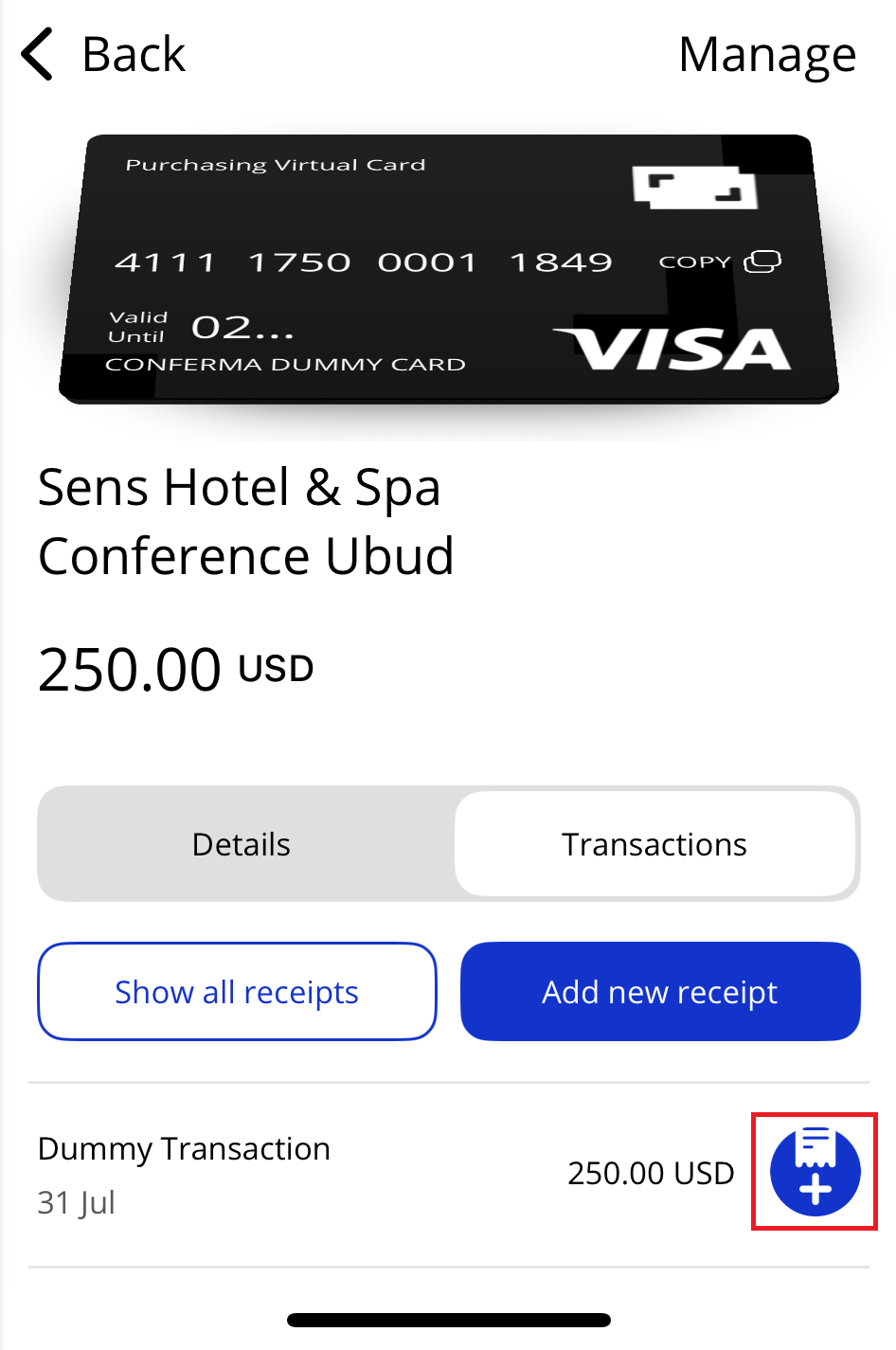
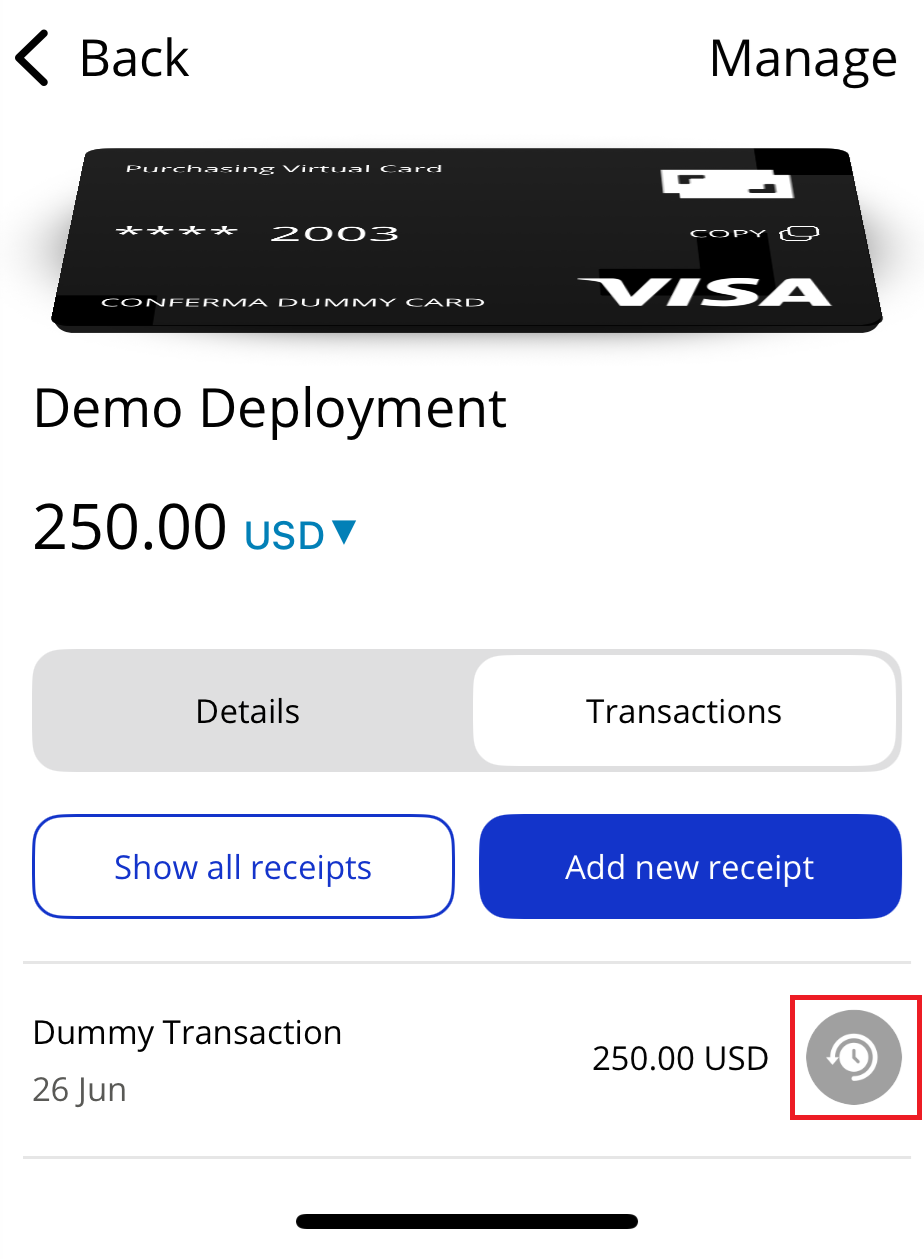
We have added a status icon which will allow Visa Commercial Pay App users to see the status of a Post Spend Review submission on each transaction.
Add receipt and submit
Pending review
Note
User Roles Affected: All App Users.
Availability: Post Spend Review is enabled per Team within Visa Commercial Pay Control.
Notable Bug Fixes
We have fixed an error in Android where the Available Balance dropdown cannot be selected.
We have fixed an error in Android where hotel cards show as minus (X) days instead of being marked as expired.
We have fixed an error in Android where PDF receipts do not have a thumbnail preview.
We have fixed an error in Android where the Approval Band is not shown when editing a team member.
We have fixed an issue where the Check-In Assistant still shows when the check-in date has been changed beyond 24 hours.
We have fixed an error that prevents users from changing custom data fields if the options are selected from a dropdown list.