Communications Hub
The communications hub displays the full audit history for each deployment and can be used to confirm both the method and status of the communication to the supplier.
Access Communications Hub
Click Communications hub from the top menu to view the most recently sent communications for all deployments.
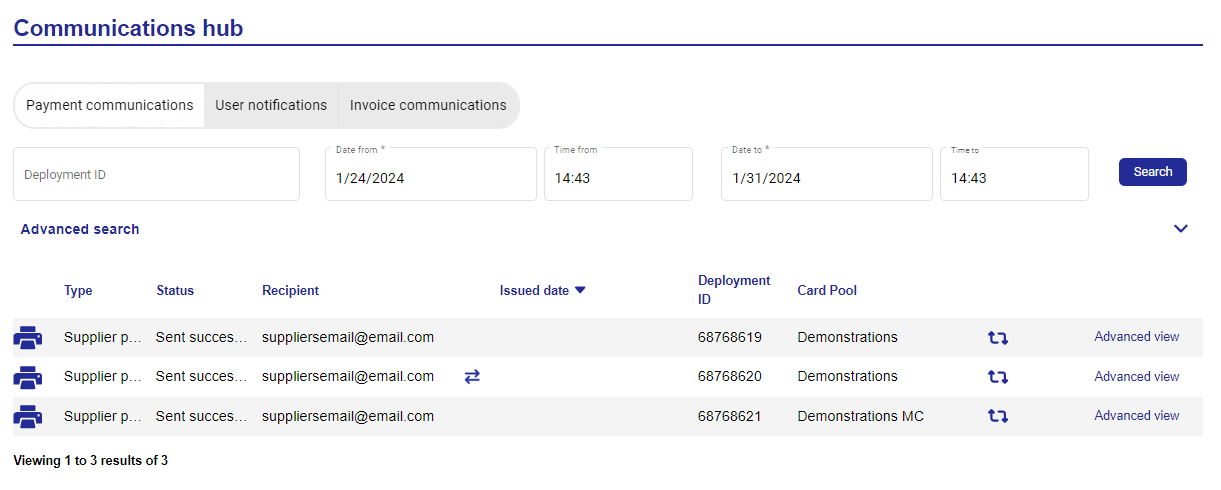 |
To view the communications for a specific deployment, enter the deployment ID - the date fields will then be made unavailable as they are no longer applicable to the search. The screen will display the high-level communication details for that deployment.
 |
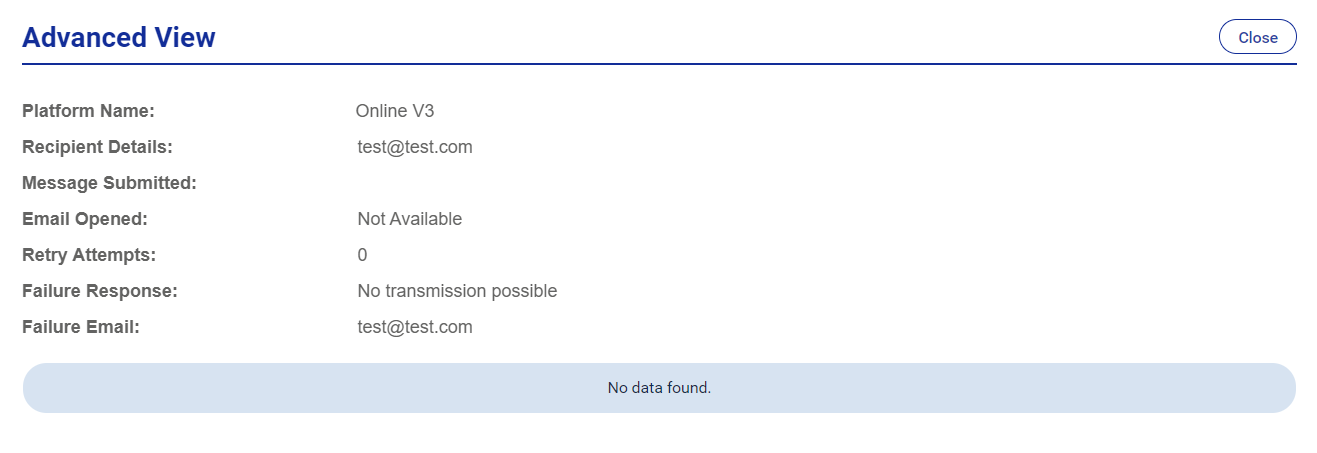
Use the advanced view to display more details regarding the communication, including dates/times, transmission format, original recipient and the status of each communication. The  icon indicates that a communication has been overridden.
 |
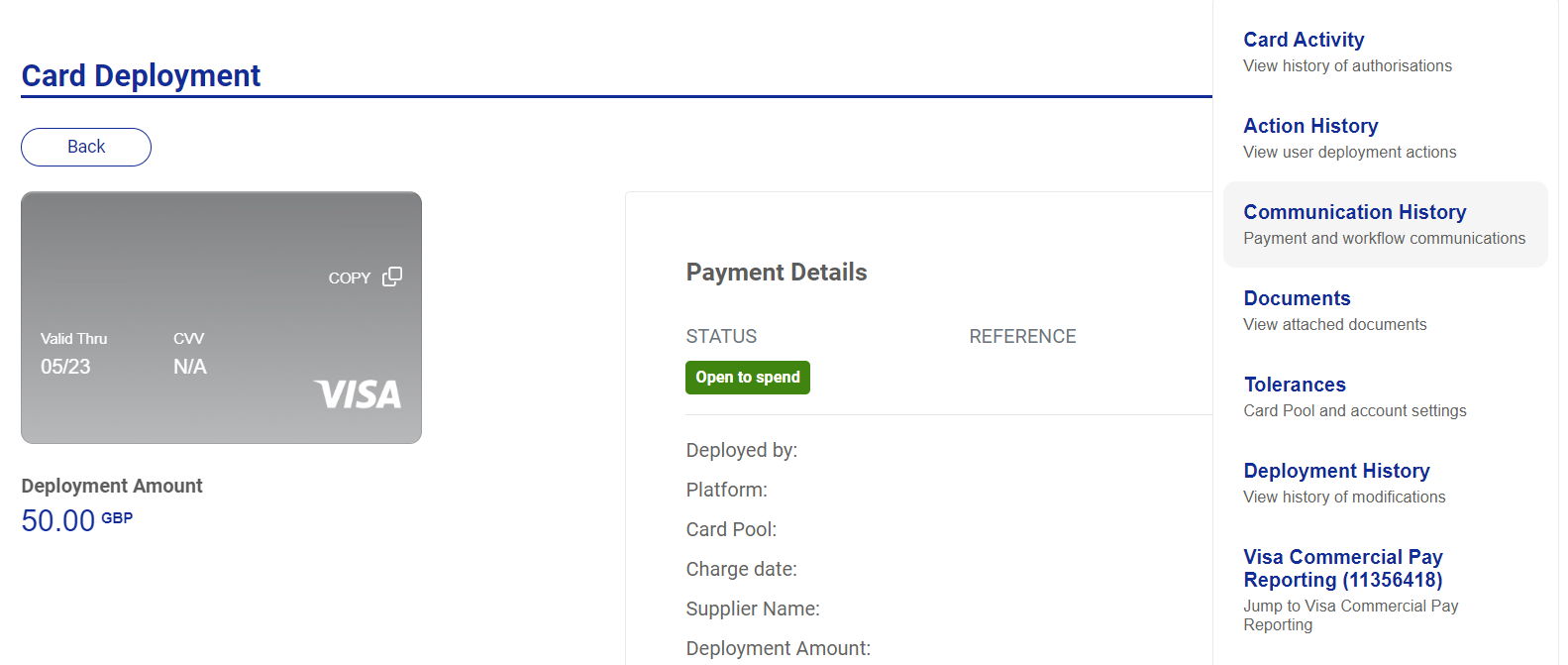
You can select Communication history from the More dropdown box on the Card deployment page. This will take you to the Communication Hub and will show all communications data for that deployment. Click Back to go back to Card deployment.
 |
Failed Communications
If the status field displays a status of 'failed', then a failure notification is emailed to the central email address configured during implementation. The user will need to obtain the correct fax number/email address and enter this into the payment communication section of the deployment.