Mobile Application v5.3 Release Notes
Mobile Application v5.3 introduces the ability to nudge an approver, restrict a currency list, zoom in and out on receipts, and improvements to the Know Your Customer feature.
Nudge an Approver
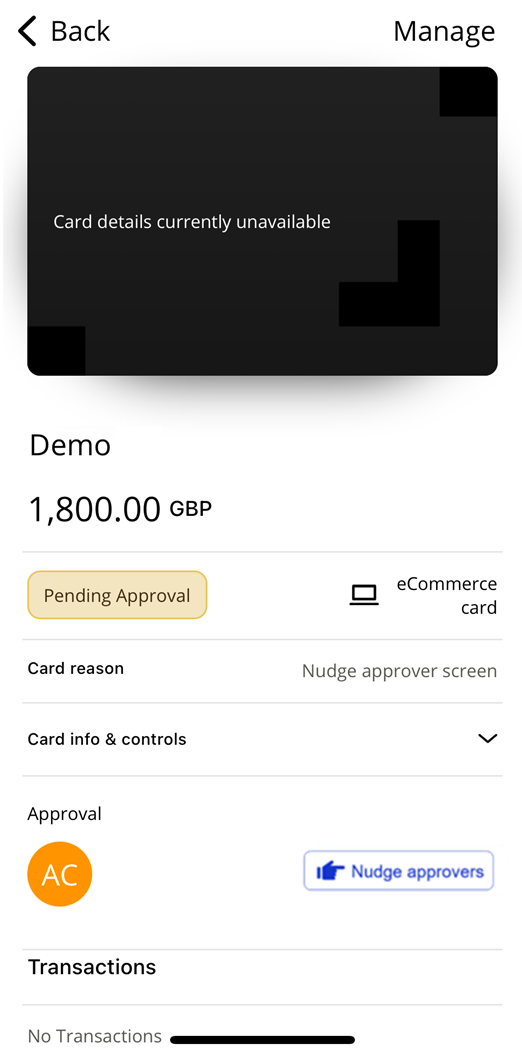
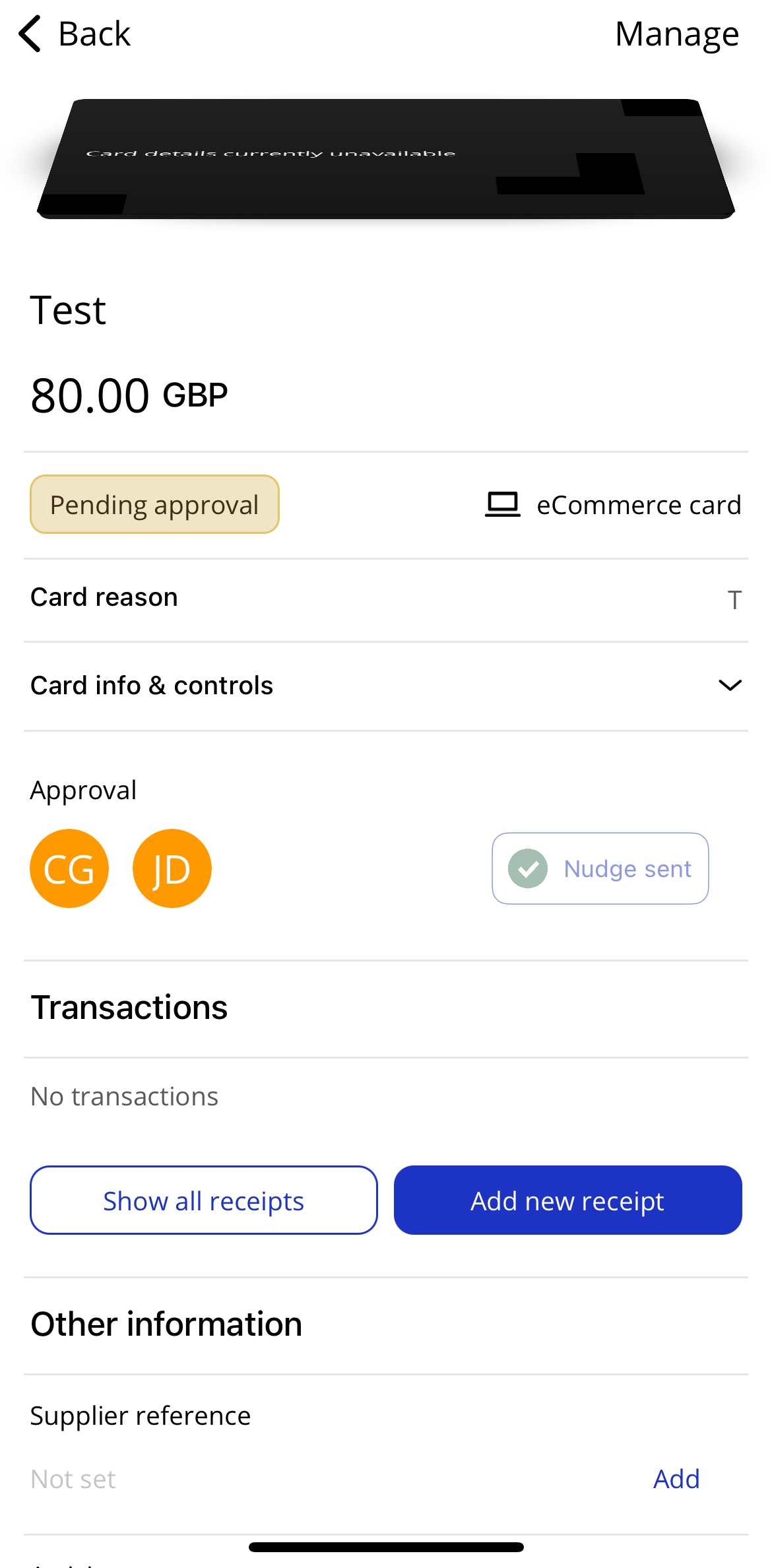
We have introduced functionality that allows users to nudge approvers when cards are pending approval. This functionality is limited to once a day per card.
Select a pending card.
Scroll down to the Approval section of the card details.
Tap Nudge approvers.
The approvers will receive a push notification prompting them to launch the Visa Commercial Pay App to approve the card.
 |
 |
Know Your Customer (KYC) Improvements
We have improved our KYC feature within the app so that new and existing issuers will have more flexibility to choose specific fields when requesting identity verification.
Note
This feature is only available when enabled for your issuer.
Restrict Currency List
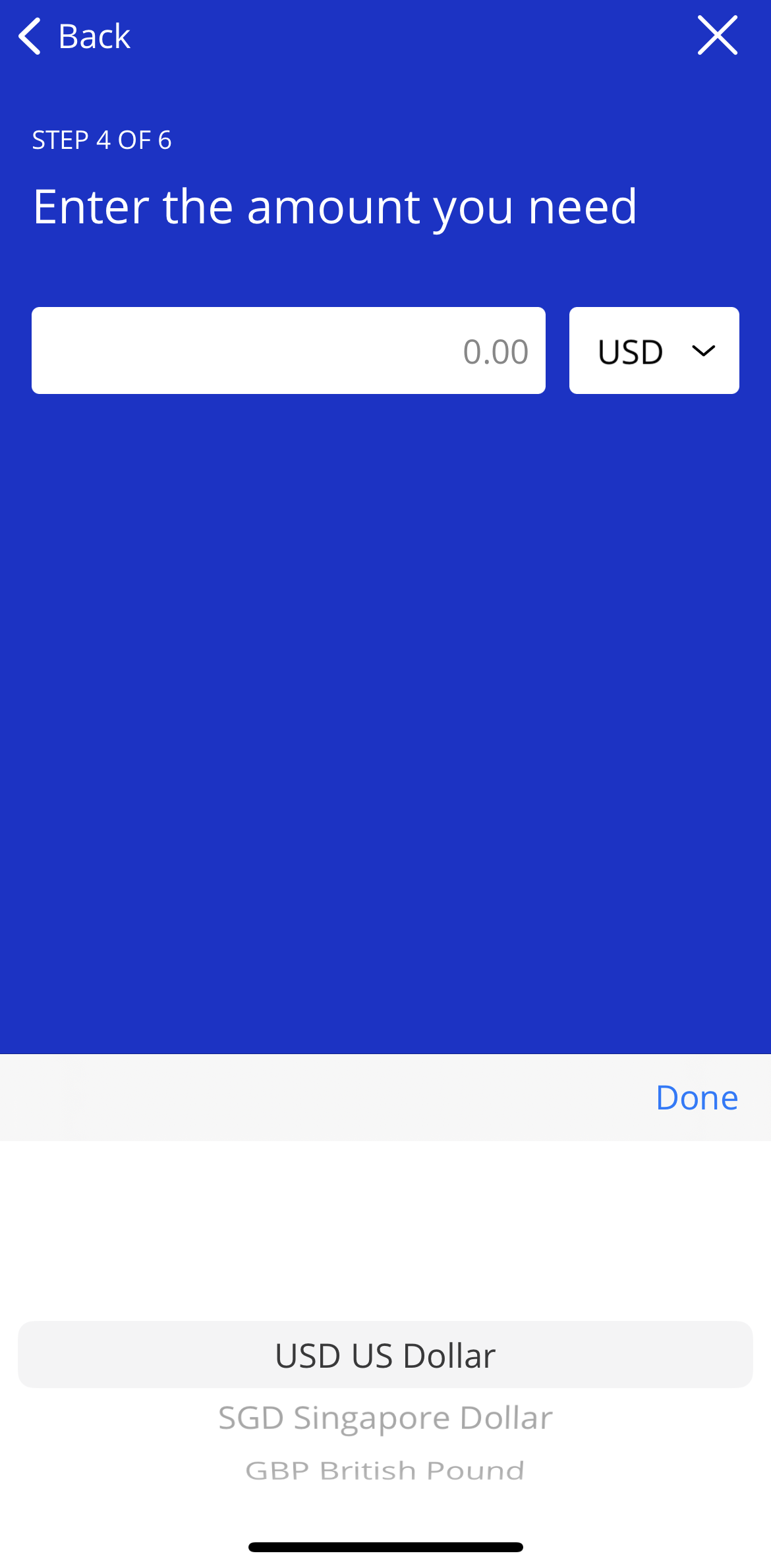
Previously when creating a card in the Visa Commercial Pay App, users were required to select a currency from a list of all currencies. We have linked Visa Commercial Pay App currency lists to the Administration module of Visa Commercial Pay Online.
Currencies are configured in Visa Commercial Pay Online per Card Pool, this means a team will be shown a list of currencies to select from based on which currencies are configured against the Card Pool that is linked to their team. For example, if a Card Pool is configured to only show GBP, USD and SGD, then this is what an app user will see when creating a card.
If no currencies are set, a full list of all currencies will be shown.
 |
Mobile Receipt Zoom
Users can now zoom in and out on uploaded receipts using this new feature.
Notable Bug Fixes
We have fixed an issue with users gaining a losing access to teams, caused by using different time zones across iOS and Android. All platforms will use UTC.