Adding, Editing and Deactivating Team Members
A Team Admin can add, edit and deactivate team members from the app.
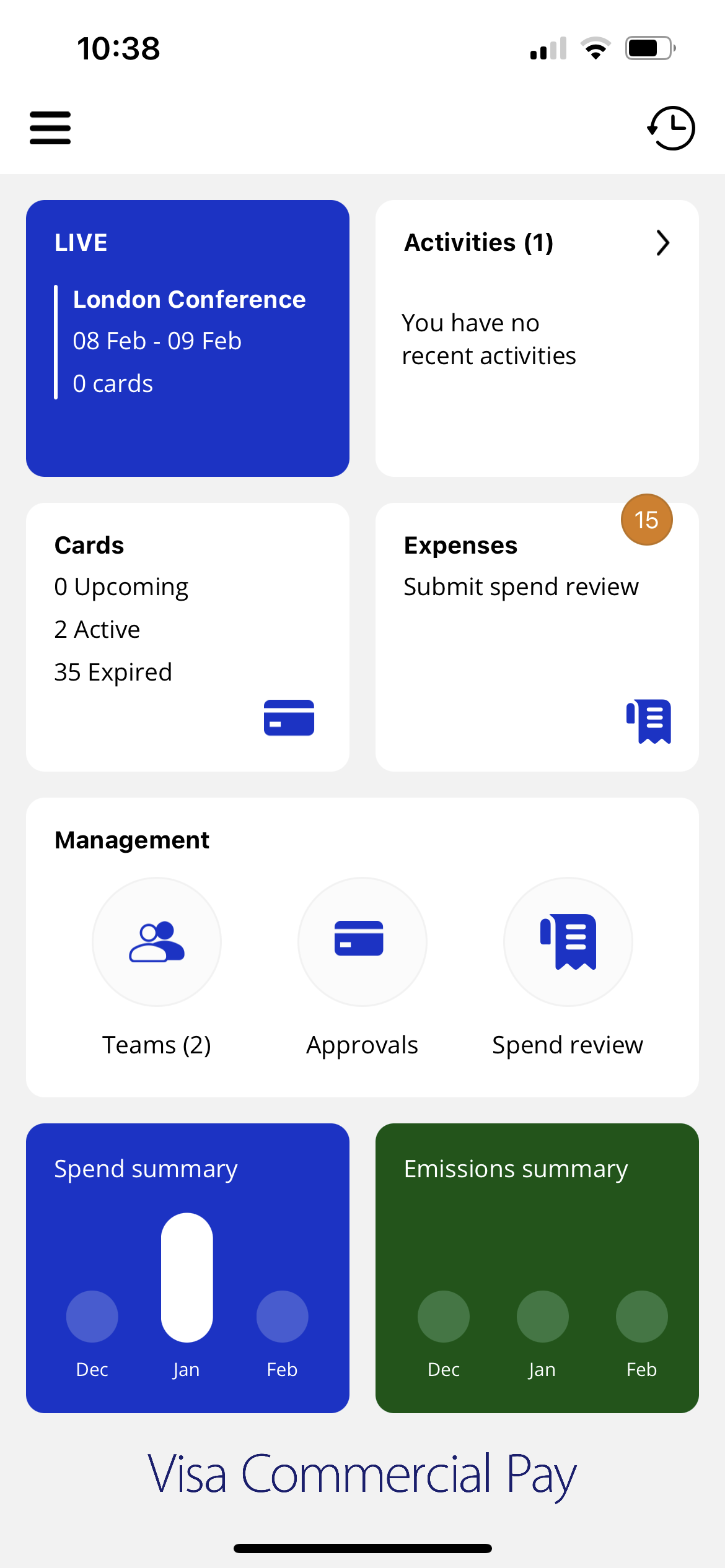
From the home screen, scroll down the page to the management section and tap Teams.
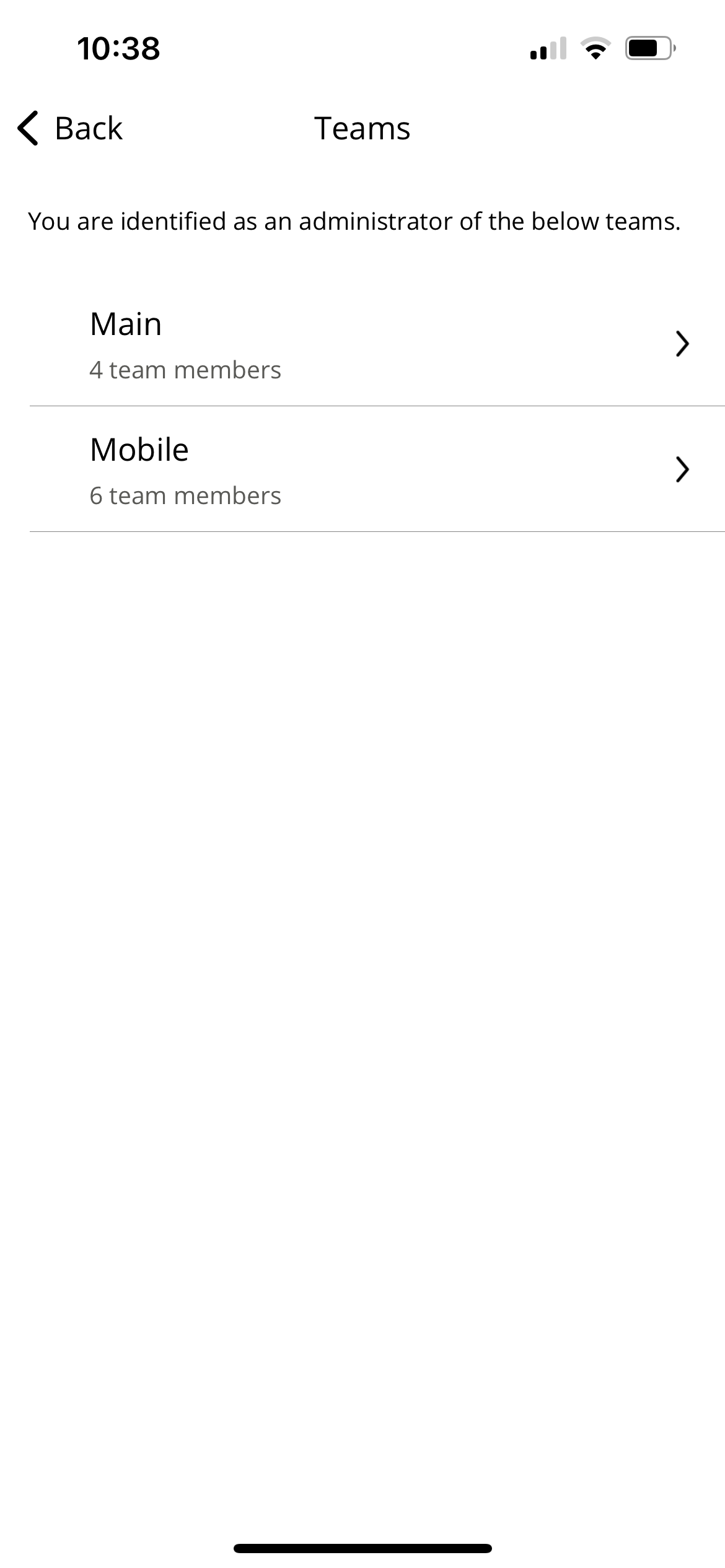
Select a team.
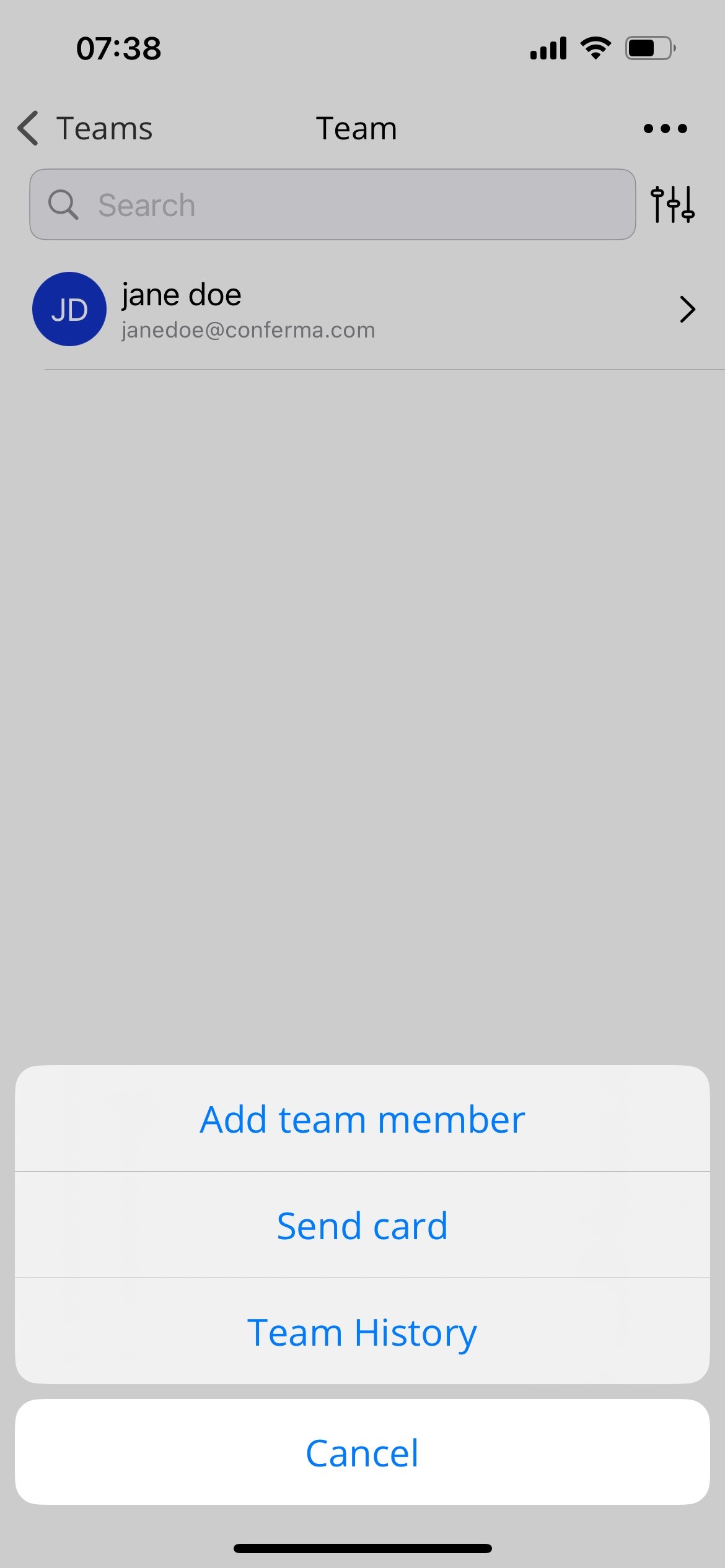
Adding a Team Member
From the top right-hand corner tap the the three dots icon, and then tap Add team member.
Enter the following details:
Email
Activation date
Deactivation date
Select an approval band.
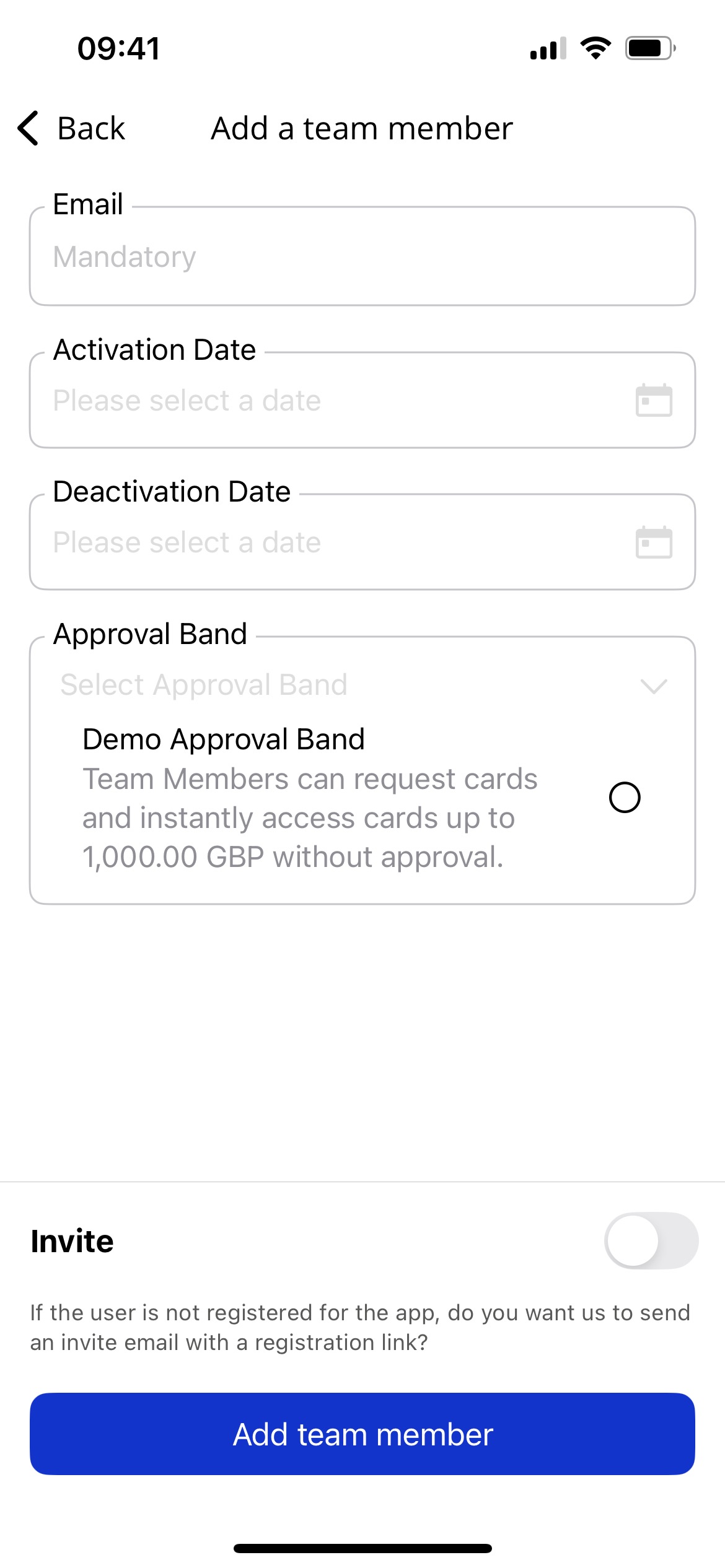
Toggle Send invite on/off to send an invite email with a registration link.
Editing and Deactivating Team Members
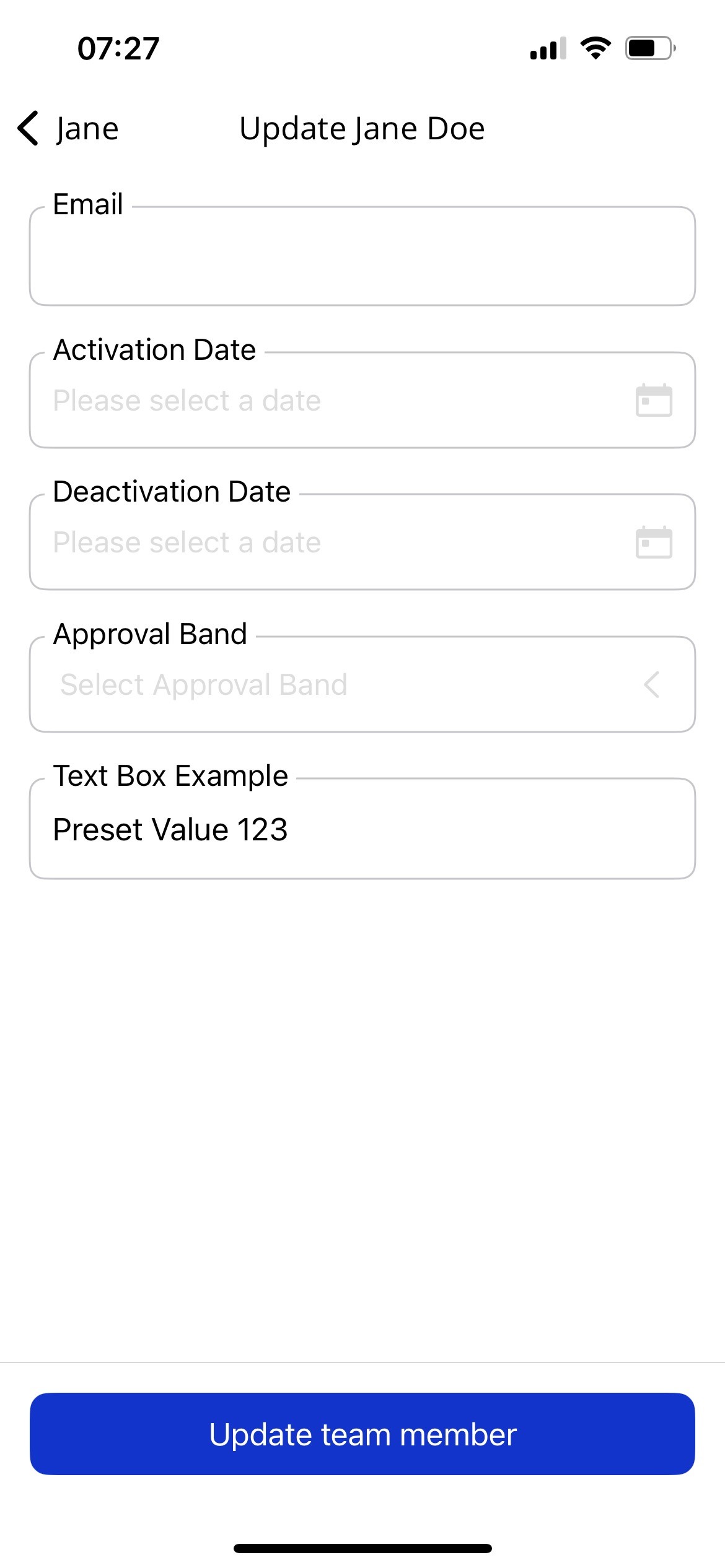
Swipe left on the Team Member you want to edit, and tap Edit. Or tap Deactivate to deactivate the Team Member.
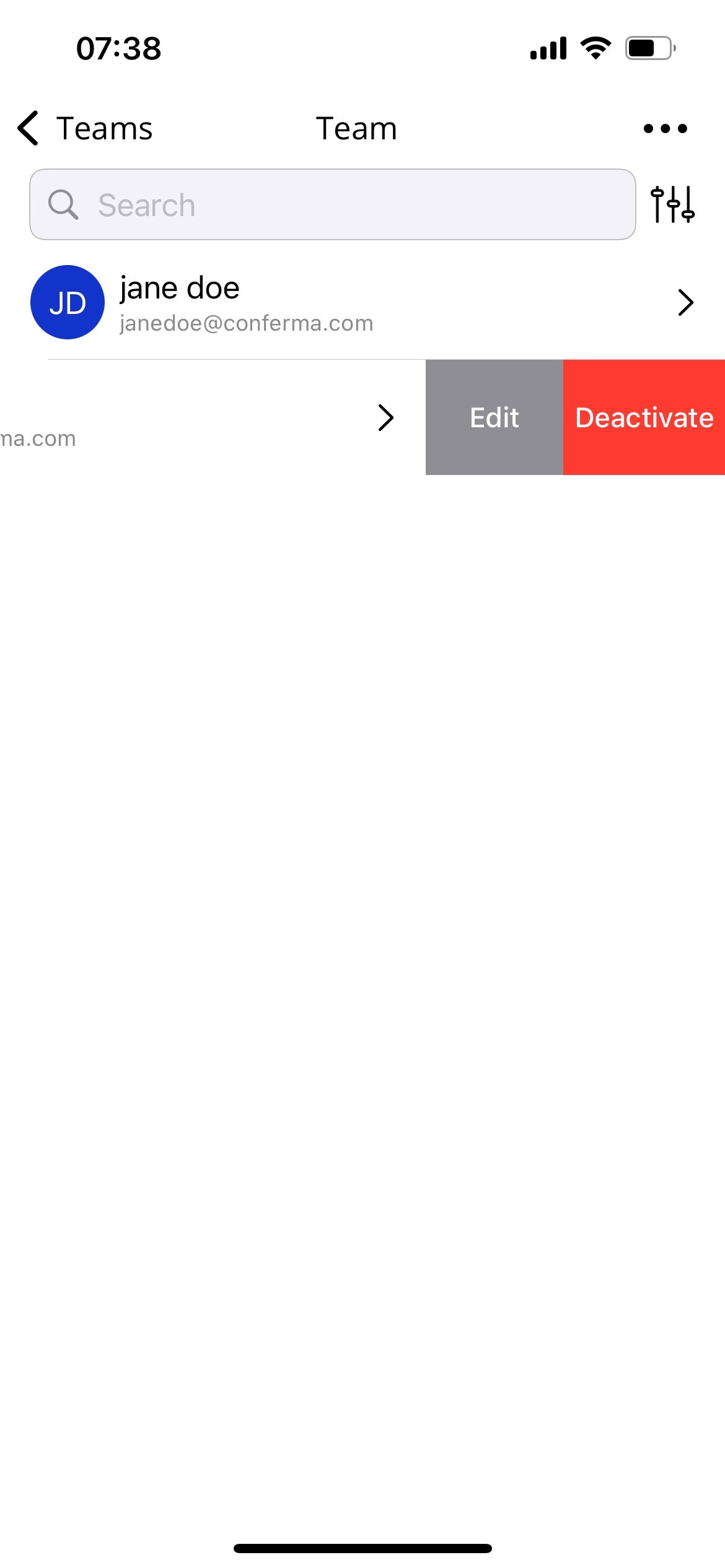
You can edit the following details:
Email
Activation date
Approval band
Once you are done, tap Update Team Member.