Bulk Downloading Documents in Online
Users can search for and download multiple documents that have been added to deployments.
To bulk download documents:
Click Documents from the navigation bar, enter your search parameters, and click Search.
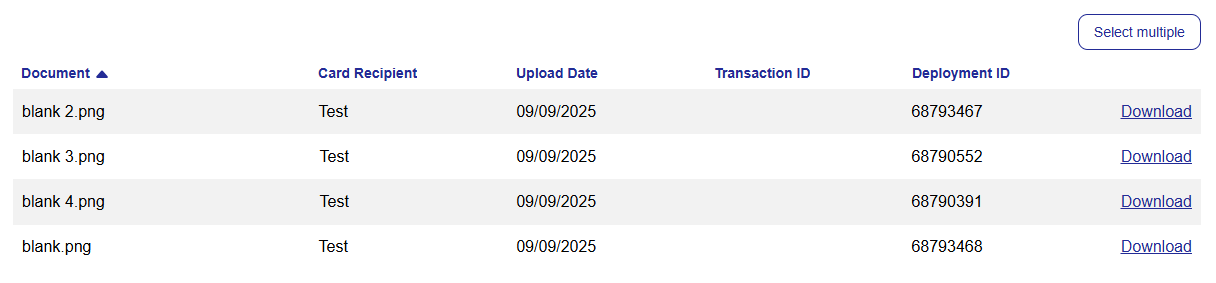
If more than one document is returned, click Select multiple.
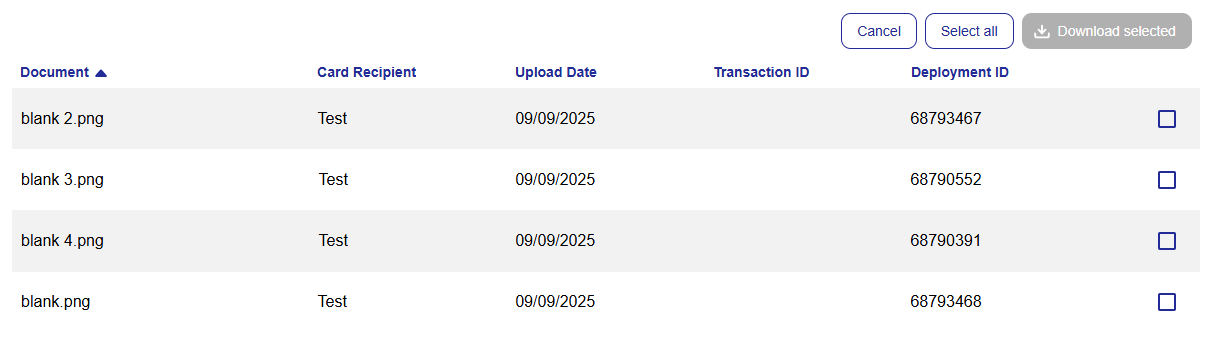
Tick the box next to each document you want to download, or click Select all.
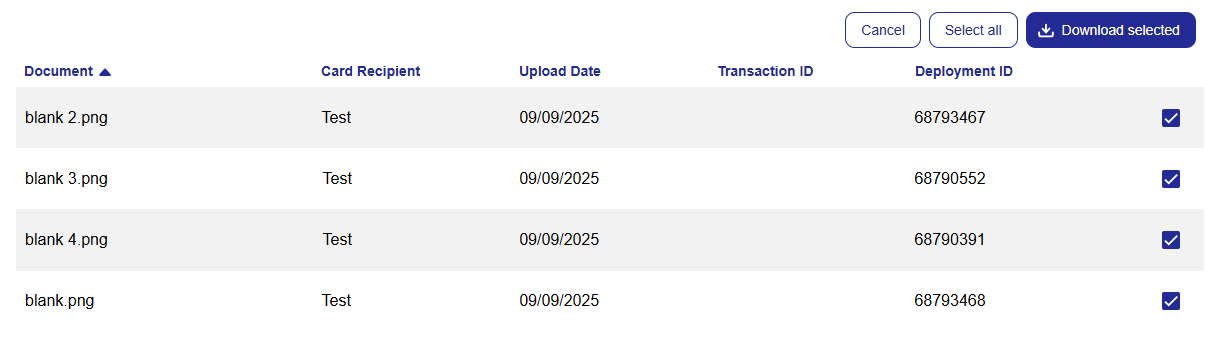
Click Download selected.
The following user roles can bulk download documents:
Customer Admin
Customer Super Admin
Card Issuer Admin
Note
This functionality is only available if your issuer uses the Visa card scheme.