Changing Security Details
To change your password or memorable word after you have logged into Visa Commercial Pay Reporting:
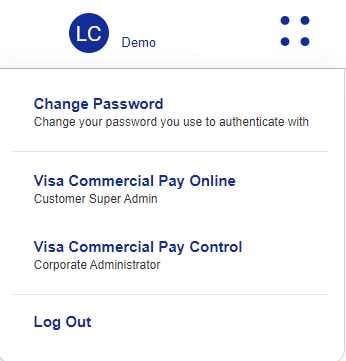
Click the account dropdown from the top of the Home page and select 'Change Password'.
Enter your Existing Password before choosing and confirming a New Password or Memorable Word.
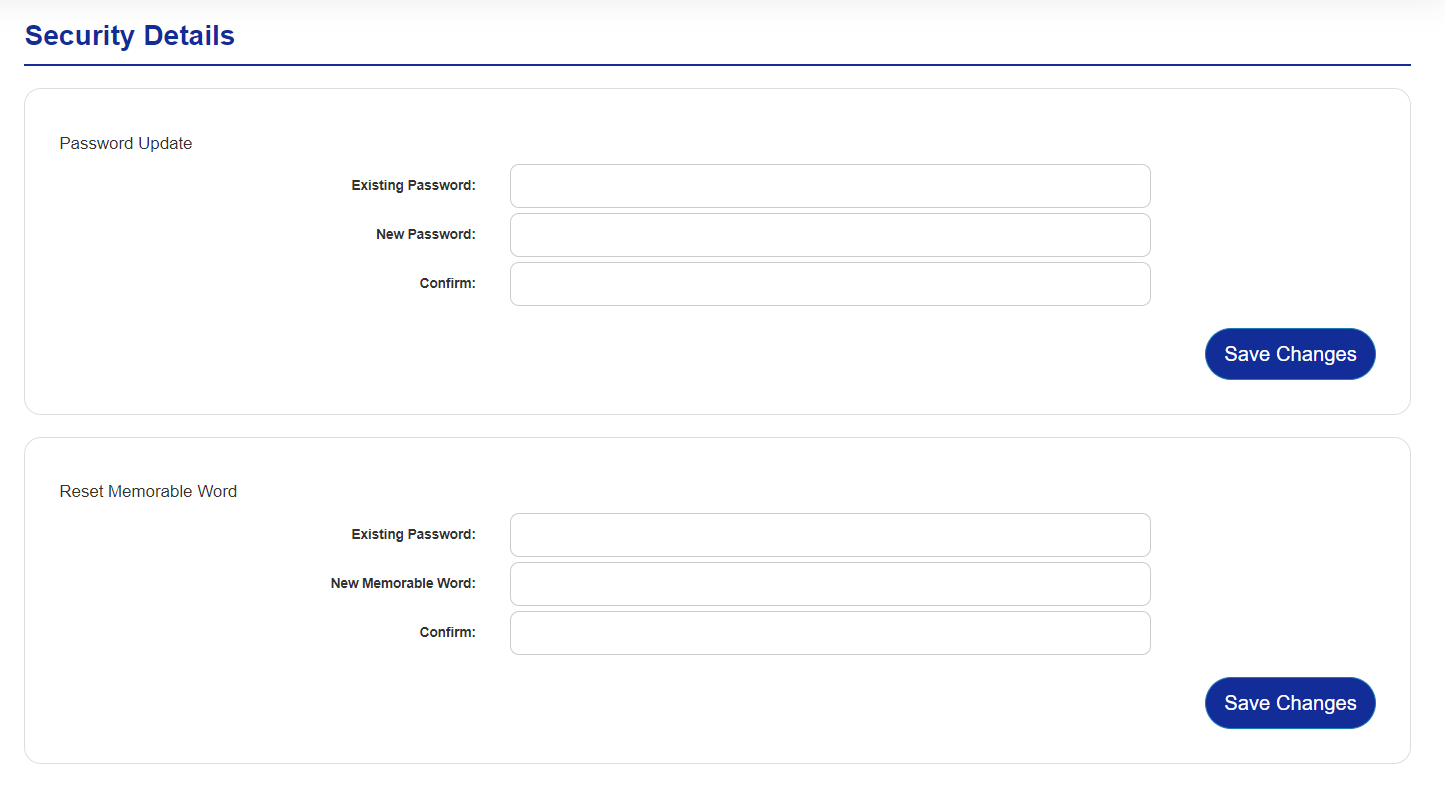
Click Save Changes to save the changes and update your details.