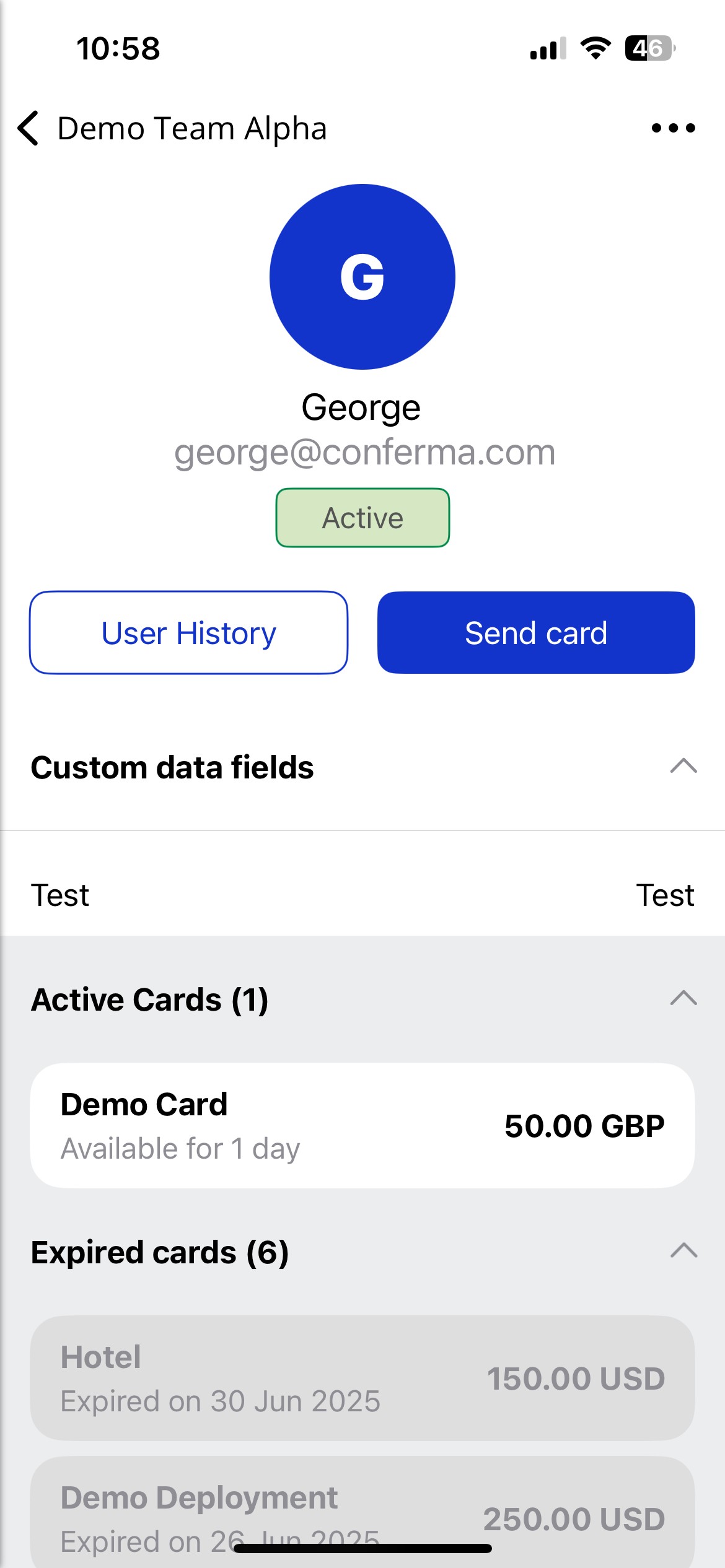
Team Member Profile
As a Team Admin, you can view each Team Member's profile within the Visa Commercial Pay App.
From the Team Member profile you can:
Review user history
Send a card
Edit the user
View configured custom data fields
View active and expired cards
To view a Team Member's profile:
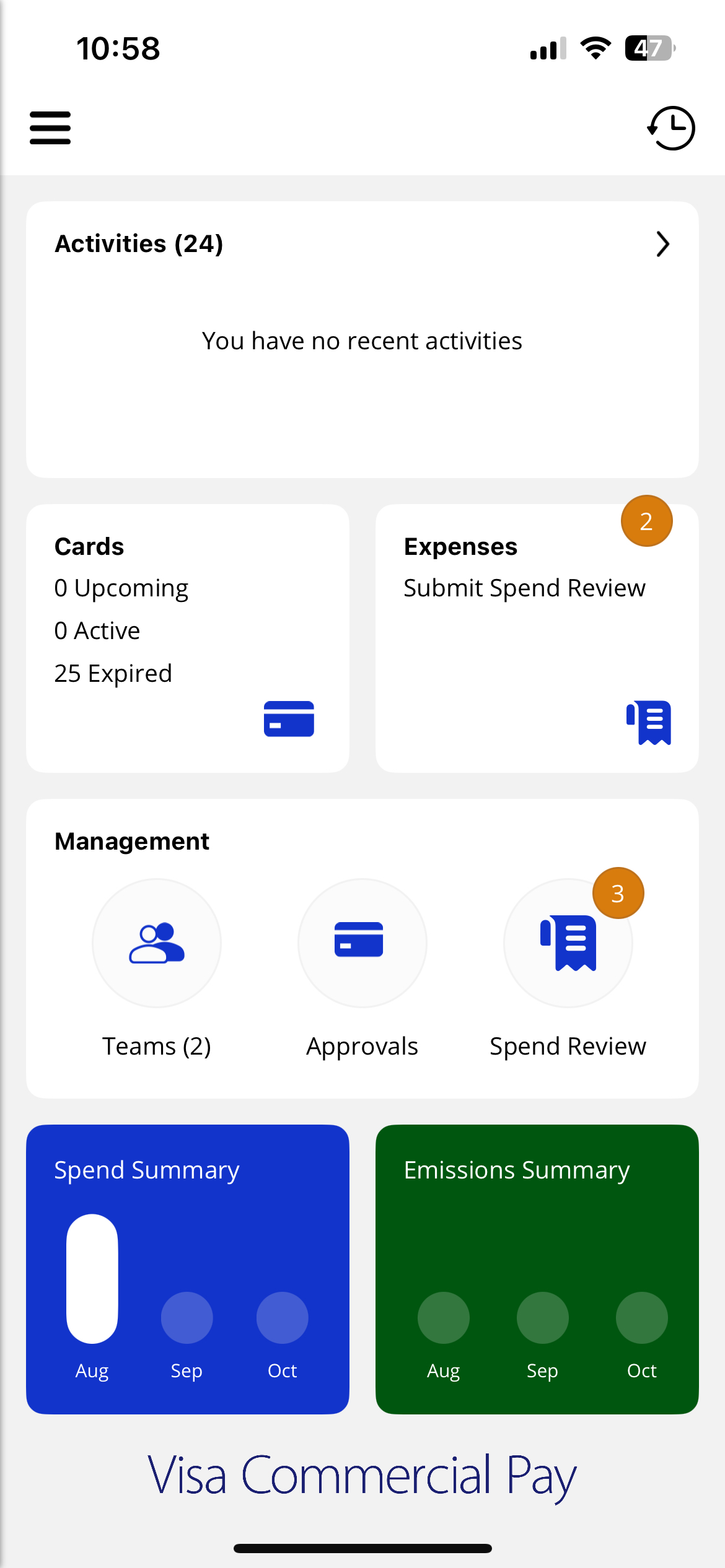
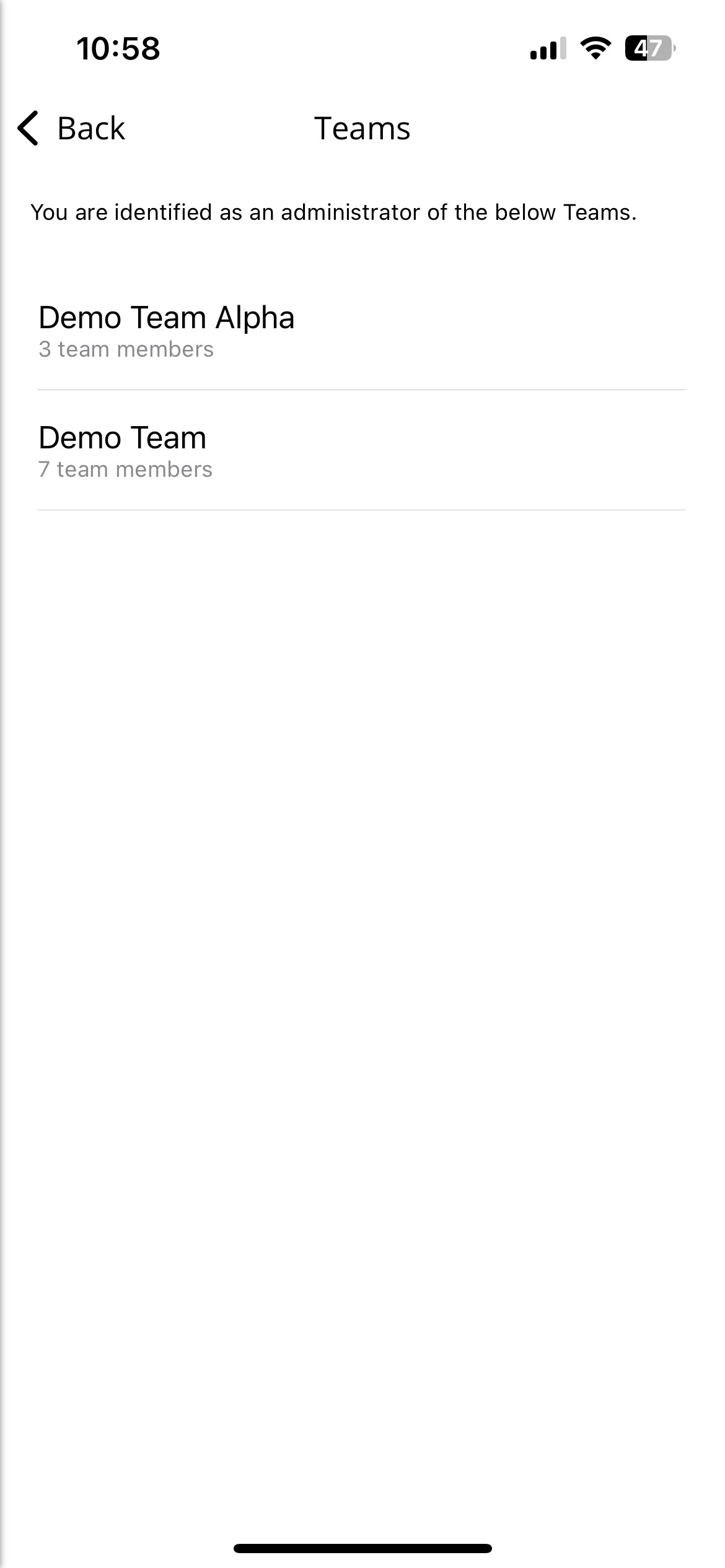
From the dashboard, tap Teams and then select a team.
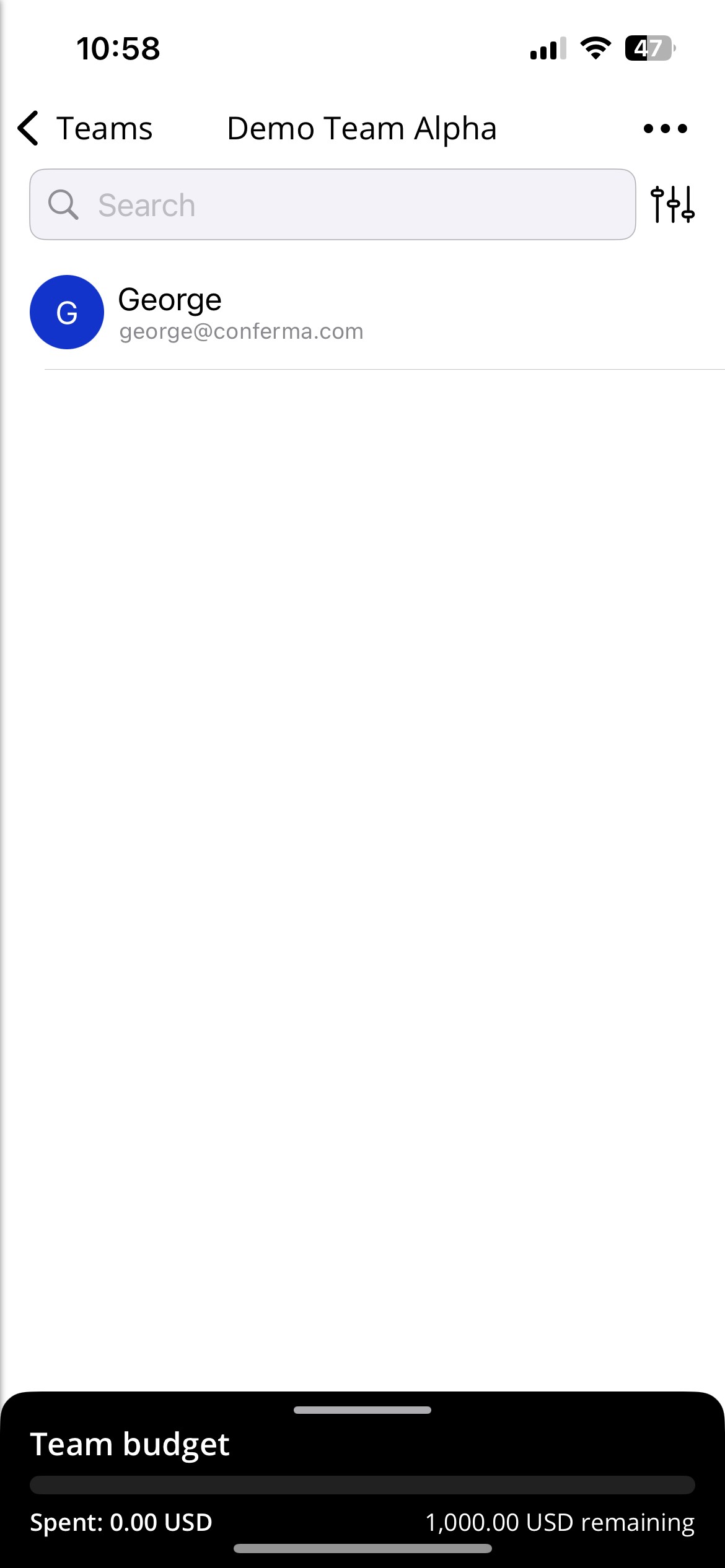
Select a user.
You will be able to see the Team Member's profile.