Post Spend Review: Team Member
You will be notified when you have payments ready for review:
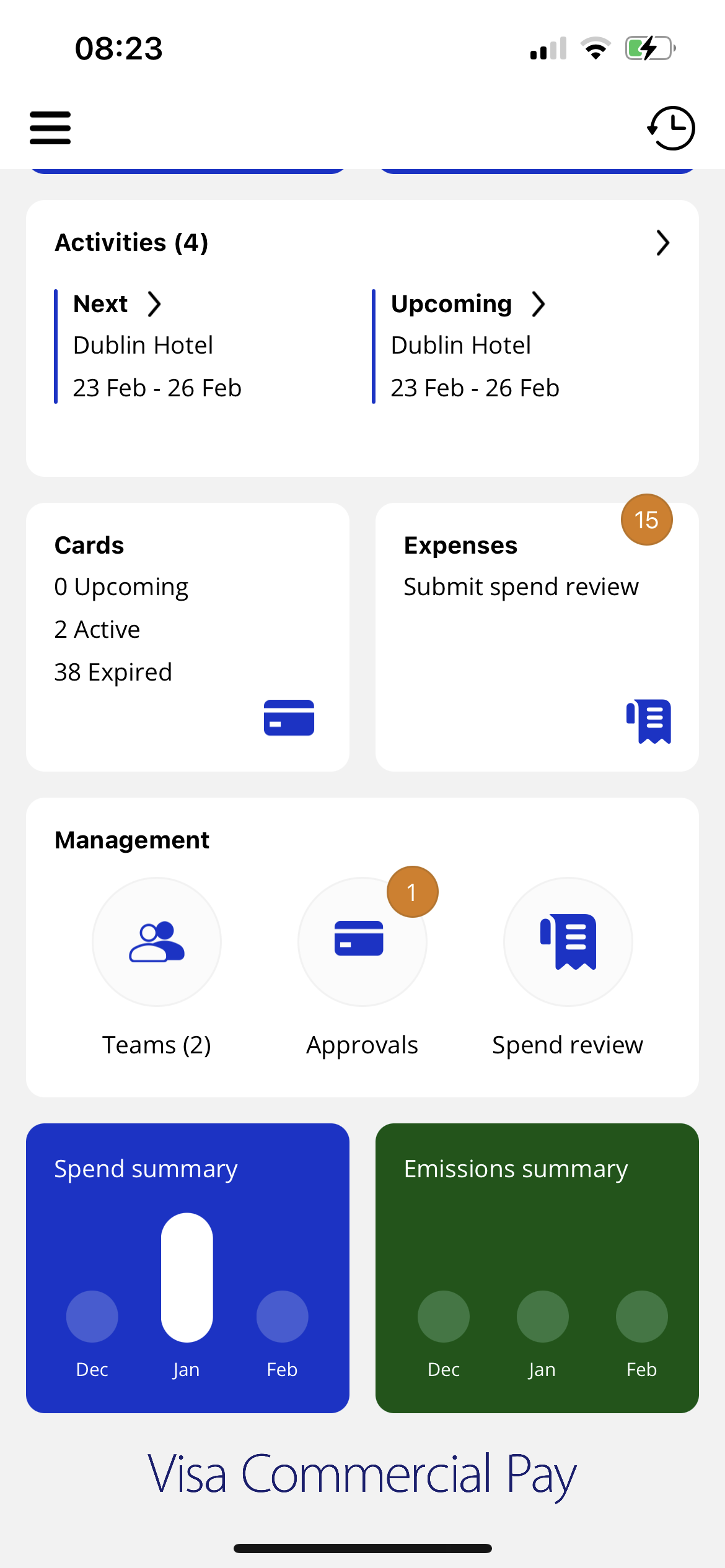
Notification on the Expenses tile - displays number of payments you need to review.
Push notification (if enabled) - will be sent after a virtual card has been used or after a card’s active period has ended. Weekly reminders will be sent when a post spend review is outstanding. Push notifications will only be sent when a post spend review is outstanding.
Email notification - will be sent to their registered email address after a virtual card has been used or after a card’s active period has ended. Weekly reminders will be sent when a post spend review is outstanding. Email notifications will only be sent when a post spend review is outstanding.
You can upload and link a receipt to each payment, as well as added any additional required information.
From the Home screen, tap Expenses.
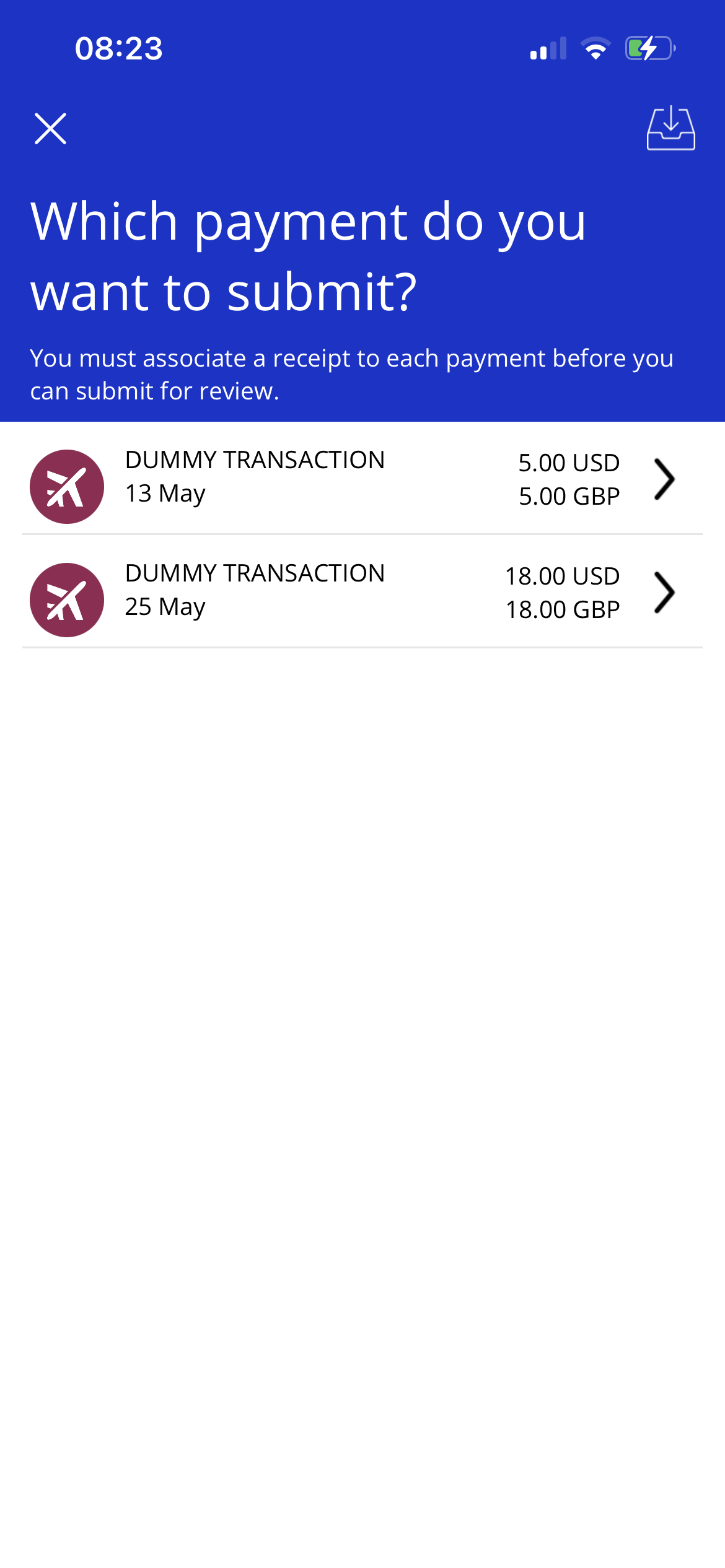
Tap a transaction.
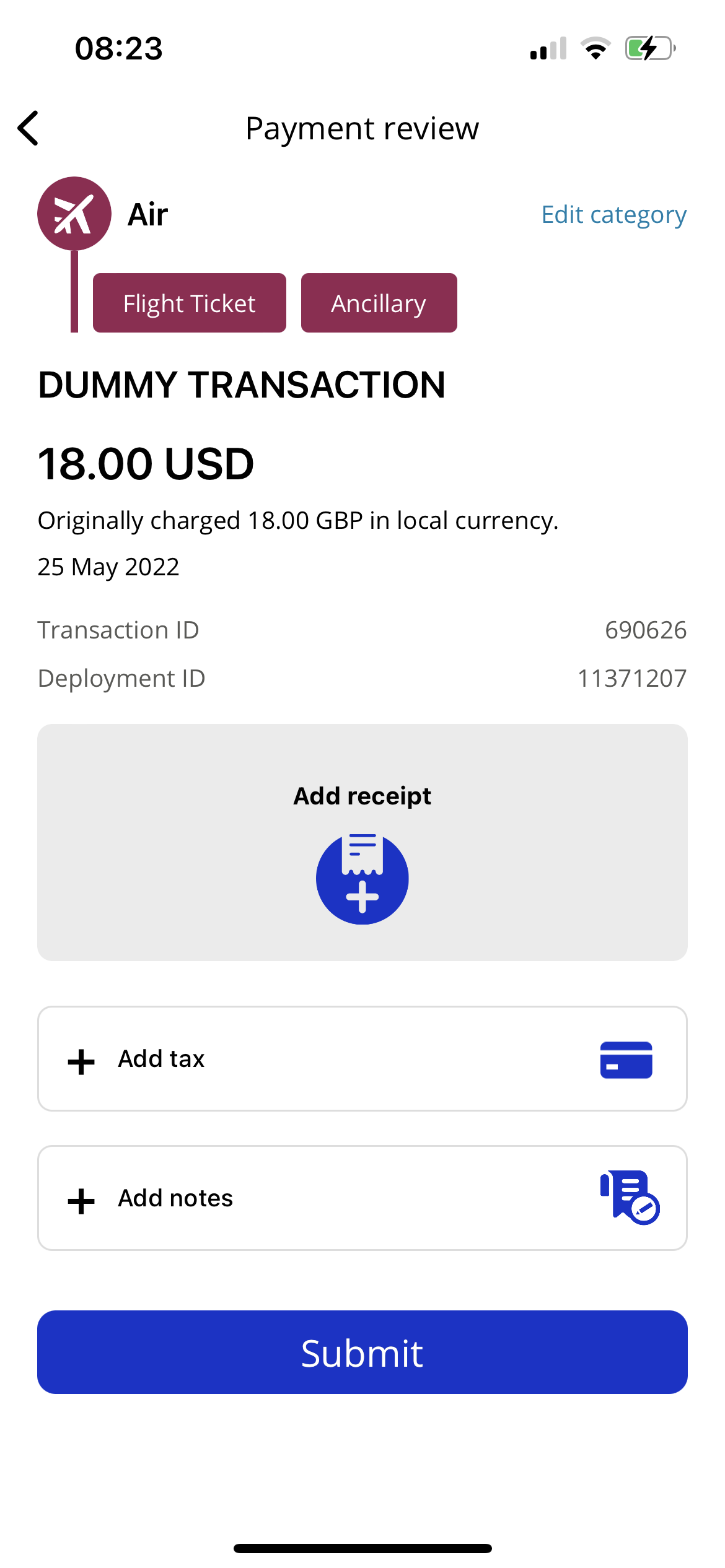
You can add a receipt, sales tax information and any notes. You can also edit the transaction type and subcategories.
Note
If you do not have the information, you can submit payments for review without completing any of the fields in the review section. For example, if you are unable to get a receipt with a transaction you can submit your Post Spend Review without one.
Tap Submit.